
Access control · Intercom · Gate · Mallorca
Open doors. No bunch of keys.
Video intercom, gate and access in one app: someone rings, you see them, you open, from anywhere. Guests, staff and tradespeople get their own access, time-limited and revocable at any time.
How it works
Routes first, technology second.
Who needs to get in, when and where? We answer that first. The right devices follow from it.
Plan
We look at doors, gate and driveway on site: who needs access, when and how. Existing locks and gate motors are checked too.
Install
Intercom and readers neatly built into stone, render or a post, wired over the network, door opener and gate connected.
Set up
Users, codes, cards and time windows, the app on your phone and the doorbell routed to the right people.
Support
New staff, different guests, a lost key fob: we adjust it remotely, even when you’re not on the island.
Ways in
Six ways through the door.
Everyone gets the way that suits them. All of them can be time-limited and blocked instantly.
-
PIN code
For guests, cleaners and tradespeople. Valid only as long as needed.
-
Card or fob
NFC card or key fob for family and team.
-
Phone & app
Tap in the app or hold your phone to the reader.
-
Face recognition
Hands-free entry, only for people who have agreed to it.
-
Licence plate
The gate opens when a known car pulls up.
-
QR code
One-time code for visitors, sent by message.
What we do
Door, gate and team in one system.
Everything comes together in UniFi Access, on the same network as cameras and WiFi. One app instead of key box, doorbell panel and remote controls.
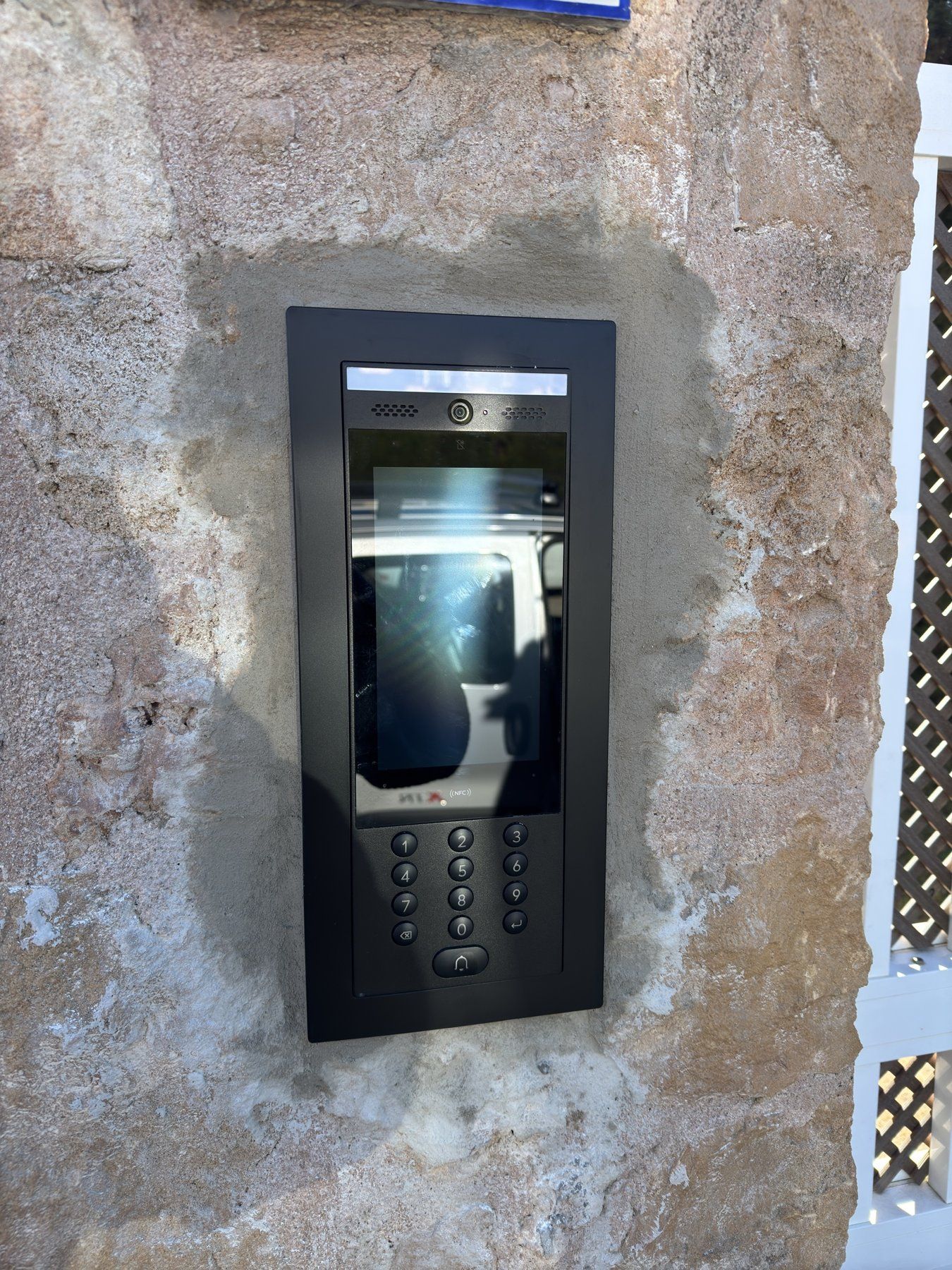
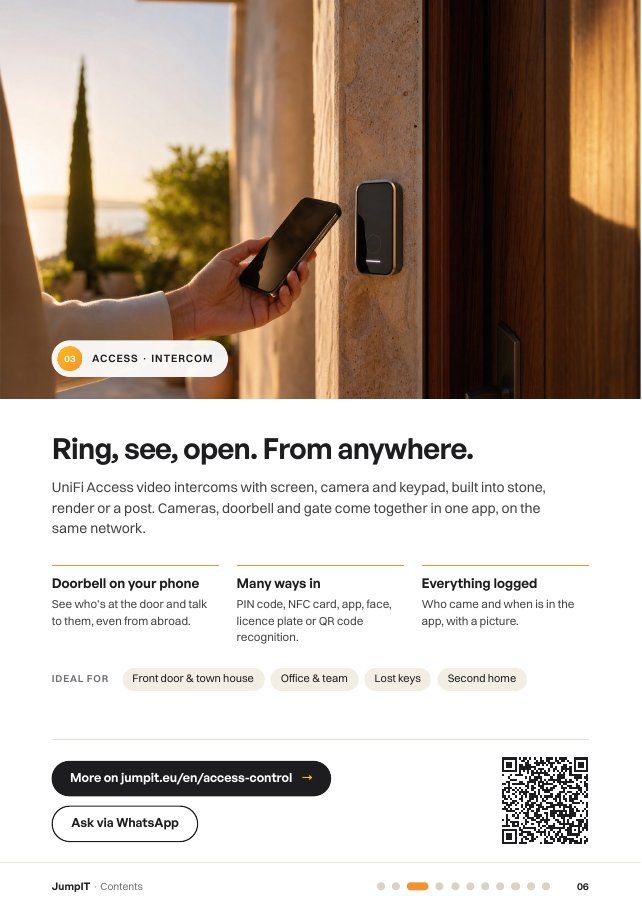
Ring, see, open. From anywhere.
UniFi Access video intercoms with screen, camera and keypad, built into stone, render or a post.
- The doorbell on your phone
See who’s at the door and talk to them, even from abroad.
- Open with a tap
Courier, neighbour or gardener: open from the app without handing anyone a key.
- Every entry logged
Who came and when is in the app, with a picture.
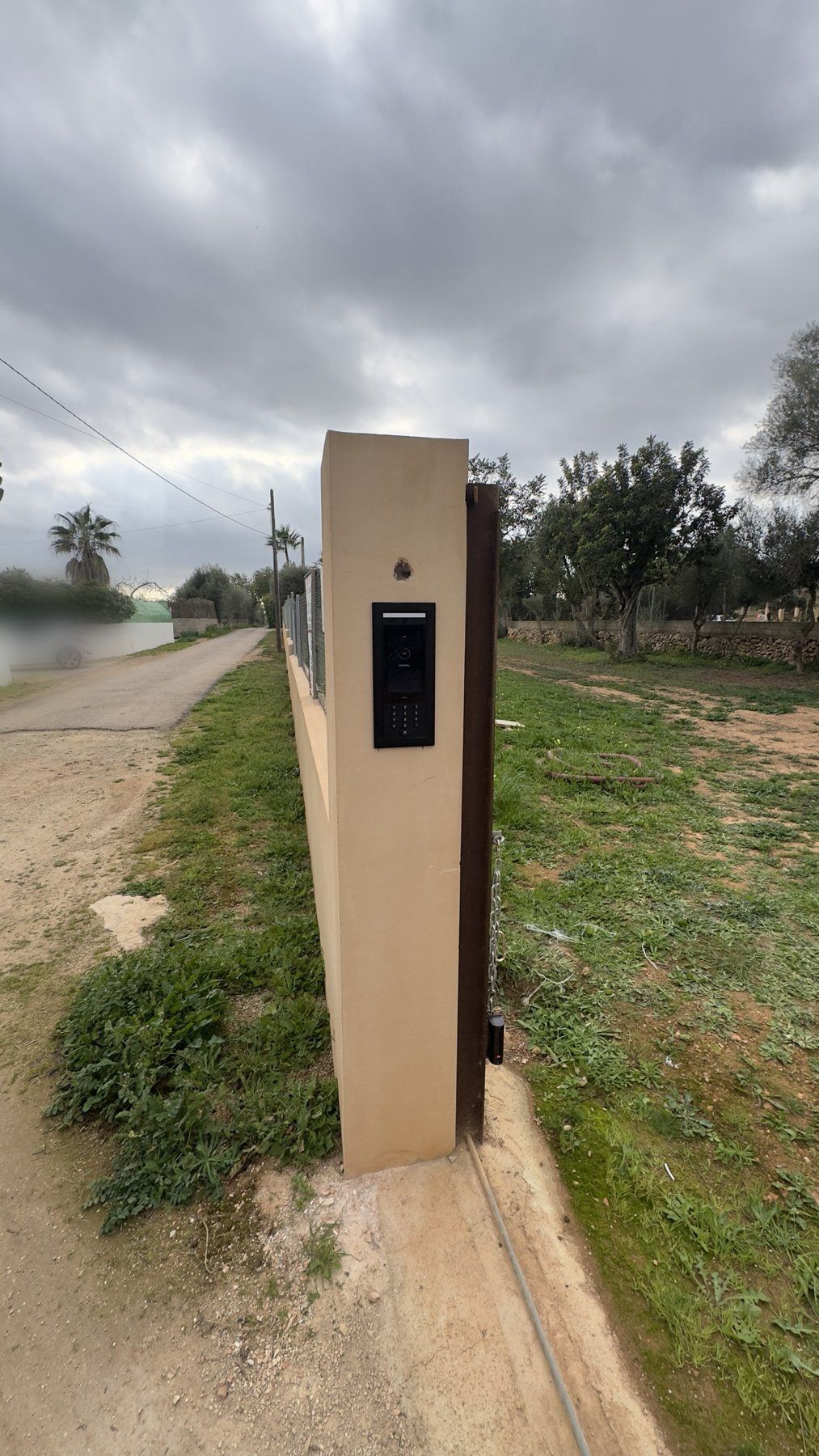
The gate knows your guests.
At the finca entrance, the intercom on the post also controls the gate. Existing sliding and swing gate motors can usually be connected directly.
- Open the gate remotely
A delivery or guests are waiting at the gate: open it in the app, wherever you are.
- Licence plate recognition
Known cars drive straight in, everyone else rings.
- Camera at the driveway
Who enters or leaves the property is in the recording.
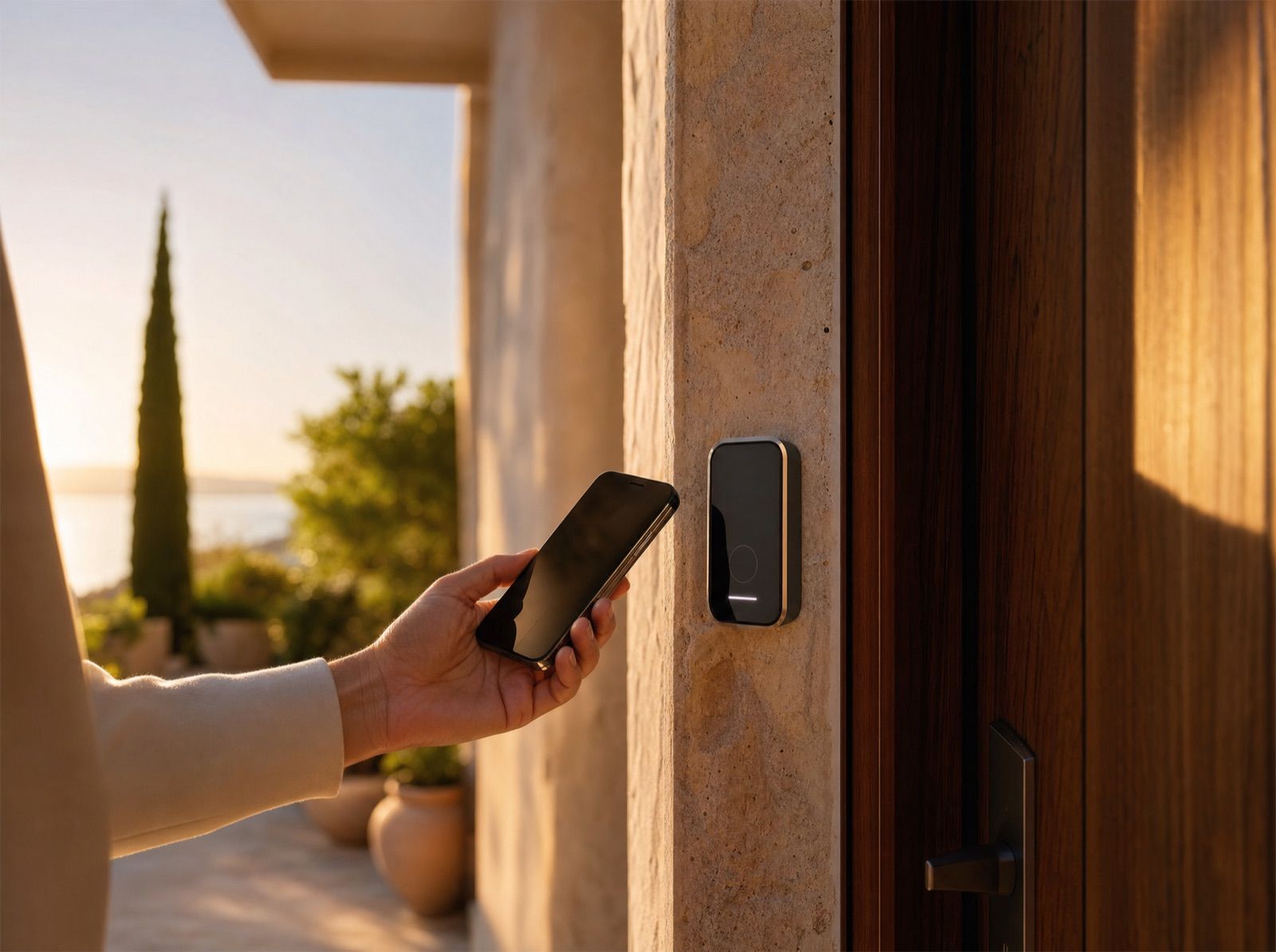
Grant access instead of copying keys.
For office, workshop or apartment building: everyone gets exactly the doors and times they need.
- Time windows per person
Cleaners on Tuesdays, team on weekdays, the boss always. Outside those times the door stays shut.
- Blocked instantly
An employee leaves, a card is lost: access deleted with one click, no lock change.
- Traceable
Who was there and when? The log shows it, clearly and securely.
Holiday rentals
Guest codes that manage themselves.
If you like, we connect UniFi Access to your booking system. Then every guest automatically gets their own code, valid from arrival to departure. You no longer have to manage anything in the app.
- 01 A booking comes in
Via Airbnb, Booking.com or your channel manager.
- 02 A code is created
Automatically, valid only from check-in to check-out.
- 03 The guest gets the code
By email or WhatsApp, in good time before arrival.
- 04 The code expires
By itself after departure. No keys, no chasing.
Exactly how the connection works depends on your booking platform. We clarify that in the first consultation.
If the internet goes down, codes, cards and readers still open: UniFi Access runs locally in your house.
Typical cases
What clients call us for.
It’s usually about getting rid of keys without giving up control.
Holiday rental
Check-in by code at the gate and front door, instead of late-night key handovers.
Second home
The gardener comes on Tuesdays, pool maintenance on Fridays. Each has a code, and the log shows you when they were there.
Finca driveway
Intercom on the post, gate by app or licence plate. No more remote-control chaos.
Office and workshop
Cards for the team with time windows, a lost card blocked in seconds.
Building works
A code for the duration of the works, deleted afterwards. No key under the mat.
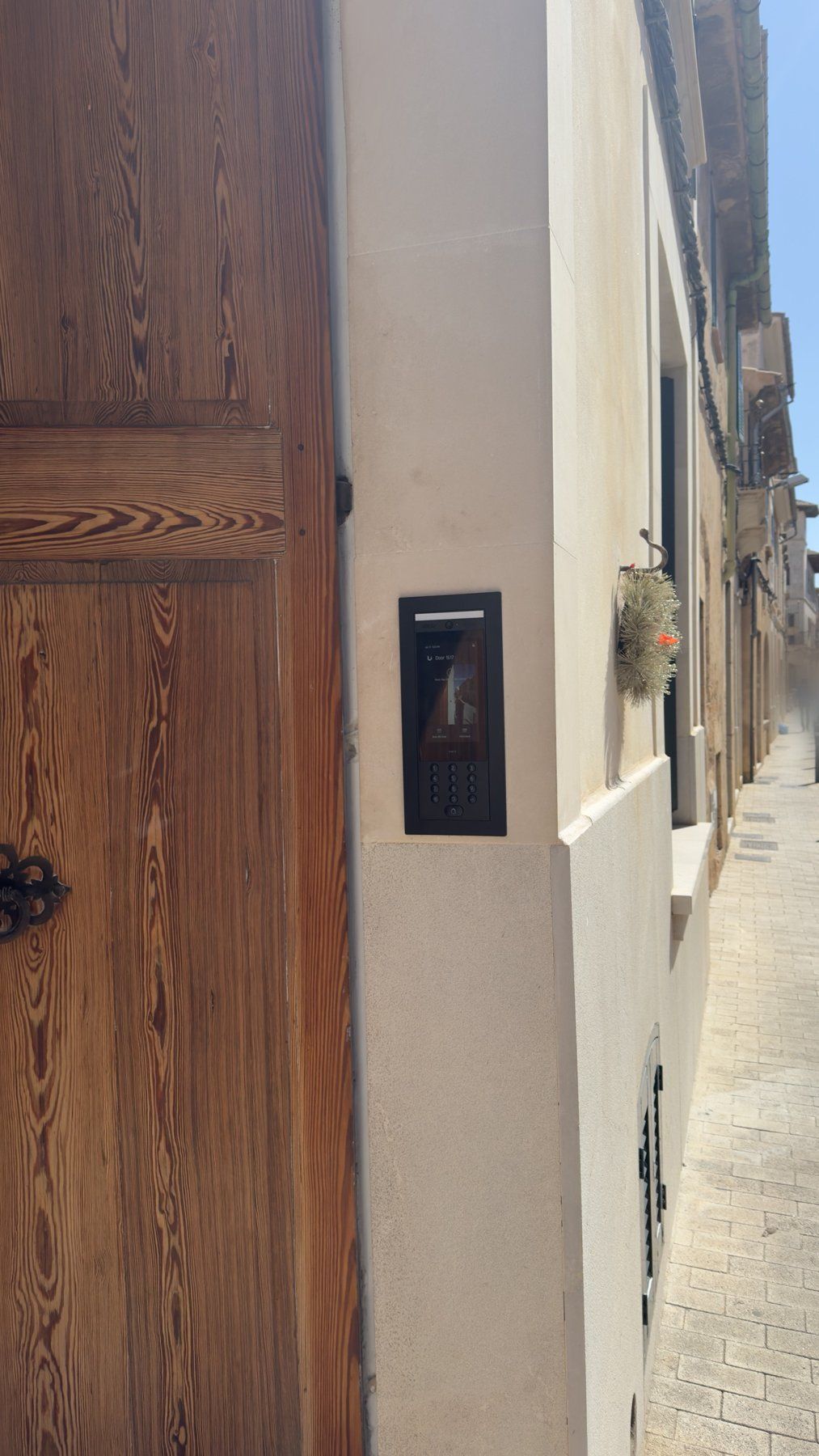
Town house
Video intercom next to the wooden door, doorbell on your phone even when you’re away.
Cameras too? Video surveillance and access control run in the same system. See video surveillance →
FAQ
Good to know.
Still have a question? Send us a quick WhatsApp, we answer personally.
Does the door work without internet?
Yes. UniFi Access runs locally on the console in your house. Codes, cards and readers keep working; only opening from the app while away is unavailable until the line is back.
Can my existing gate be connected?
Usually yes. Most sliding and swing gate motors have an input for a push button. That’s where we connect. We check which controller you have on site.
How do the automatic guest codes work?
We connect your booking system to UniFi Access. Each booking creates a code for exactly that stay, the guest receives it by email or WhatsApp, and it expires after departure. How the connection works depends on your platform.
Is face recognition allowed under data protection law?
Only for people who have explicitly agreed, such as family or team. The data stays on the console in the house, not in a cloud. Guests and visitors use a code, card or app.
What happens during a power cut?
That depends on the door opener: it either stays locked or releases the door, whatever makes sense for that door. A small UPS keeps the console and readers running for a while. We plan this door by door.
What does a system cost?
It depends on the number of doors, the gate and the cable routes. Call-out fee and hourly rate are on our pricing page. The first consultation is free.
Free booklet
All services on 21 pages.
Networks, cameras, access control, internet, smart home and hosting to read at your own pace, with clickable links. Arrives in seconds via WhatsApp or email.
Get started
Let’s plan your access.
Send us a photo of your front door, gate or doorbell via WhatsApp. We’ll tell you what’s possible and roughly what it costs.
Free first consultation · personal · in German, Spanish or English.