
Starlink · Satellite internet · Mallorca
Fast internet. Even at the finca.
Where the fiber stops at your gate, Starlink brings 150 to 300 Mbit/s into the house. We mount the antenna properly, integrate Starlink cleanly into your network and make sure WiFi, VPN and remote access work day to day.
How it works
From the first check to stable WiFi.
Ordering the Starlink kit takes minutes. Turning it into a connection you can rely on comes down to location, mounting and the network behind it.
Check
Is fiber or a better alternative available where you are? And where does the antenna get a clear view of the sky? We sort that out first.
Mount
The antenna is fixed to the roof, a pole or a wall, not left on the ground. We run the cable neatly into the house.
Connect
Starlink in bypass mode, a UniFi gateway for routing and firewall, and WiFi that reaches every corner.
Support
We document the setup and stay available when you want to add something or something isn’t working.
What we do
More than a dish on the roof.
Starlink on its own is good. Mounted properly and built into a well-planned network, it becomes a full internet connection.
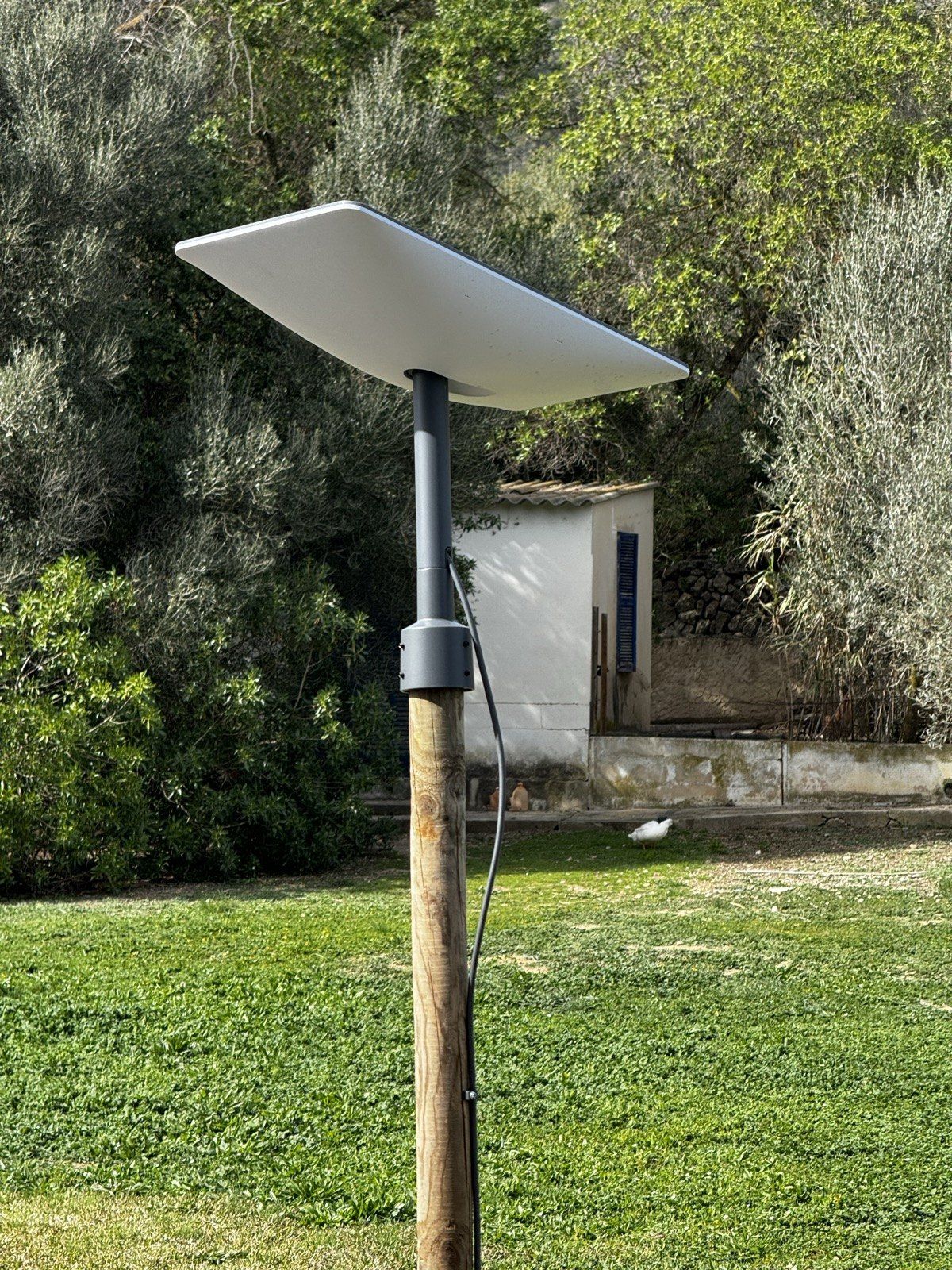
The antenna doesn’t belong on the ground.
A clear view of the sky is what drives performance. With solid mounting, rain, wind and summer heat are not an issue.
- A spot with a clear sky
We find the place without trees, walls or roof edges in the antenna’s field of view.
- Fixed mounting
On the roof, a pole or a wall, so the antenna stays steady even when the tramuntana blows.
- Tidy cable run
From the roof to the network cabinet, with no loose cables across the terrace.
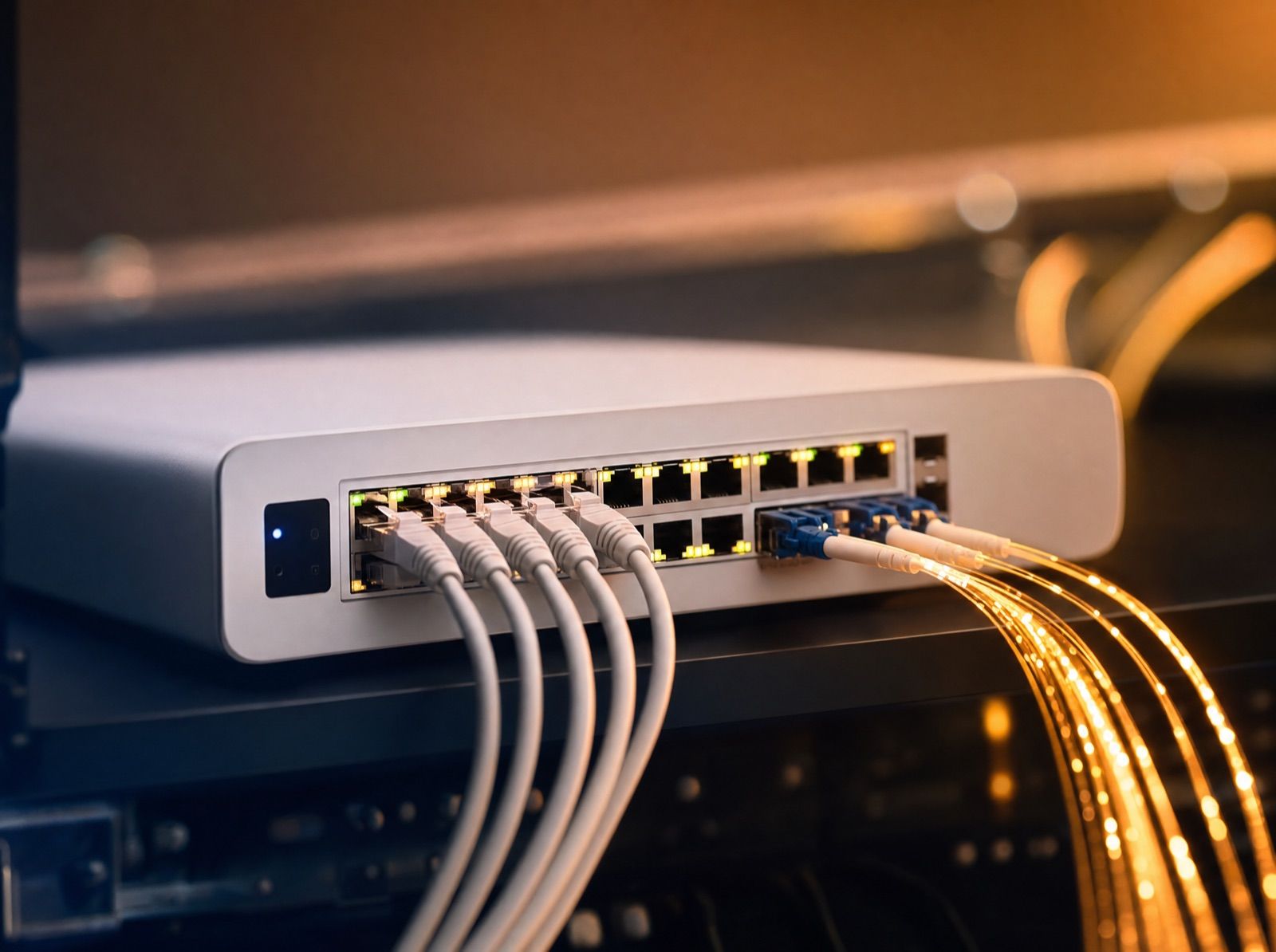
Starlink is the access. We build the network.
The Starlink router on its own leaves performance on the table. With UniFi you stay in control of routing, firewall and WiFi.
- Bypass mode
Starlink acts purely as a modem. That avoids double NAT and makes VPN and VLANs work properly.
- The right gateway
Proven choices are the UniFi Cloud Gateway Ultra or Max and the Dream Machine Pro or SE.
- WiFi for the whole property
Several access points instead of one powerful one, with separate networks for family, guests and smart home.
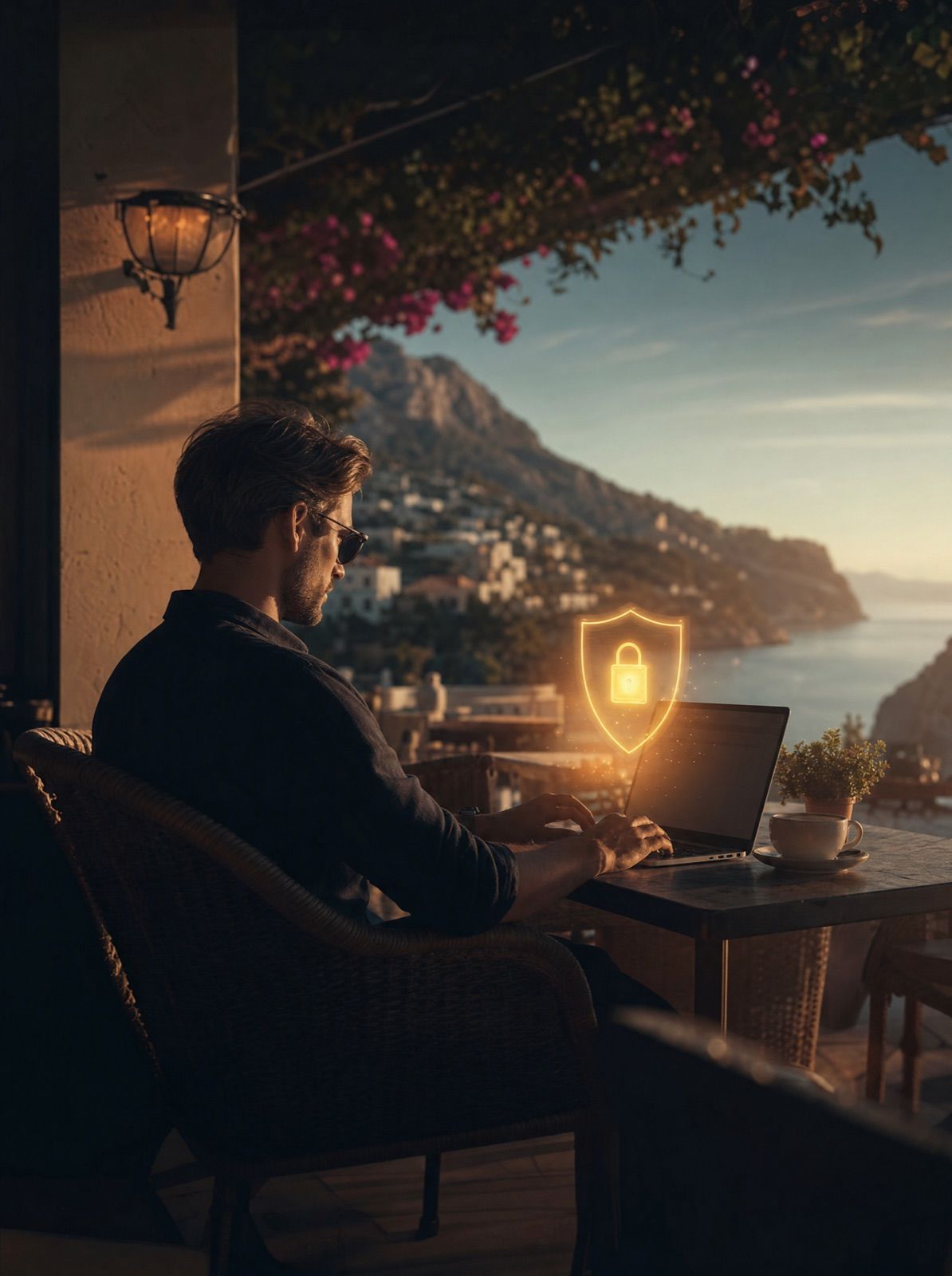
CGNAT? We solve it.
By default, Starlink doesn’t give you a public IP address. Remote access to cameras or your smart home still works if it’s planned properly.
- WireGuard instead of IPsec
More robust with CGNAT and fluctuating latency, and easier to maintain.
- Cameras & smart home on the go
Encrypted over VPN instead of open ports or third-party clouds.
- Backup line
Fiber or DSL as the main line, with Starlink taking over automatically if it fails.
Who Starlink is for
Typical uses on Mallorca.
Away from the towns, Starlink is often the first genuinely usable internet connection in years.
Finca without fiber
The old copper line barely delivers, and fiber may be years away. Starlink is available right now.
Working from home
Video calls, cloud services and remote access run smoothly, even with several people online at once.
Holiday rentals
Guests expect fast WiFi. A separate guest network keeps your own devices apart.
Backup for businesses
If the main line goes down, the UniFi gateway switches to Starlink automatically.
New builds & building sites
Internet from day one, long before a fixed line is installed.
Cameras & smart home
Video surveillance and Home Assistant work over Starlink too, securely reachable via VPN.
Honestly
What Starlink delivers on Mallorca.
These are the figures we typically see at our installations on the island, plus the one limitation worth knowing about.
- 150 to 300 Mbit/s download
Faster than many DSL connections and stable even with several users.
- 15 to 30 Mbit/s upload
Enough for video calls, backups and camera uploads.
- 30 to 60 ms latency
Well suited to working from home, streaming and VPN.
- No public IP address
Port forwarding and your own servers don’t work directly, so we handle remote access via VPN.
Where real fiber is available, it remains technically superior. In that case we recommend Starlink as a backup, not a replacement.
FAQ
Good to know.
Still have a question? Send us a quick WhatsApp message and we’ll reply personally.
Does Starlink really work on Mallorca?
Yes, and better than many people expect. On the island we usually see 150 to 300 Mbit/s download with 30 to 60 ms latency. What matters is an antenna with a clear view of the sky.
Is Starlink worth it if I can get fiber?
If fiber is available, it is technically the better choice. Starlink then makes sense as a backup line with automatic failover. We’re happy to check with you whether fiber is available at your address.
Can I order the Starlink kit myself?
Yes, you order the kit and plan directly from Starlink. Through our referral link jumpit.vip/starlink you get a free month for as long as Starlink runs the promotion. We then take care of mounting and the network.
What does CGNAT mean, and is it a problem?
Starlink shares public IP addresses between customers. Browsing, streaming and working from home are not affected. Only access from outside, for example to your cameras, needs a VPN, which we set up with WireGuard.
Do streaming and VPN work at the same time?
Yes, but not automatically. Streaming through a VPN tunnel can stutter over Starlink if settings such as the MTU aren’t right. That is exactly what we configure properly during setup.
What does installation cost?
It depends on where the antenna is mounted, the cable run and the network behind it. You’ll find our call-out fee and hourly rate on our pricing page. The first conversation is free and without obligation.
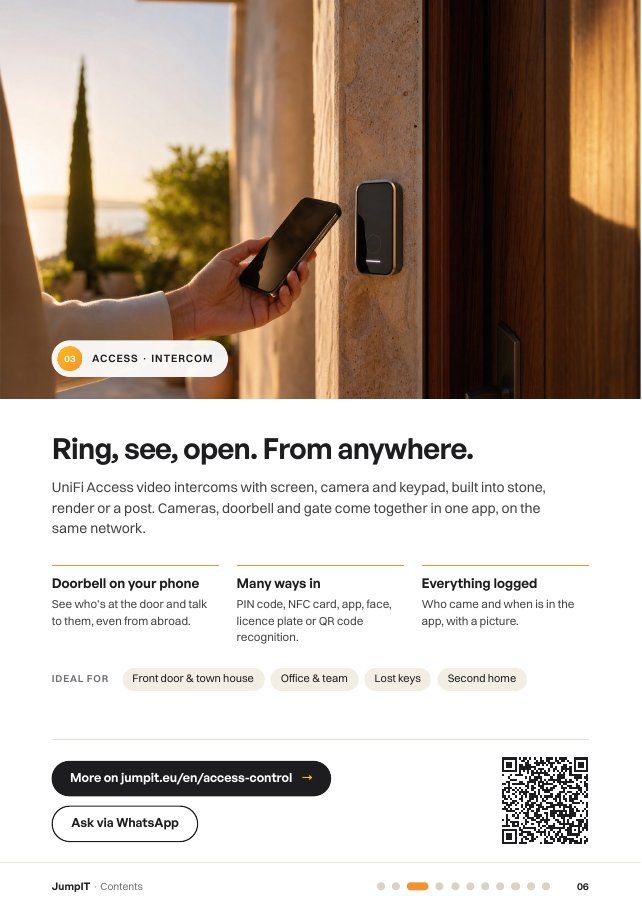
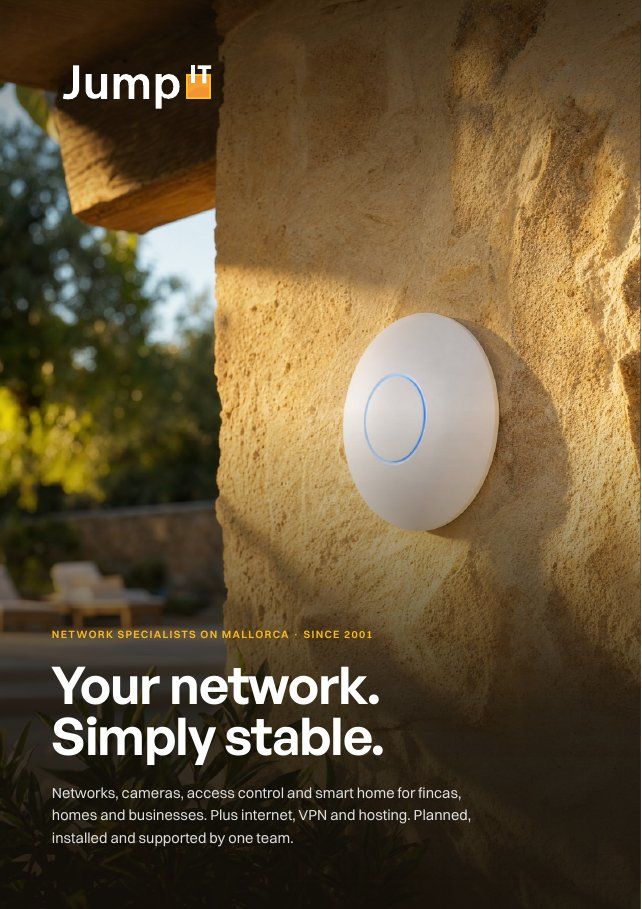
Free booklet
All services on 21 pages.
Networks, cameras, access control, internet, smart home and hosting to read at your own pace, with clickable links. Arrives in seconds via WhatsApp or email.
Get started
Let’s bring fast internet to your finca.
Tell us briefly where your property is and what you need. We’ll tell you honestly whether Starlink is the right solution.
Free first consultation · personal · in German, Spanish or English.