UniFi installation on Mallorca
UniFi planning and installation: one system for house and finca.
We build your UniFi system: WiFi out to the garden, cameras and door access, all on one gateway and in one app. We plan on site, run the cables, set everything up and look after the system remotely afterwards.
Process
How a UniFi installation works
From the first message to the finished network: one point of contact who plans, installs and stays available afterwards.
Enquiry and site visit
You message us via WhatsApp or email. We come by, look at the house, the grounds and the internet connection, and work out what you need.
Planning and quote
We decide which gateway, how many access points and which cameras or readers go where. You get a clear quote listing every device.
Cabling and mounting
We run the network cables, mount access points, cameras and door hardware, and connect everything to the gateway.
Setup and support
We set up WiFi, guest network, cameras and access, and show you the app. After that we keep the system up to date via remote maintenance.
The principle
Everything runs through the gateway
In many homes the provider’s router, WiFi extenders, a camera app and a doorbell app all work side by side without knowing about each other. With UniFi there is one central unit, and three applications run on it.
Router and firewall
Connects your home to the internet, whether via fiber, Starlink or 5G. The firewall keeps zones apart and blocks attacks before they reach a device.
Control center
The gateway runs UniFi OS. That is where all switches, access points, cameras and readers are adopted, configured and updated. One login, one app.
Storage at home
Camera recordings go to the SSD or hard drive in the gateway (or a dedicated recorder), not to someone else’s cloud.
Secure remote access
Through the UniFi app and VPN (WireGuard), you and we can reach the system from anywhere, encrypted and without open ports.
The central building block
Which gateway suits you?
All gateways follow the same principle. They differ in speed, ports and whether they can store camera recordings. These are the models we install:
Cloud Gateway Ultra
Compact and affordable. For network and WiFi only, without camera recording.
Cloud Gateway Max
2.5 Gbit ports and a slot for an SSD, so Network, Protect and Access run on one device.
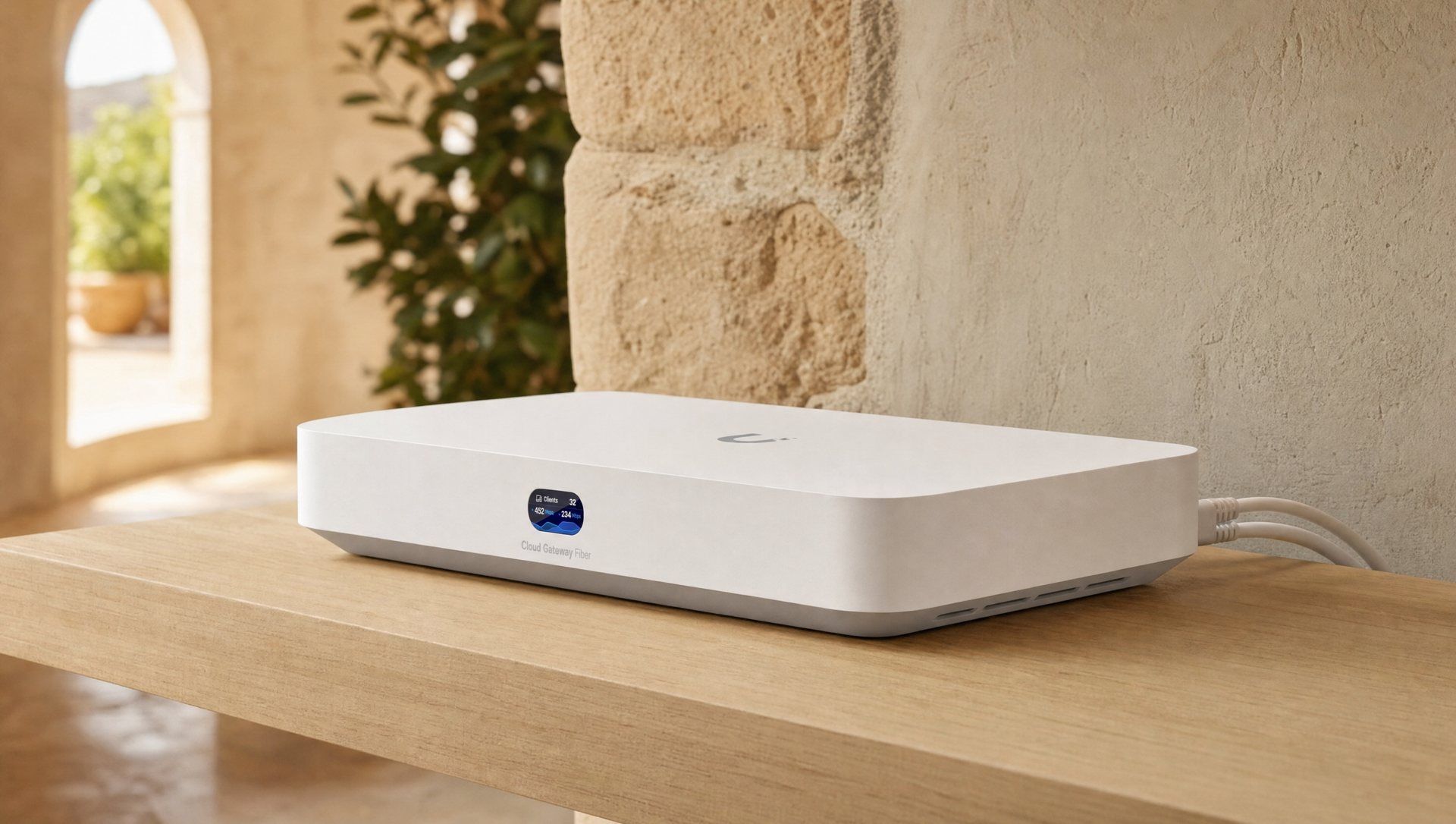
Cloud Gateway Fiber
10 Gbit ports for fast fiber, a PoE port and an SSD slot. Our standard for most homes.
Dream Machine Pro Max
For the equipment rack: two mirrored hard drives for many cameras and high firewall throughput.
Dream Router 5G Max
With built-in 5G modem and WiFi. For places without fiber or as an automatic backup line.
WiFi and network into every corner
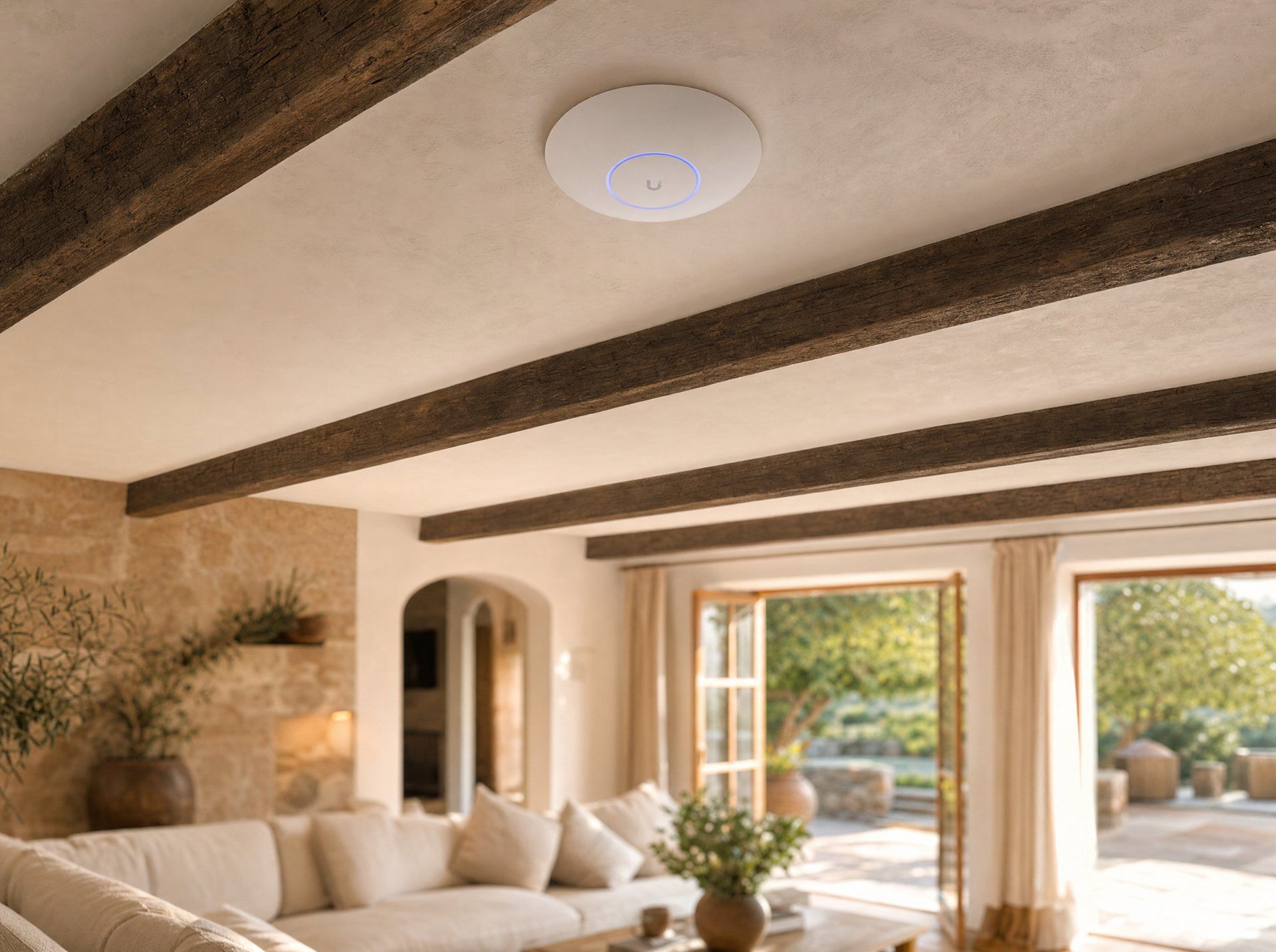
Network is the foundation. Switches distribute the network over cable, access points turn it into WiFi. Every device registers with the gateway and is managed centrally from there.
- One WiFi name throughout the house
Several access points form a single network. Phones and laptops switch to the nearest point automatically as you walk, without dropping out.
- Separate zones (VLANs)
Guests, family, smart home devices and cameras each run on their own network. An insecure TV never gets to see your laptop.
- Guest WiFi for rentals
A separate guest network, with a login page and time limit if you like.
- Failover internet
Fiber as the main line, Starlink or 5G as backup. If one fails, the gateway switches over by itself.
- Everything visible
The app shows which device is connected where, how good the signal is and who is using how much bandwidth.
The devices we use for Network
- USW-Pro-24-PoE / USW-Pro-48-PoE
- Rack switches with PoE: power access points and cameras directly over the network cable.
- USW Lite / USW Flex
- Small switches for office, TV or outbuildings. The Flex itself is powered via PoE.
- U7 Pro / U7 Outdoor
- WiFi 7 with the 6 GHz band, on indoor ceilings and outdoors for terrace, pool and garden.
- U6 Mesh / U6+
- WiFi 6 for areas no cable reaches, or as an affordable addition.
Cameras with no subscription and no third-party cloud
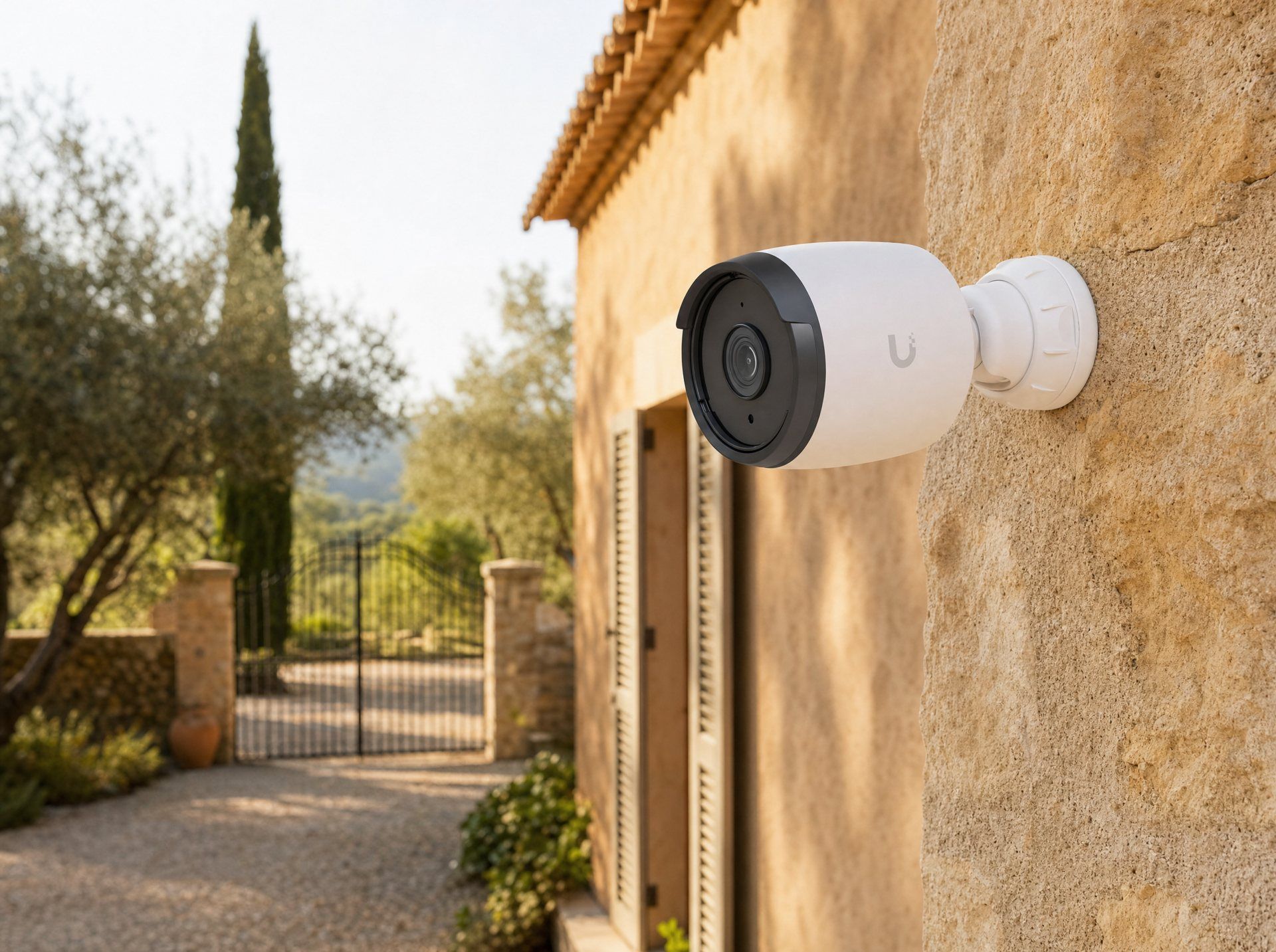
Protect is the video surveillance. The cameras connect to the switch via PoE cable, and the gateway stores the recordings at home. On your phone you can see live and in playback what has happened.
- Local recording
Continuous or motion-only, on SSD or hard drive in the gateway. No monthly fees, not even for the app.
- Recognizes people and vehicles
The cameras tell a person from a car, an animal or a bush in the wind. You only get alerts that matter.
- Zones and schedules
Watch the driveway at night, ignore the terrace during the day. Private areas can be masked out of the image.
- Rewind fast
The timeline marks every detection. Instead of hours of video, you watch the three seconds that matter.
- Lots of cameras? A dedicated recorder
From around ten cameras or for long retention, a separate recorder with several hard drives takes over.
The devices we use for Protect
- G6 Bullet / G6 Turret
- 4K cameras for driveway, facade and garden. The Bullet is visible as a deterrent, the Turret more discreet.
- G6 Pro / G5 Dome
- G6 Pro with optical zoom for large grounds, G5 Dome for interiors and entrances.
- UNVR / UNAS
- Recorders and network storage with several hard drives for many cameras and long retention.
Door, gate and doorbell in one app
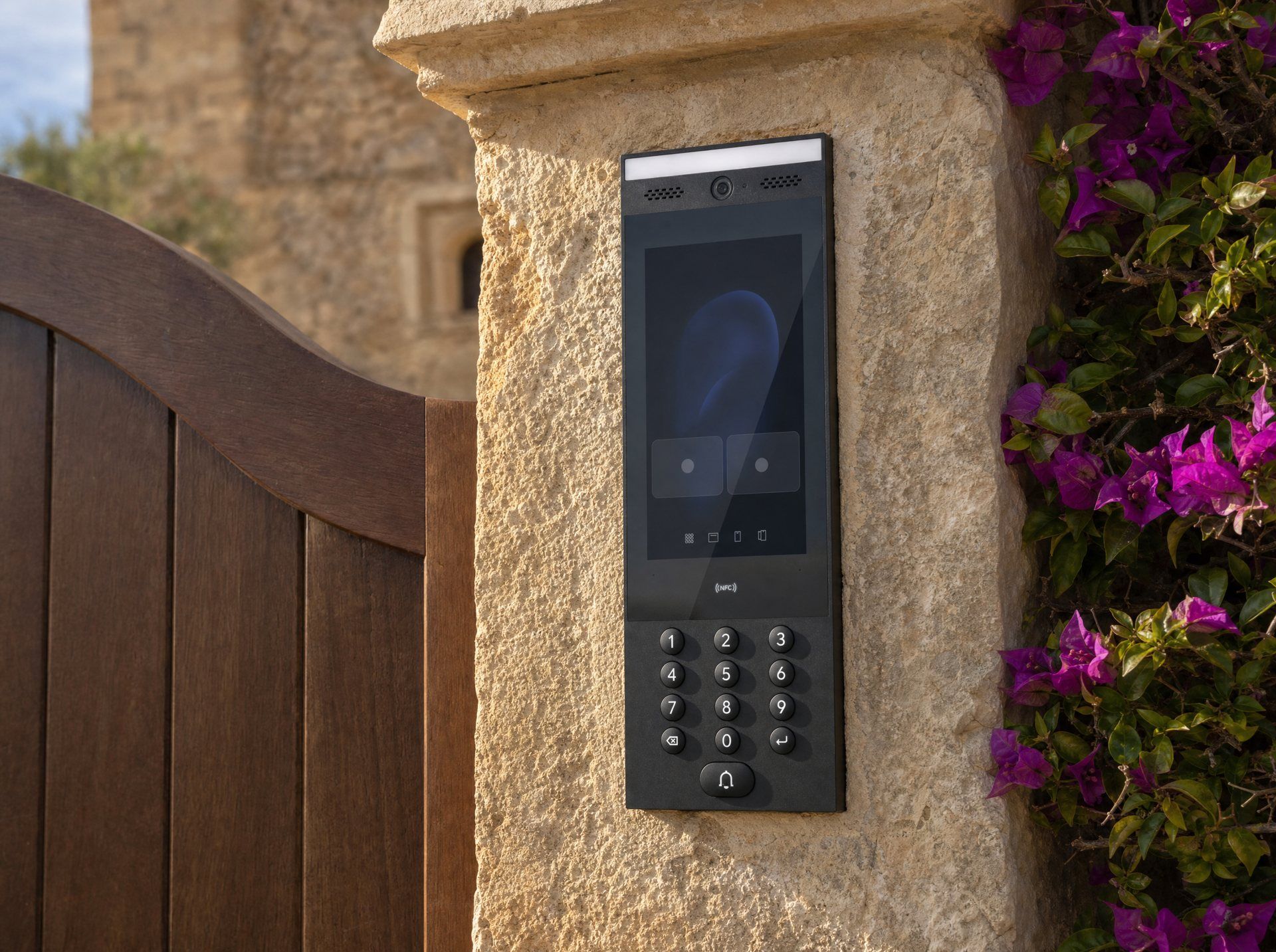
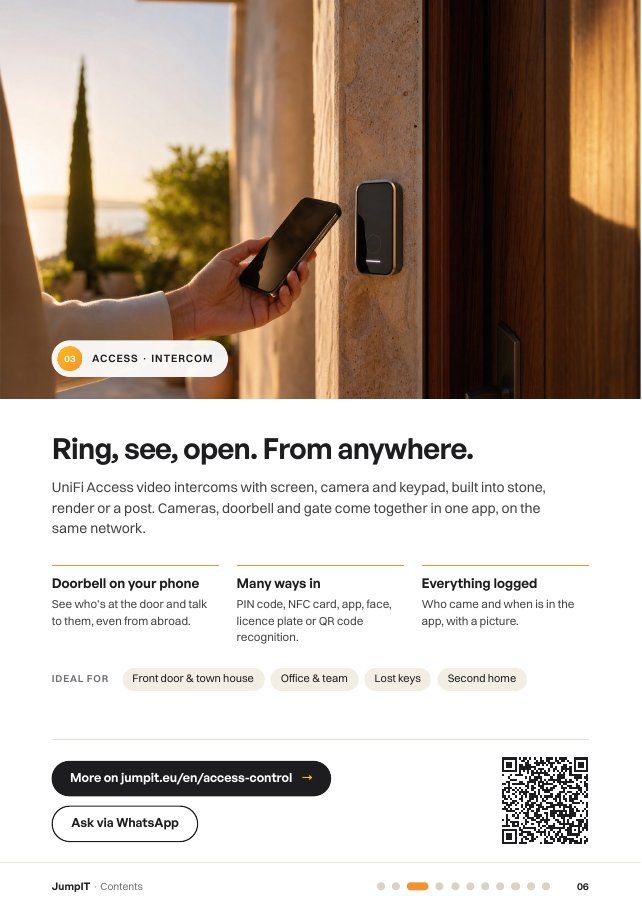
Access controls who gets in and when. The intercom at the gate rings on your phone, readers open by card, phone or PIN, and a hub switches the door opener and gate motor.
- Doorbell on your phone, worldwide
The courier rings at the gate, you see them on your phone, talk to them and open with a tap, even from abroad.
- Open without a key
With an NFC card, the phone in your pocket or a PIN code. Lost cards are blocked in seconds.
- Codes for guests and contractors
The gardener only on Tuesdays from 8 to 12, holiday guests only for their stay. The codes expire by themselves.
- Every opening logged
Who was at the gate and when? Every entry appears in the history, with the matching camera image from Protect if you like.
The devices we use for Access
- UA-Intercom
- Video intercom with touch display, camera and keypad for gate or front door.
- G3 Reader / G3 Reader Pro
- Readers for NFC cards and smartphones, the Pro also with camera and PIN pad.
- UA-Hub / Gate Hub
- Control unit at the door: drives door openers, motorized locks and gate motors.
- UA-Ultra
- Reader and controller in one compact device, ideal for a side entrance or technical room.
Working together
It gets powerful when everything works together
Because all three applications run on the same gateway, they know about each other. With separate devices from different manufacturers, that is not possible.
Doorbell with picture
Someone rings at the gate (Access). The camera above the driveway (Protect) shows the vehicle before you open.
Cameras on their own network
Cameras run on an isolated camera network (Network). Not a single camera is directly reachable from outside.
One update for everything
The gateway keeps every device up to date. No hunting for apps and firmware from different manufacturers.
We see what you see
With your permission we maintain the system remotely. We solve most problems without having to come by.
Frequently asked questions
Good to know
Do I need a subscription for UniFi?
No. Gateway, apps, remote access and camera recording come with no monthly fees. You pay for the devices once. Only our support service is optional.
Can I start small and expand later?
Yes, that is the system’s strength. Many start with a gateway and two access points. Cameras and intercom are added later and show up in the same app.
What happens if the internet goes down?
The home network keeps running, cameras keep recording, cards and PIN codes keep opening. Only remote access pauses until the line is back, or the gateway switches to Starlink or 5G.
Does it work with my fiber or Starlink connection?
Yes. The gateway works behind the provider’s fiber modem (ONT) or directly with Starlink. We set it up to suit your provider.
Who has access to my camera footage?
Only you and the people you authorize. The recordings stay on the gateway in your home. Remote access is encrypted via your Ubiquiti account.
Free booklet
All services on 21 pages.
Networks, cameras, access control, internet, smart home and hosting to read at your own pace, with clickable links. Arrives in seconds via WhatsApp or email.
Planning · Installation · Support
We plan your UniFi system
We look at the house and grounds, choose the right gateway, run the cables and set everything up. After that we look after the system remotely.