
portal.jumpit.eu: how to use your personal customer area
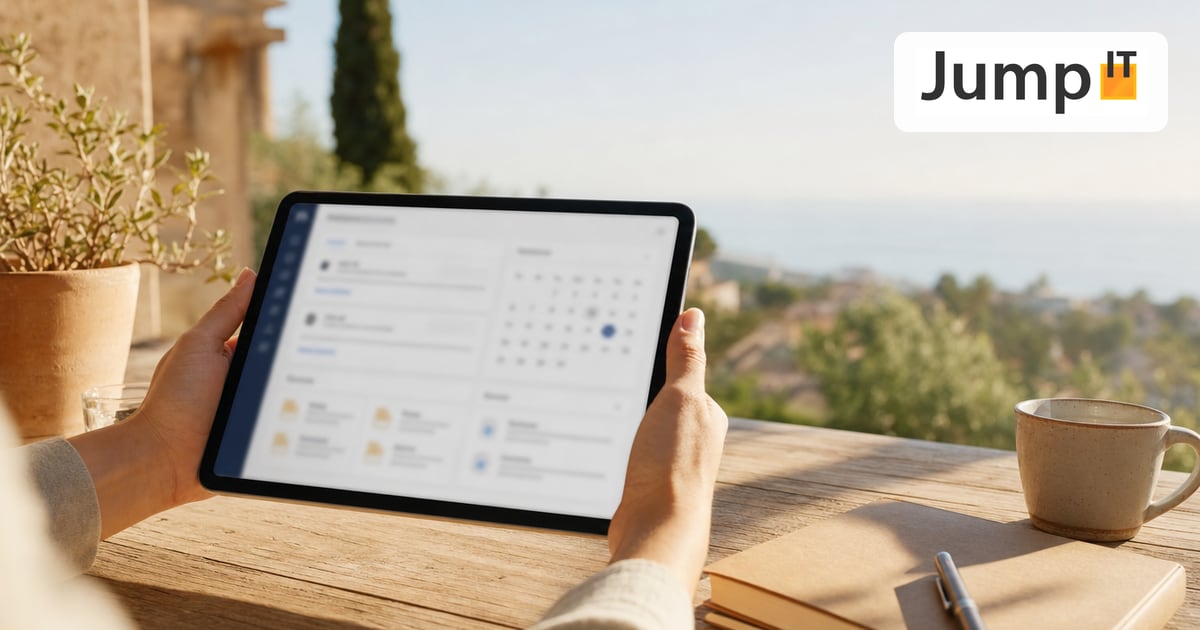
At portal.jumpit.eu, as a JumpIT customer you always have insight into your service visits, appointments and account details, on your computer, tablet or smartphone.
Set up access (first login)
We set up your access for you. You’ll receive an invitation email from us with a personal link.
- Open the link in the email. It is valid for 7 days and can only be used once.
- Choose a secure password of your choice.
- Done: you’ll be taken straight to your customer area.
Didn’t receive an invitation, or has the link expired? Just write to us at info@jumpit.eu and we’ll send you a new link.
Log in
- Go to portal.jumpit.eu.
- Enter your email address and your password.
- Click Log in.
Forgot your password? Click “Forgot password” on the login page and follow the instructions in the email.
What you’ll find in the portal
- My Job Site (Meine Baustelle): your service reports in detail: location of the visit, times and notes, installed items, delivery notes, photos from the visit and your signature.
- My Appointments: upcoming and past appointments with JumpIT at a glance.
- My Account: your stored contact details and the account overview.
From the menu you can also go straight to other JumpIT services such as the hosting management, our Knowledge Center and our contact options.
Log out safely
On shared devices, log out after your visit via Log out in the menu.
Need help?
If you have questions about your customer area, you can reach us by email at info@jumpit.eu or via the contact options on jumpit.eu.
Note: images and parts of the text on this page were created with the help of artificial intelligence and editorially reviewed by JumpIT.
← To the knowledge center