
Why Mail & DeepL Fail on "German WiFi" Even With the VPN Connected
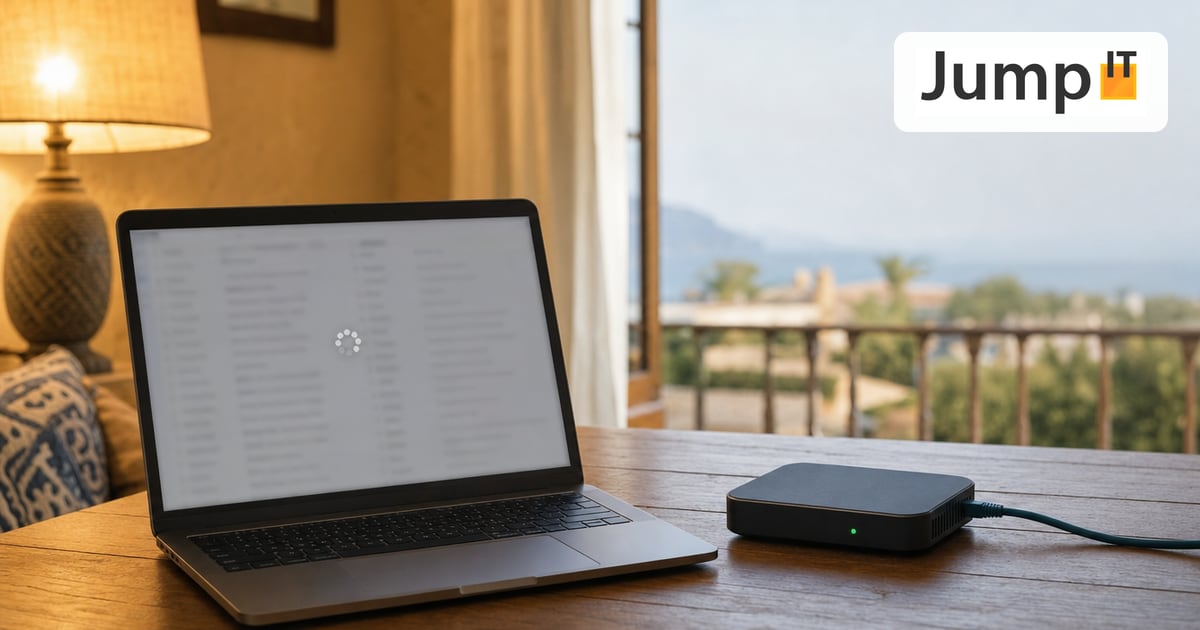

Over the last few days I ran into a problem that looks completely illogical at first glance:
The VPN is connected, speed tests are good, websites work, but precisely the important things like iCloud Mail, GMX, sometimes app stores, or the DeepL app, the Samsung TV app store and the LG app store stop connecting or simply drop out at some point.
The diagram above shows exactly that: why “VPN on” doesn’t automatically mean everything is running cleanly.
And why problems like this often don’t really go away by “tweaking the MTU a bit more” or “adding a few more rules”.
I’m deliberately explaining this in terms laypeople can follow, without buzzwords and without needing a degree in networking.
1) What I actually want to achieve
My goal is simple:
- I live/work in Mallorca (Starlink as my internet)
- At home I need a WiFi that feels like Germany
- So: devices should appear to the outside world with a German IP (streaming, geoblocking, certain services, etc.)
- At the same time, the whole thing must not be shaky: email simply has to work, and so do apps.
Technically I do this with WireGuard:
The data traffic goes through a tunnel to a server in Germany (data center/VPS) and from there out to the internet.
So far, so good.
2) Why the diagram is needed in the first place
Because the problem isn’t “VPN broken”.
The tunnel is up. Handshake OK. Data is flowing.
And yet there are these annoying cases:
- The browser works, but mail hangs
- The speed test is great, but apps say “no connection”
- It works in the evening, and in the morning it’s broken again
- A restart sometimes helps, and sometimes it doesn’t
This is the classic pattern of session problems.
3) The most important distinction: “short” vs. “long” connections
Browser / speed test
Browsers constantly open new connections.
If one of them stalls briefly: no big deal, the next one works.
Email / iCloud / DeepL / banking / app services
These services often work with long sessions:
- Email (IMAP/SMTP) keeps connections open
- iCloud runs constant background syncs
- Apps use “long HTTPS connections” and expect them to stay stable
When a session like that is interrupted, often nothing visible happens, except:
- it doesn’t load
- it doesn’t sync
- it feels “dead”
That’s exactly what the diagram shows.
4) What goes wrong in the background (layperson’s version)
The diagram says “Session starts via DE”, meaning:
The connection starts cleanly through the German VPN tunnel. ✅
Then at some point something like this happens:
- the route briefly flips
- NAT/session tracking loses the state
- or the connection doesn’t come back the way it went out
And then the session is over. ❌
New sessions may work again, but the existing ones hang.
To the user, it feels like “the internet is acting up”, when it’s really a routing/state problem.
5) What does “stateful NAT loses” mean?
Quite simply:
The router internally remembers which connection belongs to which return route.
That’s called “state”.
If that state is lost (for example through provisioning, tables being rebuilt, timeouts, or a change of path), the reply can no longer be matched up cleanly.
Result:
- The connection drops
- Apps hang
- Mail doesn’t work
In the picture, that’s the moment with the red exclamation mark.
6) Why does this happen with a “Germany WiFi” through a gateway in particular?
Because here a device (gateway/router) is trying to act as the VPN gateway for an entire network:
- Clients (Mac, iPhone, Apple TV) can’t do WireGuard themselves
- So the gateway has to “do the work”
- And permanently, for many parallel sessions
That’s a different load from “VPN just for one laptop”.
And this is exactly where you notice:
Not every gateway is a “real VPN gateway”, even if it “can” do VPN.
7) Why MTU/MSS isn’t the silver bullet
Many people know MTU problems:
If the MTU is too high, large packets don’t get through → websites load halfway → weird errors.
Setting MTU/MSS correctly is important.
But:
👉 MTU solves fragmentation, not session stability.
If the session flips because of routing/state, even the perfect MTU won’t help.
That’s exactly the point of the diagram:
The session starts well, but later it breaks, not because of packet size, but because of “state/routing”.
8) Why this tends to come back after restarts/updates
One point many people underestimate:
When a gateway reboots, updates or gets “provisioned”, tables are often rebuilt internally:
- Firewall chains
- NAT tables
- Routing decisions
That can change the behavior, even though you “didn’t change anything”.
For a normal home network: no big deal.
For an “everything via DE” VPN: it can trigger exactly these session problems.
9) What I learned from this (and what really helps)
Fixes that sometimes help, but are never 100% guaranteed:
- Clamping MTU/MSS
- Tweaking keepalive
- Adjusting DNS
- Fixing up routes
That can reduce the symptoms.
But honestly: that’s fiddling, because you’re trying to force a stability the setup doesn’t reliably deliver.
The fix that’s really stable in practice:
A dedicated VPN gateway.
Meaning:
- A small router (e.g. MikroTik/pfSense/OPNsense) sets up WireGuard
- This device handles the stateful routing and keeps sessions stable
- UniFi (or any other WiFi system) then only does WiFi/VLAN, and is out of the VPN stress
That’s clean, and it also works with devices that can’t do VPN (Apple TV, TVs, IoT).
10) Conclusion
The diagram sums up the problem in one sentence:
The VPN is connected, but individual long sessions lose their stable return path, and that’s exactly when mail and apps die.
If you want “German IP across the whole house”, the crucial question isn’t:
- “Is the VPN connected?”
but:
- Do sessions stay stable for hours, even after idle periods, after restarts, and even when something gets re-provisioned in the background?
If the answer is “not always”, it will happen again at some point, usually right when you can least afford it.
If you need a setup like this at home or on a finca (including Apple TV, smart TVs, cameras, IoT):
I can build it for you cleanly, so that it’s stable and not just “works most of the time”.
More articles
 Internet Security Password Manager: Why You Need One and Why We Recommend 1Password
Why a password manager is a must even for ordinary users, how it works, and how 1Password differs from the built-in options in macOS, Windows and Google Chrome.
 Internet Security Starlink on Mallorca: Finally Fast Internet, Even at the Finca
Starlink works surprisingly well on Mallorca: fast, stable and instantly available for fincas without fiber. What to know about CGNAT and VPN.
 Internet Security Geoblocking: why you cannot see some content online
From YouTube blocks to pricier hotel rates: geoblocking depends on your IP address. Read how it works and how you can get around it.
 Internet Security Improving Movistar Fiber: Why Bridge Mode Often Fails
The white Movistar HGU box is unreliable to bypass with Monopuesto mode. We show how to replace it with an SFP stick or an ONT.
Note: images and parts of the text on this page were created with the help of artificial intelligence and editorially reviewed by JumpIT.
← To the knowledge center