
UniFi or TP-Link Omada: An Honest Comparison
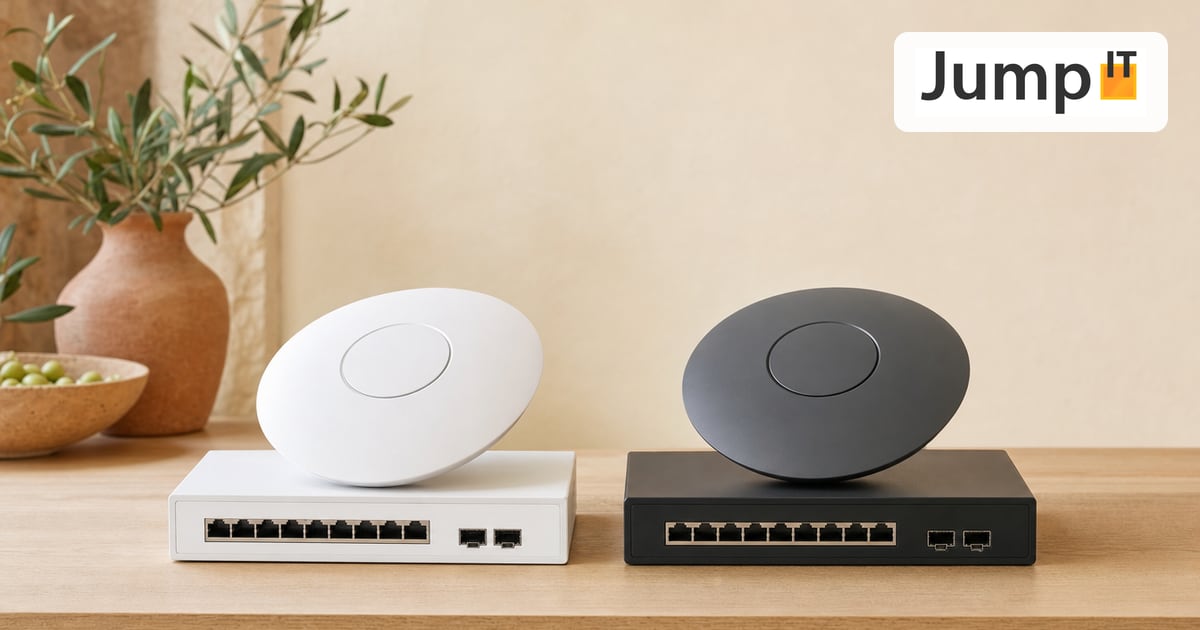
If you’re leaving the FRITZ!Box world behind and planning a proper network, you quickly end up with two names: UniFi from Ubiquiti and Omada from TP-Link. At their core they do the same thing – centrally managed access points, switches and gateways – and both have their devoted fans. We work with UniFi, but that doesn’t mean Omada is bad. It just has a different focus.
What they have in common
With both systems you control all your devices from one central interface instead of configuring each one separately. Both handle VLANs, guest WiFi, clean roaming between multiple access points and sensible firewall rules. If you’re coming from an ordinary router, the jump to either one is a big step forward. Neither platform fails on pure network quality.
Where Omada scores
The most obvious difference is price. TP-Link usually charges less for comparable hardware, sometimes a lot less. If you want to build a solid network on the tightest budget, you’ll often come out cheaper with Omada and still get decent technology.
The controller logic is also built similarly, with hardware controllers or software on your own server. In the networking area, there’s little to separate them functionally.
Where UniFi scores
The decisive difference is what goes beyond the network. Omada is networking – access points, switches, routers. That’s essentially it.
UniFi is a whole ecosystem. Surveillance cameras (UniFi Protect), door control and access (UniFi Access), telephony and more are added in the same interface. If you don’t just want WiFi but cameras, a doorbell and your network from a single source and in one app, there’s currently little comparable to UniFi.
Then there’s the community. UniFi is so widespread that you’ll find a guide or a forum thread for practically any problem. The app is well thought out, the dashboard is beautiful, and Ubiquiti puts a lot of work into features like automatic WiFi diagnostics. That does cost a bit more, of course.
The honest downside
UniFi has its quirks. Ubiquiti occasionally releases updates that change more than you’d like, and not every new piece of hardware is mature from day one. Omada feels more sober and predictable in places. If you only need networking and are wary of Ubiquiti’s update pace, Omada is not bad advice.
Which one fits whom
Want a good network at a small price and don’t need cameras or access control systems? Then Omada is a reasonable, honest choice.
Want networking, video surveillance and door access as one coherent system, one app for everything and a setup that keeps growing with you for years? Then, for us, there’s little way around UniFi – and that’s exactly why we plan and support installations with it in Mallorca. It’s not about brand loyalty, but about one single system covering the entire finca instead of three isolated solutions side by side.
More articles
 UniFi / Ubiquiti What Is UniFi? Apps, Devices and Costs Explained
What is UniFi? Network, Protect, Access, Talk and Drive in one interface: what each app does, which hardware you need and what costs apply.
 UniFi / Ubiquiti WireGuard MTU: 1420, 1380 or 1280? The Right Values
Which MTU for WireGuard? Concrete values for fiber, PPPoE, Starlink and mobile, a simple ping test and a guide for UniFi Network 10.6.
 UniFi / Ubiquiti UniFi Cloud Gateway: Remote Management and What Happens to Your Data
UniFi Cloud Gateway lets your network be managed remotely. Here is how it works, and your data stays local with you, not in the cloud.
 UniFi / Ubiquiti Cloud Key, Dream Machine or Self-Hosted: Where Does the UniFi Controller Run?
Do you need a Cloud Key if you already have a Dream Machine? Where the UniFi controller runs and which option suits you in 2026.
Note: images and parts of the text on this page were created with the help of artificial intelligence and editorially reviewed by JumpIT.
← To the knowledge center