
Cloud Key, Dream Machine or Self-Hosted: Where Does the UniFi Controller Run?
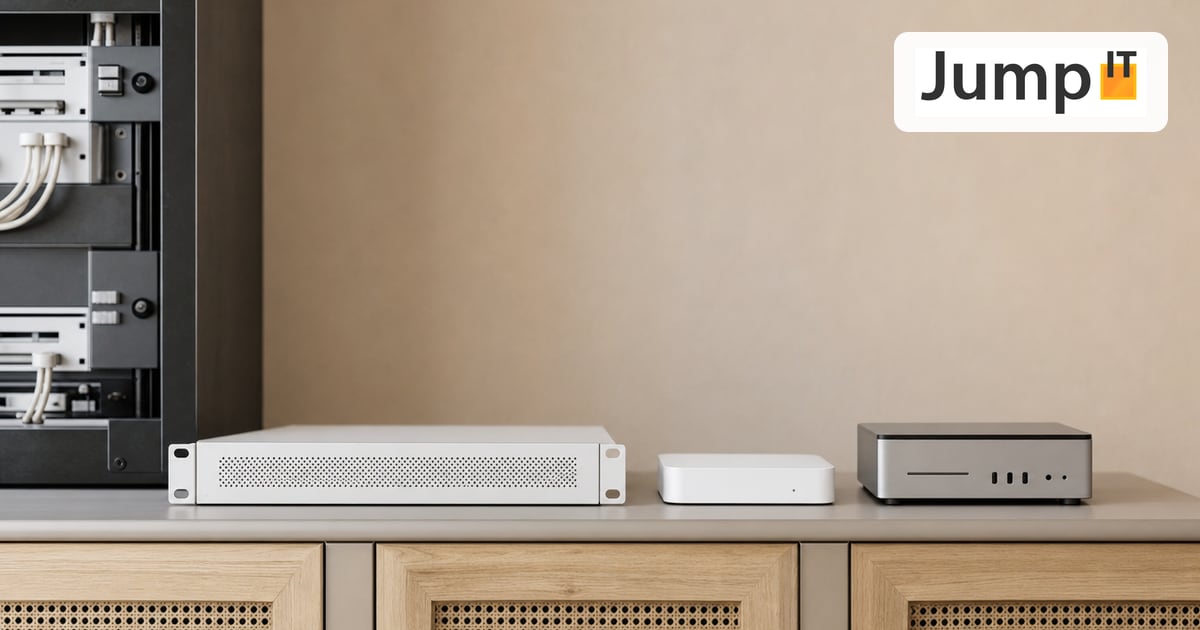
“Do I need a Cloud Key if I already have a Dream Machine?” This question comes up in every UniFi forum, and the answer has shifted over the years. It used to be that a dedicated controller was almost mandatory. Today it has become unnecessary for many people. Both are true at the same time: it depends on what you are planning.
What the controller actually is
The UniFi controller is the software that manages your network. It shows you the dashboard, distributes updates, stores your settings and turns individual devices into a coherent system. The important thing to understand: this software has to run somewhere. It is not in the access point and not in the switch. It needs a home.
Your access points and switches do keep working when the controller is off, so the WiFi does not collapse. But without a running controller you cannot see anything, cannot change anything and do not get updates. For a network you want to keep an eye on, it should run around the clock.
Option 1: On the gateway (the right way for most people)
The simplest answer to “where does the controller run” in 2026 is usually: on your gateway. A UniFi Cloud Gateway such as the UCG-Ultra or UCG-Max ships with the Network software built in. The same goes for the Dream Machine series.
In plain terms: if you have one of these devices, you do not need a separate Cloud Key just to make your network run. Router and controller live in the same box. That is exactly what makes getting started so much easier today than a few years ago.
Option 2: The Cloud Key
The Cloud Key (currently the Gen2 Plus version) is a small appliance that does nothing except run the controller. No router, no firewall, just management.
So what is it still for? Two cases. First, when your gateway does not include the controller but you still want to manage UniFi devices centrally. Second, and this is the real reason the Cloud Key Gen2 Plus still exists, when you want to use UniFi Protect for cameras. The Gen2 Plus has a built-in hard drive and can store the video recordings directly. For a camera-only setup without a big gateway, it is still a clean solution.
So the headline “the Cloud Key is dead in 2026” is only half right. For networking alone, hardly anyone needs it anymore. For cameras, it still has its place.
Option 3: Self-hosted
You can also run the UniFi software on your own hardware: on a small server, a Raspberry Pi or in a Docker container. Ubiquiti provides the Self-Hosted Network Server for free for this.
This is the cheapest route, because you do not buy an additional appliance. The catch: you are responsible for operation, updates and backups yourself. If your Pi burns out or the SD card dies, it goes quiet for a while. For tech-savvy people who already run a home server, it is attractive. For everyone else, the built-in solution on the gateway is more relaxed.
And the cloud?
A quick note, because the name “Cloud Gateway” suggests otherwise: your controller still runs locally at your place, not on a Ubiquiti server. UniFi Site Manager just gives you convenient access to your local system when you are away. Your settings and, with Protect, your videos stay in your house. From a data protection standpoint that is a real advantage and one of the reasons we like deploying this system so much in Mallorca.
Summary
Do you have a Cloud Gateway or a Dream Machine? Then your controller runs there and you need nothing else. Do you want cameras with local storage and have no big gateway? Then the Cloud Key Gen2 Plus is your device. Do you enjoy tinkering and have a home server? Then self-host. Everything else comes down to the specific setup, and we prefer to sort that out before any hardware is bought.
See also: UniFi Cloud Gateway: How does remote management work and what happens to your data?
More articles
 UniFi / Ubiquiti What Is UniFi? Apps, Devices and Costs Explained
What is UniFi? Network, Protect, Access, Talk and Drive in one interface: what each app does, which hardware you need and what costs apply.
 UniFi / Ubiquiti WireGuard MTU: 1420, 1380 or 1280? The Right Values
Which MTU for WireGuard? Concrete values for fiber, PPPoE, Starlink and mobile, a simple ping test and a guide for UniFi Network 10.6.
 UniFi / Ubiquiti UniFi Cloud Gateway: Remote Management and What Happens to Your Data
UniFi Cloud Gateway lets your network be managed remotely. Here is how it works, and your data stays local with you, not in the cloud.
 UniFi / Ubiquiti UniFi or TP-Link Omada: An Honest Comparison
Omada is cheaper, UniFi offers more than networking: an honest look at where the two differ and which system suits whom.
Note: images and parts of the text on this page were created with the help of artificial intelligence and editorially reviewed by JumpIT.
← To the knowledge center