
What Is UniFi? Apps, Devices and Costs Explained
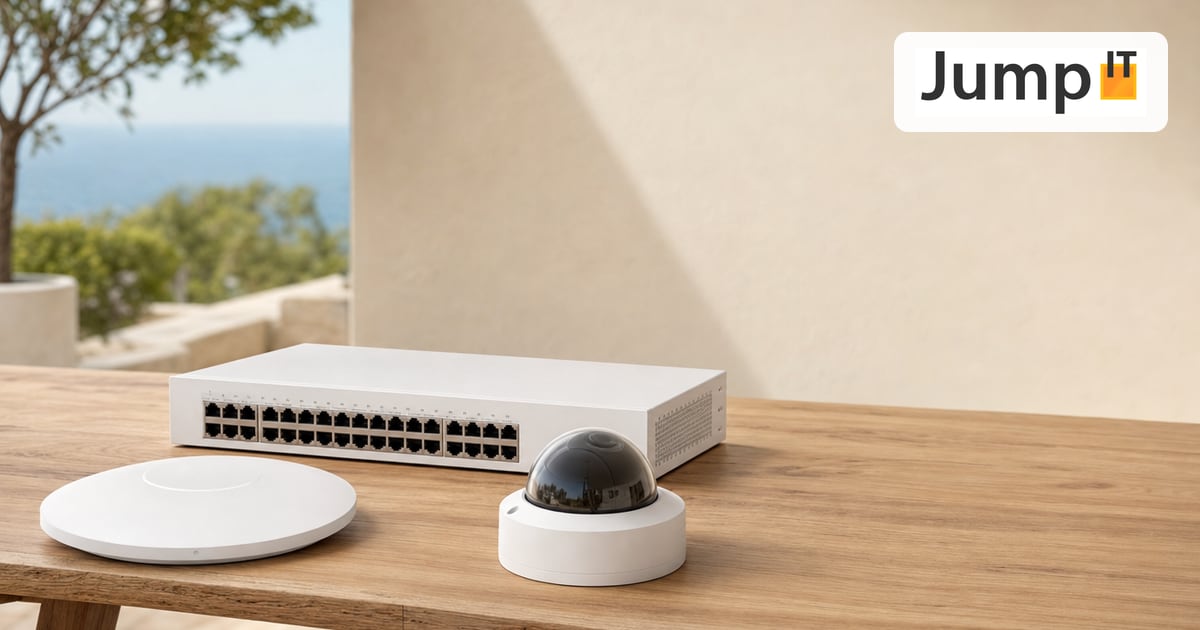
The UniFi system from Ubiquiti isn’t a single box but a platform: several apps run on one central console, and each app takes care of one area – network, cameras, doors, telephony, displays and storage. You log in once and manage everything in the same interface.
JumpIT plans, installs and maintains these systems in Mallorca – from apartments to fincas with several buildings.
As of: September 2026 (UniFi Network 10.6, Protect 7.2, Access 4.3)
The essentials at a glance
| App | What for? | Typical hardware | Ongoing costs |
|---|---|---|---|
| UniFi Network | Internet, WiFi, firewall, VPN | Cloud Gateway, switches, access points | none |
| UniFi Protect | Video surveillance | Cameras, recorder or console with hard drive | none |
| UniFi Access | Door access via card, PIN, phone | Access Hub, readers, electric door strike | none – except Touch Pass (phone wallet) |
| UniFi Talk | Phone system | UniFi phones | Phone provider (SIP) |
| UniFi Connect | Digital signage, EV charging | Signage players, EV Station | none |
| UniFi Drive | File server (NAS) | UNAS devices | none |
How does it all fit together?
The heart of every UniFi system is a UniFi OS console. That’s a device the apps run on – usually a Cloud Gateway (e.g. UCG Max or UCG Fiber) or a Dream Machine. Which apps a console can handle depends on the model: a small gateway is enough for Network; if you record many cameras, you need hard drive space and often a recorder of your own.
Where the controller runs best is explained in detail in the article Cloud Key, Dream Machine or self-hosted.
All apps share user accounts, remote access and notifications. Multiple locations – say a house and a vacation apartment – are managed together in the Site Manager.
UniFi Network – internet, WiFi and security
UniFi Network is the foundation. The app controls everything to do with the network:
- Gateway: connects your network to the internet (fiber, Starlink, mobile as a backup) and is also firewall and VPN server.
- Switches: distribute wired connections and power cameras and access points via PoE.
- Access points: provide WiFi, indoors and outdoors, now also with WiFi 7. Seamless roaming between the access points is standard.
What current versions can do
- Zone-based firewall: networks such as guests, cameras or smart home are separated into zones, and you set rules between the zones.
- IDS/IPS: detects and blocks suspicious traffic right at the gateway.
- VPN: WireGuard and OpenVPN for remote access, Teleport as a one-click VPN and Site Magic for linking multiple locations. We explain the right MTU in WireGuard VPN: Setting the MTU Correctly.
- SafeOps with Test & Confirm (since Network 10.5, in 10.6 also for VPN and the management network): if a device loses its connection after a change, UniFi automatically rolls the change back.
- Time Machine (Network 10.6): shows retroactively what happened with WiFi radio cells and switch ports over the past hours – handy for faults that only occur now and then.
- Channel AI (Network 10.6): optimizes the WiFi channels automatically every night, if you want.
- PPPoE with MTU 1500 (since Network 10.5): interesting for Spanish fiber connections, provided the provider plays along.
Which of these devices you really need is covered in Which UniFi Components Do I Really Need?.
UniFi Protect – video surveillance without a subscription
UniFi Protect is the camera system. The cameras connect to the network via PoE, and recordings are stored locally on the console or a recorder (UNVR or UniFi NVR). No cloud is needed, and there are no monthly fees for recording or detection.
What current versions can do
- AI detection right on site: people, vehicles, animals and sounds. Newer cameras (G6 and AI series) also recognize faces and license plates, depending on the model. The video isn’t sent to the cloud for this.
- AI Key: an add-on device that also upgrades older cameras and makes recordings searchable, for example “red car at the gate”.
- Alarm Manager: links events with actions – light on, lock the door, push notification.
- Tamper-proof exports (Protect 7.2): video clips are digitally signed, and later changes can be proven.
- 4K and multi-sensor cameras for large properties, plus doorbells like the G6 Entry.
Data protection in Spain – the rules of thumb
If you operate cameras in Mallorca, you need a visible notice sign (“zona videovigilada”). Recordings must be deleted after one month at the latest, unless they’re needed for a specific incident. The public street and the neighbor’s property don’t belong in the picture. Face and license plate recognition are especially sensitive – only switch them on if you have a clear reason. This doesn’t replace legal advice, but it covers the most common mistakes.
UniFi Access – opening doors with a card, PIN or phone
UniFi Access is the access control. For each door you need a reader outside, an electric door strike and an Access Hub that switches the strike. For individual doors, the Access Ultra combines reader and control in one device.
How you get in
- NFC card or key fob
- PIN code (reader with keypad)
- Fingerprint (G3 Reader Fingerprint)
- Face recognition (G6 Pro Entry, together with Protect)
- Phone: via the UniFi app or with Touch Pass straight from the Apple or Google Wallet, even with the phone locked
The decision whether the door opens is made by the hub locally. If the internet goes down, the doors keep working – only remote management and push notifications pause.
Costs: almost everything license-free
The Access software costs nothing extra. The exception is Touch Pass: per console, 10 passes are free for one year, after which an annual fee per user applies. Opening via the UniFi app and via NFC card remains free.
How cameras and doors work together is shown in UniFi Protect & Access: Cameras and Door Access in One System.
UniFi Talk – the phone system
UniFi Talk turns the console into a phone system for an office, hotel or practice. Talk has also been available in Europe since mid-2024.
- Your own phone provider: Talk works with SIP providers. For some there are ready-made templates, others can be entered manually.
- At least one UniFi phone is mandatory; additional SIP phones from other manufacturers can be added.
- Limitation on the go: the UniFi softphone app isn’t available in Europe. If you want to call from outside, you need a VPN connection.
Our take: exciting for small offices and hotels that already use UniFi. We connect Spanish SIP providers individually and test beforehand.
UniFi Connect – displays and EV charging
UniFi Connect manages devices that don’t classically belong to the network:
- Digital signage: signage players on ordinary screens, for example for menus, hotel info or wayfinding.
- EV charging stations: e.g. the EV Station Lite with up to 22 kW. Who is allowed to charge can be controlled via NFC cards from UniFi Access.
UniFi Drive – the file server
UniFi Drive is the software for UniFi network storage (UNAS) – from the small UNAS 2 to the UNAS Pro 8 in a rack.
- Shares for Windows, Mac and Linux (SMB/NFS)
- User and permission management
- Backups to cloud storage such as AWS S3, Backblaze B2 or Wasabi
- no license fees
What do you really need of all this?
| Use | Sensible combination |
|---|---|
| Apartment or small house | Network: gateway and one or two access points |
| Finca with garden and outbuildings | Network with switch and outdoor access points, plus Protect cameras |
| Vacation rental | Network with separate guest WiFi, Access for keyless check-in, Protect for the driveway |
| Office, practice, hotel | Network, Protect and Access, Talk and Drive if needed |
What a system costs, we work out in What Does a UniFi System Cost – and Is It Worth It at Home?.
Version status and security
On 26 August 2026, Ubiquiti closed critical vulnerabilities in several apps with security bulletin SAB 067. You should have these versions installed as a minimum:
| App | Minimum version |
|---|---|
| UniFi Network | 10.5.67 (current: 10.6.101) |
| UniFi Protect | 7.2.105 |
| UniFi Access | 4.3.5 |
| UniFi Talk | 5.3.2 |
| UniFi Connect | 3.24.22 |
Automatic app updates take care of this for you. For customer installations with JumpIT maintenance, we roll out the updates in a controlled way.
Conclusion
UniFi is a modular system: you start with Network and add cameras, door access, telephony or storage when you need them – without a new system, without a second app and with almost no ongoing costs. That’s exactly what makes it so attractive for fincas, vacation rentals and small businesses in Mallorca.
Still have questions?
Write to us directly at info@jumpit.eu or use the appointment form. We’re happy to advise you individually and on site.
See also: UniFi Cloud Gateway: How does remote maintenance work – and what happens to your data?
More articles
 UniFi / Ubiquiti WireGuard MTU: 1420, 1380 or 1280? The Right Values
Which MTU for WireGuard? Concrete values for fiber, PPPoE, Starlink and mobile, a simple ping test and a guide for UniFi Network 10.6.
 UniFi / Ubiquiti UniFi Cloud Gateway: Remote Management and What Happens to Your Data
UniFi Cloud Gateway lets your network be managed remotely. Here is how it works, and your data stays local with you, not in the cloud.
 UniFi / Ubiquiti Cloud Key, Dream Machine or Self-Hosted: Where Does the UniFi Controller Run?
Do you need a Cloud Key if you already have a Dream Machine? Where the UniFi controller runs and which option suits you in 2026.
 UniFi / Ubiquiti UniFi or TP-Link Omada: An Honest Comparison
Omada is cheaper, UniFi offers more than networking: an honest look at where the two differ and which system suits whom.
Note: images and parts of the text on this page were created with the help of artificial intelligence and editorially reviewed by JumpIT.
← To the knowledge center