
What Does a UniFi System Cost – and Is It Worth It at Home?
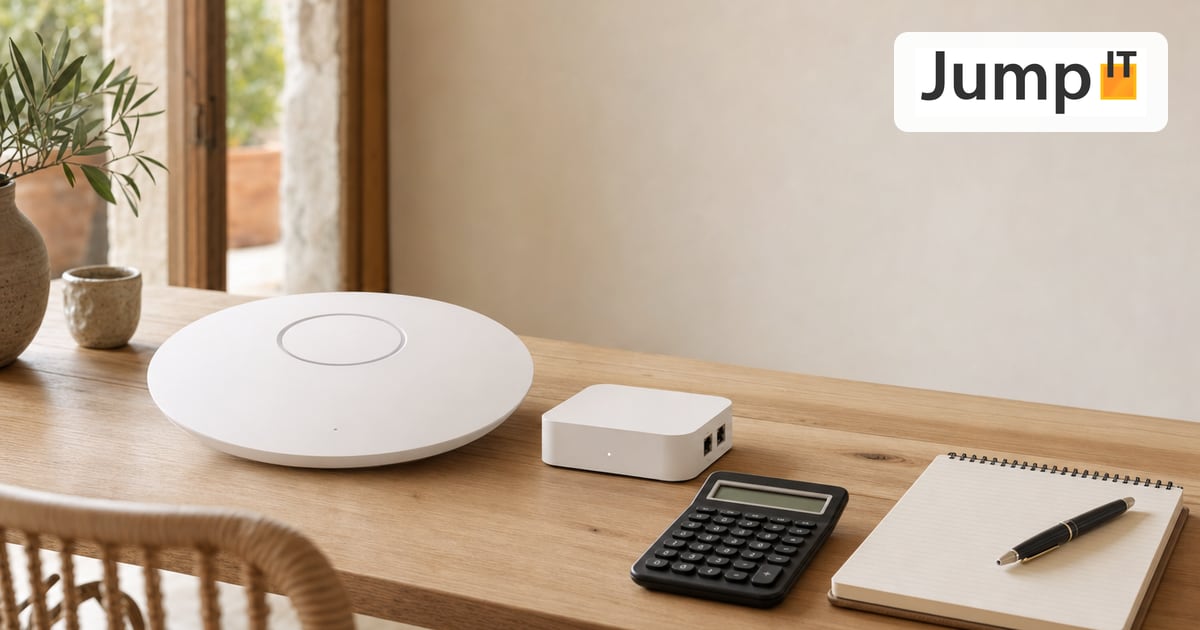
When it comes to UniFi pricing, there are two reactions. Some find it expensive compared with the FRITZ!Box they already have. Others do the math and find that a good mesh set from the electronics store ends up costing about the same and can do less. Both have a point. Let’s look at real numbers instead of beating around the bush.
Rough price ranges
The following amounts are ballpark figures, as of 2026, and vary by model and retailer. They’re meant to give you a feel, not replace a quote.
A starter setup for an apartment – one Cloud Gateway plus one access point – comes to roughly 250 to 400 euros. That gets you a full-fledged, centrally managed network.
A house setup with a gateway, one PoE switch and two to three access points lands more at 600 to 1,200 euros, depending on how much WiFi area and how many ports you need to cover.
A finca or commercial setup with several access points, a larger switch, proper cabling and possibly first cameras starts in the low four-figure range and grows with your needs. Here it’s less the brand that decides than the size of the area.
The costs hardly anyone thinks about
The hardware price alone is only part of it. What moves the bill in practice is the cabling. A UniFi network depends on access points being connected and powered via network cable. In a new build, that’s planned in. In an old finca building with thick stone walls, pulling the cables is often a bigger item than the hardware itself.
On the other hand, one type of cost disappears entirely: ongoing license fees. The UniFi software is license-free, including for cameras and access. There’s no monthly subscription without which the cameras stop recording. Anyone who knows systems with forced cloud knows what that adds up to over the years.
Is it worth it at home?
This is where some salespeople get dishonest. We don’t.
For a small apartment where a FRITZ!Box has worked fine so far, you don’t need UniFi. It would be nicer, more stable and easier to manage – but if nothing’s broken, that doesn’t justify the investment. In that case we’d rather tell you straight that you can keep your money.
It really pays off as soon as one of these applies: your house is large or awkwardly laid out, and a single router can’t keep up with the WiFi. You have lots of devices, smart home technology or guests you want to separate cleanly. You want to add cameras or access control and not maintain three different systems. Or you’re simply fed up with the WiFi dropping out at the other end of the house.
In those cases you’re not paying for a status symbol but for a network that holds up and grows with you. And on a finca with a pool, an outbuilding and vacation rentals, that’s often the difference between “it works” and “constant trouble”.
If you’re unsure which category your home falls into: drop us a quick note about what you have and what annoys you. Then we’ll tell you honestly whether the step pays off for you.
More articles
 UniFi / Ubiquiti What Is UniFi? Apps, Devices and Costs Explained
What is UniFi? Network, Protect, Access, Talk and Drive in one interface: what each app does, which hardware you need and what costs apply.
 UniFi / Ubiquiti WireGuard MTU: 1420, 1380 or 1280? The Right Values
Which MTU for WireGuard? Concrete values for fiber, PPPoE, Starlink and mobile, a simple ping test and a guide for UniFi Network 10.6.
 UniFi / Ubiquiti UniFi Cloud Gateway: Remote Management and What Happens to Your Data
UniFi Cloud Gateway lets your network be managed remotely. Here is how it works, and your data stays local with you, not in the cloud.
 UniFi / Ubiquiti Cloud Key, Dream Machine or Self-Hosted: Where Does the UniFi Controller Run?
Do you need a Cloud Key if you already have a Dream Machine? Where the UniFi controller runs and which option suits you in 2026.
Note: images and parts of the text on this page were created with the help of artificial intelligence and editorially reviewed by JumpIT.
← To the knowledge center