
UniFi Protect & Access: Cameras and Door Access in One System

Many people only know UniFi as a WiFi system and are surprised that the same platform also controls the cameras around the house and the lock on the front door. For us, that’s one of the strongest reasons to recommend UniFi in the first place. Instead of a camera app, an access app and a network interface, you get one system, one login, one logic.
UniFi Protect: video surveillance without a subscription
UniFi Protect is Ubiquiti’s camera system. You mount the cameras, they show up in the same environment as your access points, and you manage everything in one place.
What convinces most people is the storage. Recordings are stored locally at your place – on the gateway or on a Cloud Key with a hard drive – not on someone else’s server. There’s no monthly subscription without which the cameras stop recording. You buy the hardware, and that means the recording belongs to you. Over the years, that’s a considerable difference compared with camera systems that stop storing anything without an ongoing cloud fee.
The current G5 and G6 series cameras also do the processing right on the device. They tell apart whether a person, a vehicle or just a branch in the wind is moving. That sounds like a gimmick, but it’s the difference between a push notification when someone really is coming and fifty false alarms a night because a palm tree is swaying in the floodlight.
UniFi Access: the door in the same system
UniFi Access is the access control. Instead of a classic key, you open the door with an app, a card, NFC or a code. A door reader at the entrance, a controller behind it, and you grant and revoke access centrally.
For a vacation rental in Mallorca, that’s worth its weight in gold. Guests get access for their stay, which then expires automatically. The cleaner has their own time-limited access. No more keys that get lost or copied, no key handover appointment at the airport.
Where the two really shine together
Protect and Access aren’t in the same system by coincidence. They work together. If you pair a camera with a door reader, you see the matching video image for every door opening. Someone rings the bell, you see in the same app who’s at the door and open it remotely. Anyone who has ever tried to cobble together a doorbell, camera and door opener from three different manufacturers knows why this is so pleasant.
What you need for it
One important note up front so nobody gets the wrong idea: not every gateway can run Protect, and video storage needs space. For the cameras you therefore need a device that supports Protect and comes with a hard drive – for example a Dream Machine Pro with a built-in drive or a Cloud Key Gen2 Plus. Access additionally needs the matching door reader and controller.
This isn’t a plug-and-play weekend project but a planned installation – the door hardware in particular needs to be properly wired and mounted. In return, you end up with something that has become rare: network, cameras and access under one roof, with no monthly fees and without your recordings ever leaving the house.
If you’re thinking about planning your network with cameras or access control in mind from the start, we plan that together from day one. That saves you from swapping hardware later because the gateway can’t handle the cameras after all.
More articles
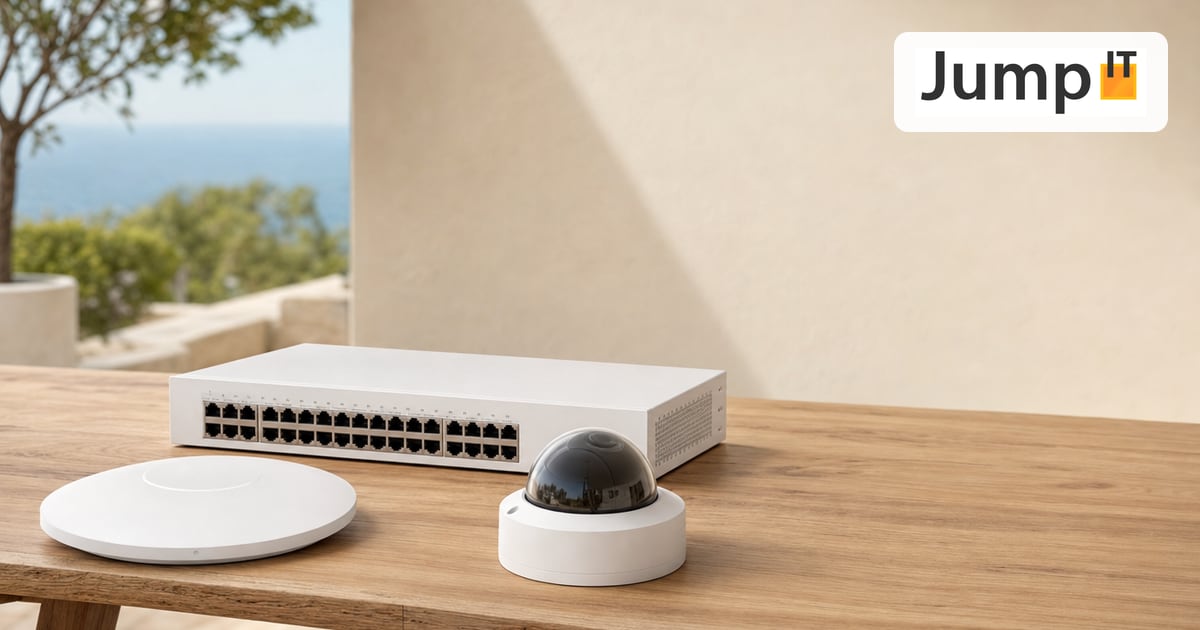 UniFi / Ubiquiti What Is UniFi? Apps, Devices and Costs Explained
What is UniFi? Network, Protect, Access, Talk and Drive in one interface: what each app does, which hardware you need and what costs apply.
 UniFi / Ubiquiti WireGuard MTU: 1420, 1380 or 1280? The Right Values
Which MTU for WireGuard? Concrete values for fiber, PPPoE, Starlink and mobile, a simple ping test and a guide for UniFi Network 10.6.
 UniFi / Ubiquiti UniFi Cloud Gateway: Remote Management and What Happens to Your Data
UniFi Cloud Gateway lets your network be managed remotely. Here is how it works, and your data stays local with you, not in the cloud.
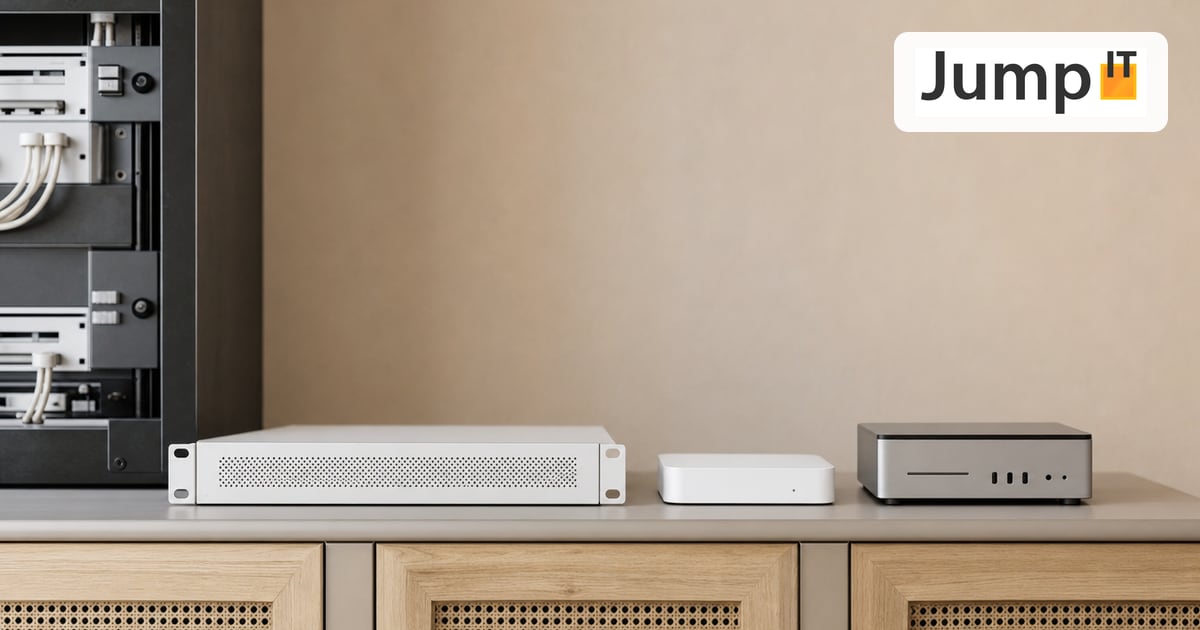 UniFi / Ubiquiti Cloud Key, Dream Machine or Self-Hosted: Where Does the UniFi Controller Run?
Do you need a Cloud Key if you already have a Dream Machine? Where the UniFi controller runs and which option suits you in 2026.
Note: images and parts of the text on this page were created with the help of artificial intelligence and editorially reviewed by JumpIT.
← To the knowledge center