
Which UniFi Components Do I Really Need?
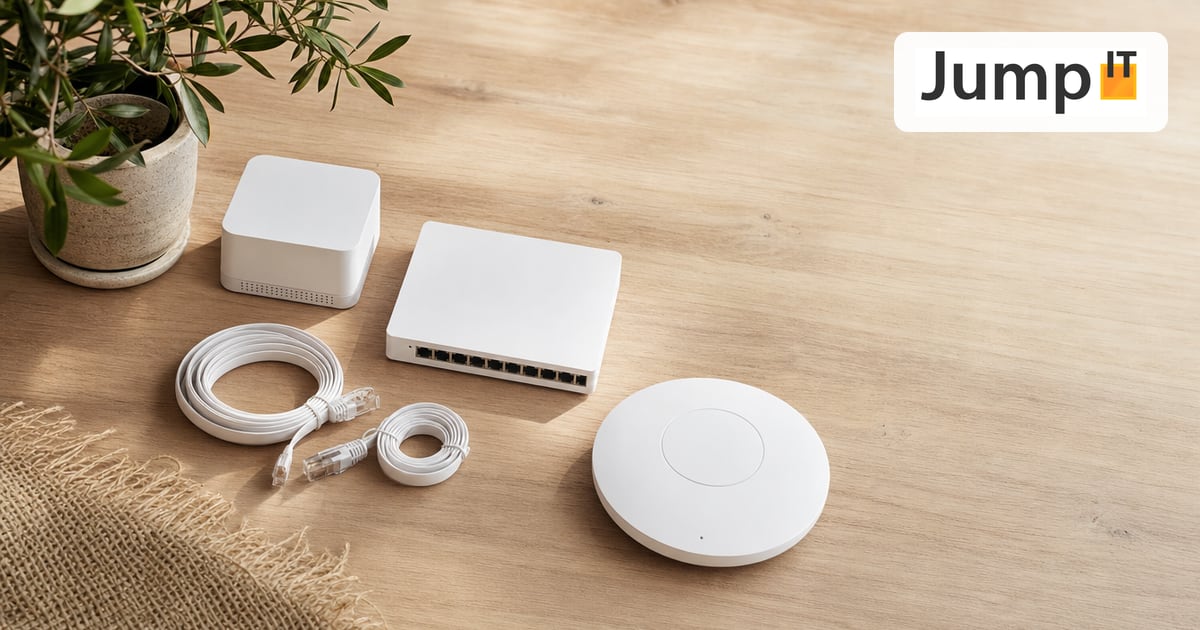
The question we hear most about UniFi isn’t “which device is the best” but “what do I even need of all this?”. Understandable. Ubiquiti has a huge catalog, and when you see it for the first time, it feels more like an obstacle than a help.
The short answer: for a working UniFi network you need two things. A gateway and at least one access point. Everything else gets added when your house or your ambitions call for it – not before.
The gateway – the heart of it
The gateway is the router of your network. It sits between your internet connection and everything else, handles the firewall, the routing and – this is the point that often surprises UniFi beginners – usually runs the management software as well.
A UniFi Cloud Gateway such as the UCG-Ultra or the somewhat larger UCG-Max is the right start for the vast majority of private households and small offices. Both are router and controller in one. You plug the device in, set it up through the app, and the rest of your UniFi equipment registers there.
If you need more throughput or more ports – say for a larger finca with lots of cameras – take a look at the Dream Machine series, for example the UDM-Pro. But honestly: most people overestimate what they need here. Better to start small.
Access points – your WiFi
The access point provides the WiFi. In the UniFi system this is deliberately separate from the router, and that’s exactly the advantage over a FRITZ!Box, where everything is in one box.
In a normal apartment, a single AP from the U6 or U7 series is often enough. But as soon as there are several floors, thick stone walls or an awkwardly laid-out finca building, you need two or three. They’re spread around the house, hand your phone over cleanly from one to the next, and you walk from the pool to the bedroom without the connection dropping. Exactly how many you need depends on the floor plan – that’s best judged honestly on site.
The switch – often, but not always necessary
This is where it gets interesting, because many people either forget the switch or buy one they don’t need.
You need a UniFi switch if you run out of ports on the gateway or – the more common reason – if you want to power your access points over the network cable. This principle is called PoE (Power over Ethernet) and is standard in a clean UniFi setup: one cable to the AP, and that’s it, no plug-in power adapter on the ceiling.
Pay attention to the PoE budget on the switch. Every access point draws power, and if you hang three APs on a switch that’s only built for two, you’ll run out of reserves in the middle of operation. That’s one of the classics we keep repairing on self-planned networks.
The controller – usually already included
The controller is the software that manages your whole network. The good news for beginners: if you have a Cloud Gateway, the controller is already built in. You don’t need to worry about it for now.
The question only gets interesting when you want to add cameras or deliberately move the controller to a device of its own. That’s when the Cloud Key comes into play. But that’s a topic of its own, which we take apart in a separate article.
Optional: cameras and access
UniFi can do more than networking. UniFi Protect adds surveillance cameras and UniFi Access adds door control – all in the same interface, without setting up a second system next to it. For many people, that’s the real reason to choose UniFi in the first place. None of it is mandatory. You can expand at any time later.
What we recommend in practice
For an average apartment: one Cloud Gateway and one access point. Done.
For a house or a finca: one Cloud Gateway, a PoE switch with some headroom and two to three access points, properly distributed. That gives you a network that runs stably and grows with you when you eventually add cameras or more WiFi points.
The most expensive mistake isn’t the system that’s too small but the one that’s badly planned – a gateway without enough PoE, access points in the wrong spot, a switch without reserve. If you’re unsure what your floor plan demands: that’s exactly why we take a look beforehand.
More articles
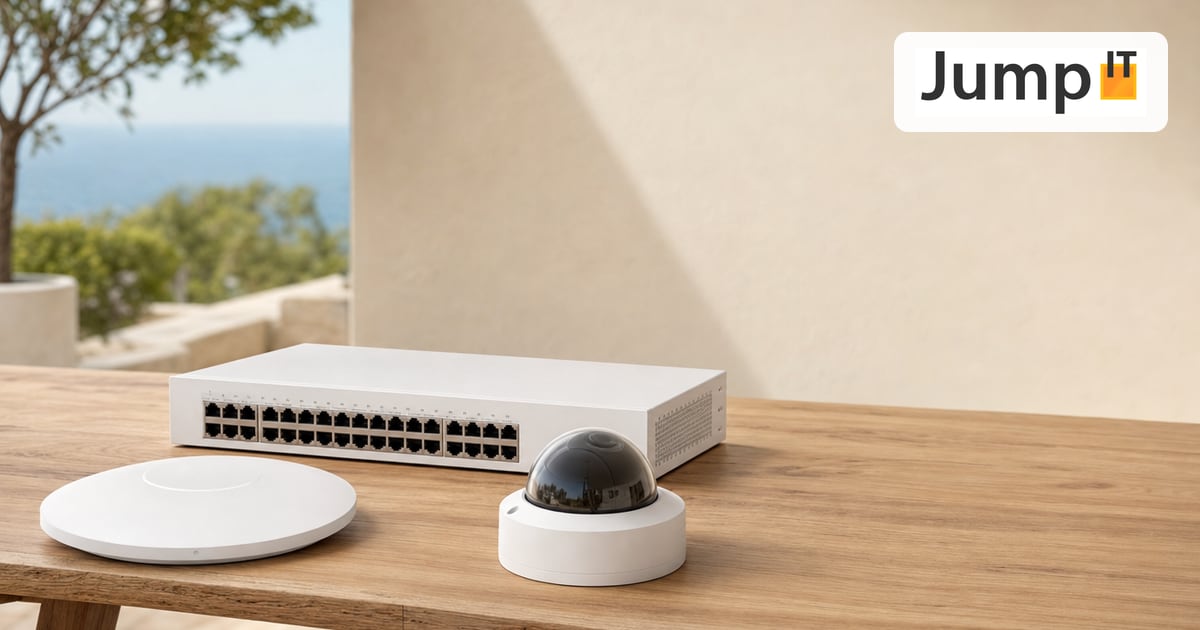 UniFi / Ubiquiti What Is UniFi? Apps, Devices and Costs Explained
What is UniFi? Network, Protect, Access, Talk and Drive in one interface: what each app does, which hardware you need and what costs apply.
 UniFi / Ubiquiti WireGuard MTU: 1420, 1380 or 1280? The Right Values
Which MTU for WireGuard? Concrete values for fiber, PPPoE, Starlink and mobile, a simple ping test and a guide for UniFi Network 10.6.
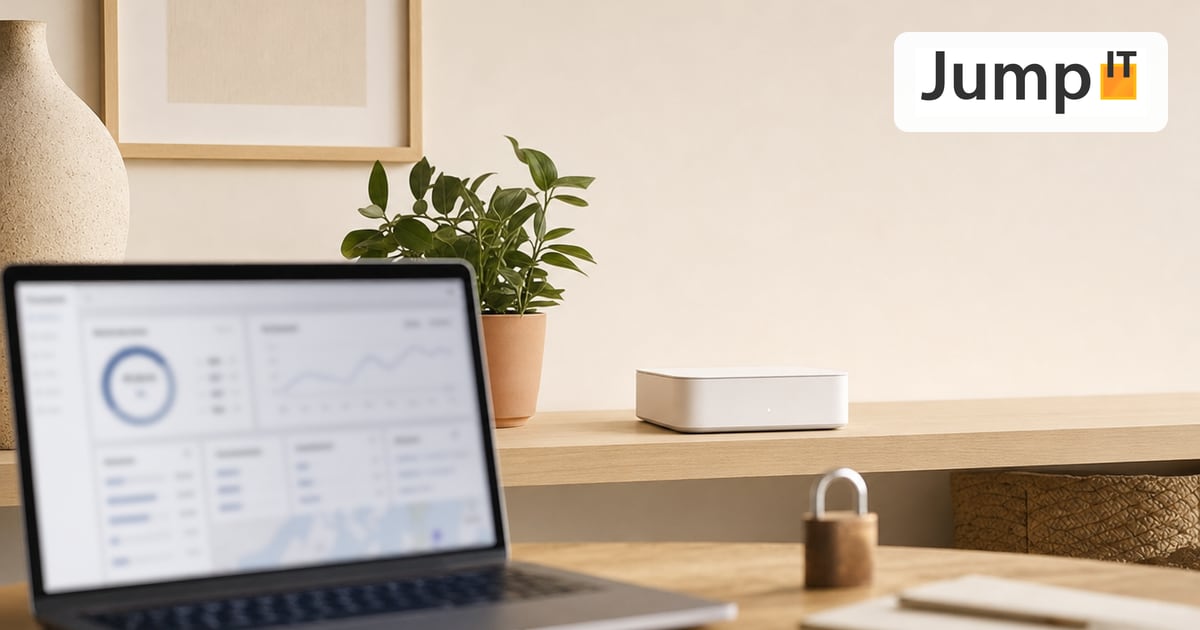 UniFi / Ubiquiti UniFi Cloud Gateway: Remote Management and What Happens to Your Data
UniFi Cloud Gateway lets your network be managed remotely. Here is how it works, and your data stays local with you, not in the cloud.
 UniFi / Ubiquiti Cloud Key, Dream Machine or Self-Hosted: Where Does the UniFi Controller Run?
Do you need a Cloud Key if you already have a Dream Machine? Where the UniFi controller runs and which option suits you in 2026.
Note: images and parts of the text on this page were created with the help of artificial intelligence and editorially reviewed by JumpIT.
← To the knowledge center