
Using Starlink with UniFi Properly
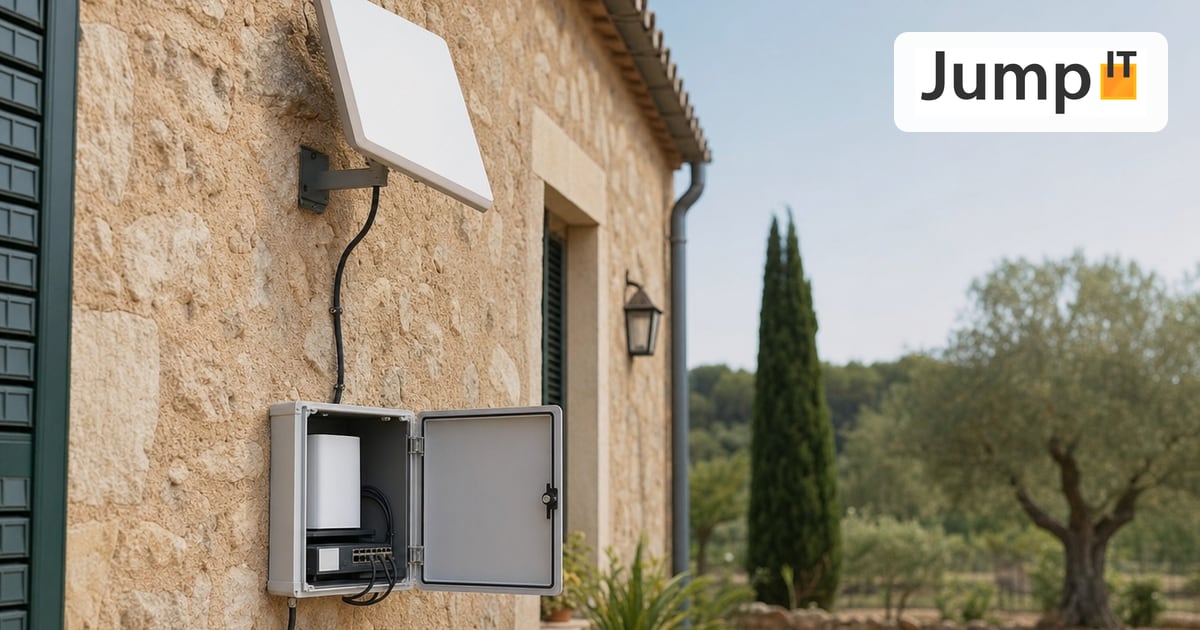
How satellite internet becomes a stable, professional network in Mallorca
Starlink delivers surprisingly good internet in Mallorca, but only in combination with UniFi does it become a truly stable, controllable and professional network.
If you simply put the Starlink router down and leave it at that, you are wasting potential. If you integrate Starlink cleanly into a UniFi environment, you get a solution that also works reliably day to day.
Basic principle: Starlink is just the access, UniFi builds the network
A common mistake in thinking:
Starlink is treated as a “complete router”. Technically that is true, but in practice it is not the best solution.
Better setup:
- Starlink = internet access
- UniFi Gateway = routing, firewall, VPN, network logic
- UniFi switches and access points = clean internal network
That way control stays where it belongs.
Put Starlink into bypass mode
The most important first step:
👉 Switch the Starlink router to bypass mode
Why?
- Avoid double NAT
- Let UniFi handle the routing
- Manage VPN, firewall and VLANs cleanly
In bypass mode, Starlink only works as a modem.
The UniFi Gateway gets its IP directly from Starlink.
Practical tip:
After you enable bypass mode, the Starlink router is no longer reachable. Changes are then only possible via a reset. So check everything beforehand.
Choose the right UniFi Gateway
Not every gateway suits Starlink. These have proven themselves:
- UniFi Cloud Gateway Ultra / Max
- UniFi Dream Machine Pro / SE
What matters:
- solid VPN support
- flexible firewall rules
- good statistics and monitoring features
Especially with fluctuating latency (typical for Starlink), a capable gateway pays off.
Understand CGNAT and handle it properly
Starlink uses CGNAT by default.
That means:
- no public IPv4
- no incoming connections
- no classic port forwarding
For UniFi setups that means, specifically:
What works without problems
- Internet access
- Streaming
- Cloud services
- Home office
- VPN from the Starlink connection outward
What does not work directly
- Making servers reachable from outside
- Camera access without a VPN
- Classic IPsec peers with incoming traffic
The solution: use a VPN properly.
VPN: WireGuard instead of IPsec
In Starlink environments the recommendation is clear:
WireGuard over IPsec
Why?
- far more robust with CGNAT
- less overhead
- more stable with changing latency
- easier to maintain
UniFi now supports WireGuard cleanly, both for:
- remote access
- site-to-site connections
- Cloud Gateways as the remote end
IPsec works too, but it is:
- more sensitive
- more work
- more error-prone with Starlink
Plan your WiFi properly, it matters more than the internet line
Starlink delivers bandwidth.
Whether it arrives is decided by the WiFi.
Typical mistakes:
- too few access points
- wrong placement
- automatic channel selection without planning
Best practice with UniFi:
- several access points instead of “one strong one”
- separate SSIDs or VLANs for:
- internal
- guests
- IoT
- fixed channel planning, especially on 5 GHz
Especially on large properties or fincas, WiFi planning matters more than the internet connection itself.
Use VLANs and prioritization
Starlink is fast, but not unlimited.
With UniFi you can steer traffic sensibly:
- Prioritization for:
- video calls
- VPN
- work devices
- Separation of:
- IPTV
- cameras
- smart home
That keeps the network stable even when several users are active at the same time.
Monitoring: Starlink lives on observation
Starlink is not a static connection.
Latency and routes change.
With UniFi you get:
- latency monitoring
- packet loss detection
- outage logs
- VPN status in real time
Especially in production environments, this is pure gold.
Starlink as a backup line? A very good idea.
One of the best combinations in Mallorca:
- Primary: fiber / DSL
- Backup: Starlink
UniFi offers:
- automatic failover
- health checks
- clean switchover
That keeps the network online even when the local provider acts up yet again.
Conclusion: Starlink + UniFi is a powerful combination
Starlink on its own is good.
Starlink with UniFi is professional.
Used properly, you get:
- stable internet even away from the towns
- a clean network structure
- secure VPN access
- full control over your network
In Mallorca, this combination is currently the best realistic solution for many locations.
And the best part:
It works, if you plan it properly.
Have Starlink + UniFi set up by a pro: Starlink installation in Mallorca
See also: Repeater vs. Mesh: Explained Simply (and Honestly), in case the UniFi WiFi still needs a boost at the other end of the property.
More articles
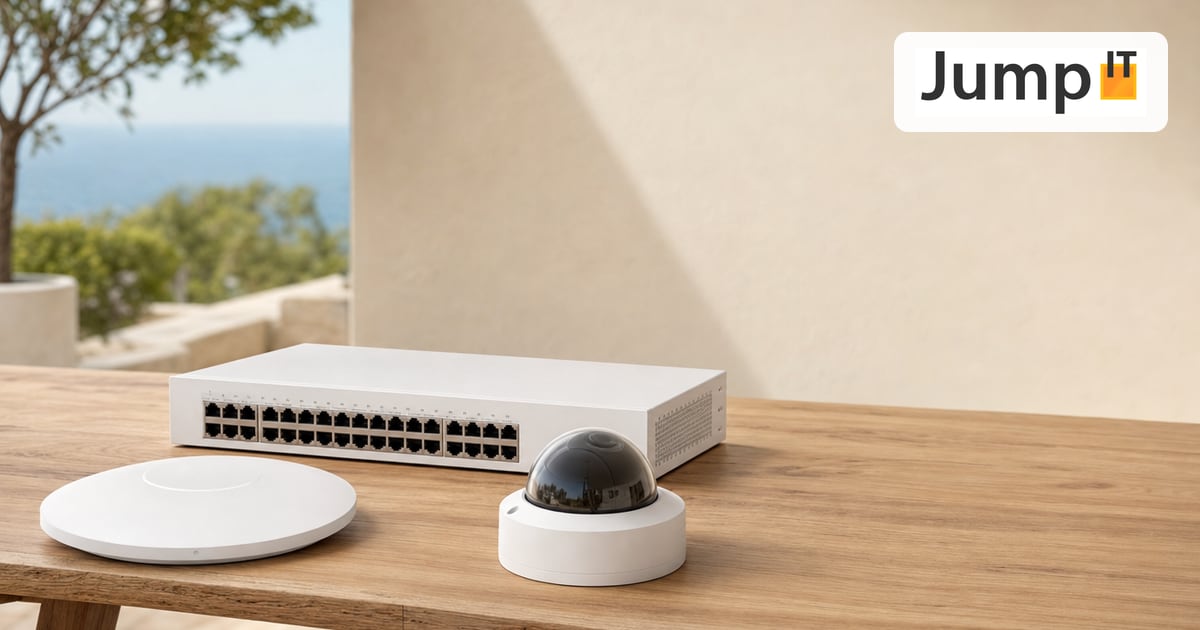 UniFi / Ubiquiti What Is UniFi? Apps, Devices and Costs Explained
What is UniFi? Network, Protect, Access, Talk and Drive in one interface: what each app does, which hardware you need and what costs apply.
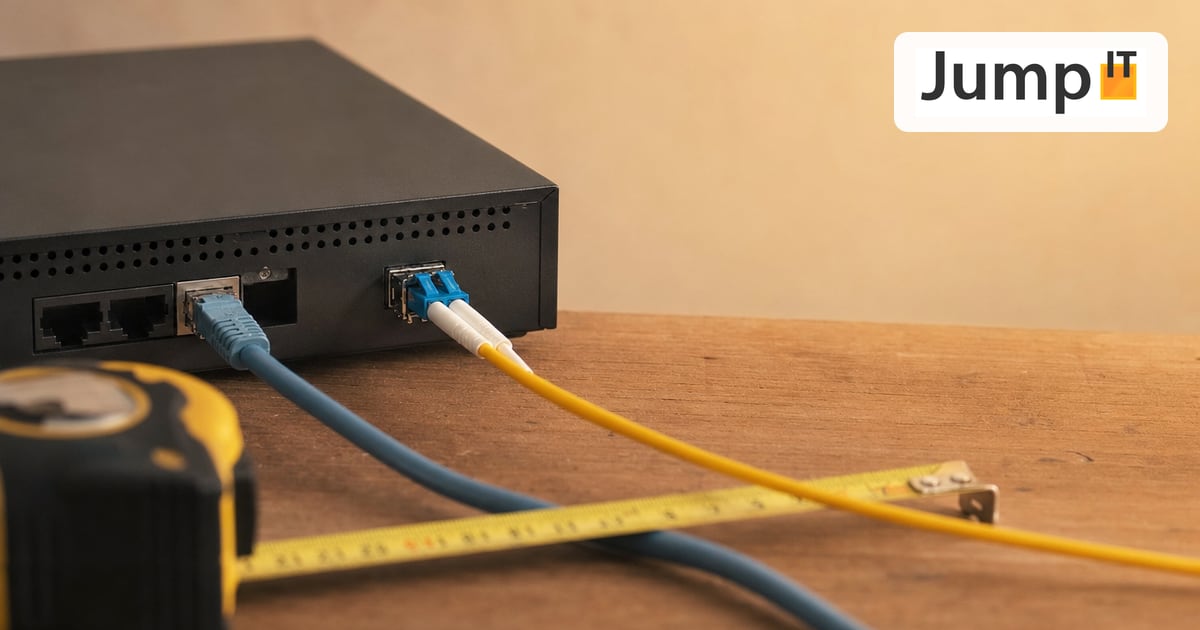 UniFi / Ubiquiti WireGuard MTU: 1420, 1380 or 1280? The Right Values
Which MTU for WireGuard? Concrete values for fiber, PPPoE, Starlink and mobile, a simple ping test and a guide for UniFi Network 10.6.
 UniFi / Ubiquiti UniFi Cloud Gateway: Remote Management and What Happens to Your Data
UniFi Cloud Gateway lets your network be managed remotely. Here is how it works, and your data stays local with you, not in the cloud.
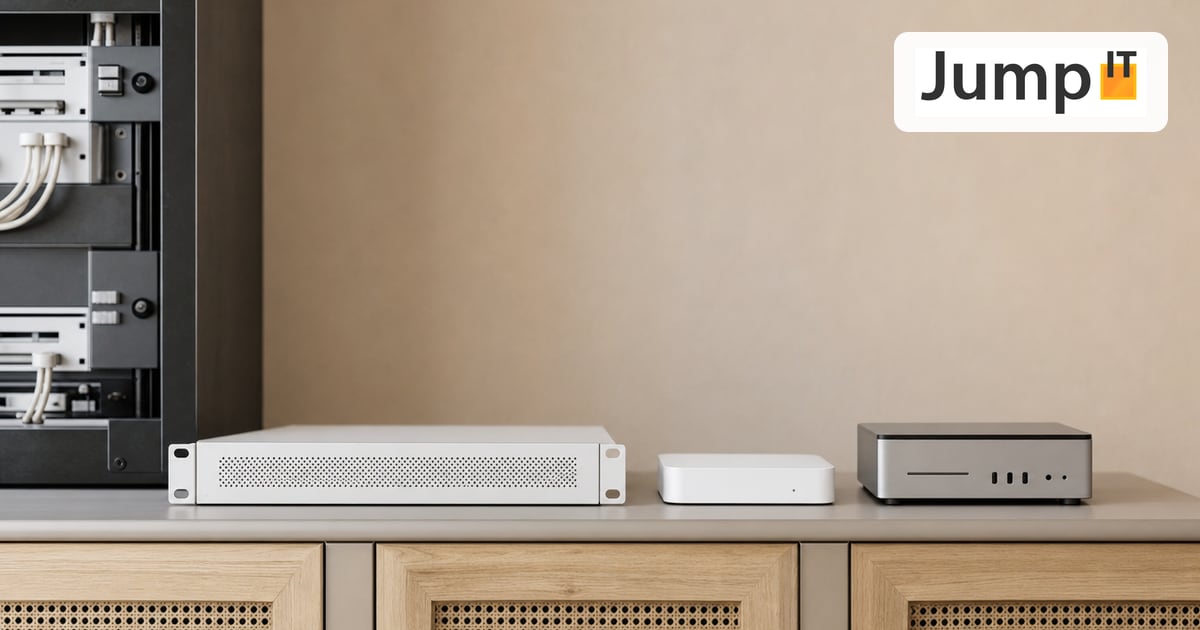 UniFi / Ubiquiti Cloud Key, Dream Machine or Self-Hosted: Where Does the UniFi Controller Run?
Do you need a Cloud Key if you already have a Dream Machine? Where the UniFi controller runs and which option suits you in 2026.
Note: images and parts of the text on this page were created with the help of artificial intelligence and editorially reviewed by JumpIT.
← To the knowledge center