
Email and webmail suddenly blocked? What's behind the IP ban (fail2ban)
Your currently detected public IP address
detecting …
Can no longer reach your email? Confirm briefly that you are not a robot and unblock your IP address yourself:
The unblock only applies to your current IP address and is limited to a few attempts per day. Important: if a device in the background is still using a wrong password, the protection will block you again straight away, so correct your password first.
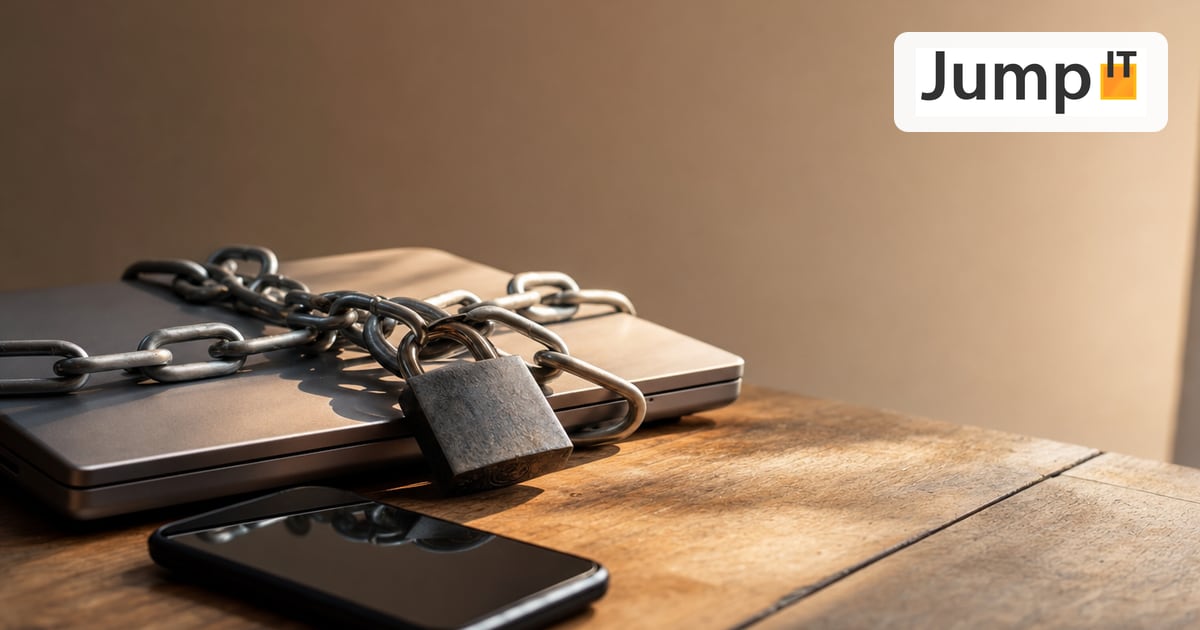
Suddenly you can’t get to your emails either with your mail program or through webmail, even though your internet otherwise works normally? Then your IP address has most likely been temporarily blocked. At the top of this page you can see your current public IP address. That’s exactly the information we need to unblock you.
What happened?
Our server protects itself against attacks with a watchdog called fail2ban. If the server registers several failed login attempts in a row from one IP address, it automatically locks that address out for a while. That’s intentional: it reliably stops password-guessing attacks.
For normal customers, the block almost always happens unintentionally, typically because of:
- a wrong password that keeps getting tried over and over;
- the wrong server in the account settings (the mail server is always
oberon.jumpit.eu, not your own domain name); - a device running in the background, often a phone or a second computer, that still has the old password saved and keeps trying unsuccessfully every few minutes.
Because the block applies to your public IP address, all devices on your network are usually affected at the same time, since they share that one address to the outside world.
Find your public IP address
Easiest: at the top of this page your public IP is displayed automatically, including a button to send it to us directly via WhatsApp. If that doesn’t work, here’s how to find it manually:
iPhone / iPad (iOS & iPadOS)
- Open Safari and type
what is my IPinto the address bar. The first result shows your public IP. - (Local IP only: Settings → WiFi → tap the ⓘ next to your network → “IP Address”. That’s the internal address and usually not the one that’s blocked.)
Android
- Open Chrome and search for
what is my IP. - (Local IP: Settings → Network & internet → WiFi → your network → advanced details → IP address.)
Mac (macOS)
- Open Safari or Chrome and search for
what is my IP(or just use the display above). - (Local IP: Apple menu → System Settings → Network → active network → Details → TCP/IP.)
Windows
- Open a browser and search for
what is my IP(or use the display above). - (Local IP: open Command Prompt, type
ipconfig, and look at the value for “IPv4 Address”.)
Important: What counts for the block is the public IP address (the one your router uses to the outside), not the local address, which usually starts with
192.168.. Some connections also use a long IPv6 address with colons; the display above detects both. If in doubt, just send us the address shown above.
What to do if you’re blocked
- Fix the password first, or it will block you again right away. As long as a wrong password is still being tried somewhere, another block is only a matter of minutes. Check your email password in webmail and update it on all devices. → Test or change email password. Make sure the server is
oberon.jumpit.eu→ Set up Outlook · Set up Apple Mail. - Wait a moment. Many blocks are time-limited and clear up on their own after a few minutes, provided no new failed attempts come in (see point 1).
- Let us know. If the block persists, send us your IP address shown above, fastest via the WhatsApp button at the top, and we’ll lift the block manually.
How to avoid the block in the future
- After changing a password, update the new one everywhere at the same time (on your phone too!).
- Always use
oberon.jumpit.euas the server, never your own domain name. - Remove old devices or mail accounts you no longer use, so they don’t log in with outdated details.
More articles
 Mail Hosting Are your emails landing in spam? The new JumpIT Email Check shows you in seconds
Use mx.jumpit.eu to check your domain's MX, SPF, DMARC, DKIM and blacklists for free, no signup, explained clearly instead of just for techies.
 Mail Hosting How do I create an email address on my web server?
Create a new email mailbox for your own domain in Plesk, explained step by step, including a test in webmail.
 Mail Hosting Test or change your email password
The fastest way to check your email password is webmail at webmail.yourdomain.xyz, where you can also reset it via "Forgot password".
 Mail Hosting How do I set up my email address in Apple Mail?
Set up an email account in Apple Mail (Mac) via IMAP. The server is always oberon.jumpit.eu, IMAP 993/SSL and SMTP 587/STARTTLS, not your own domain name.
Note: images and parts of the text on this page were created with the help of artificial intelligence and editorially reviewed by JumpIT.
← To the knowledge center