
Retrofitting Network Cable: Is It Worth It?
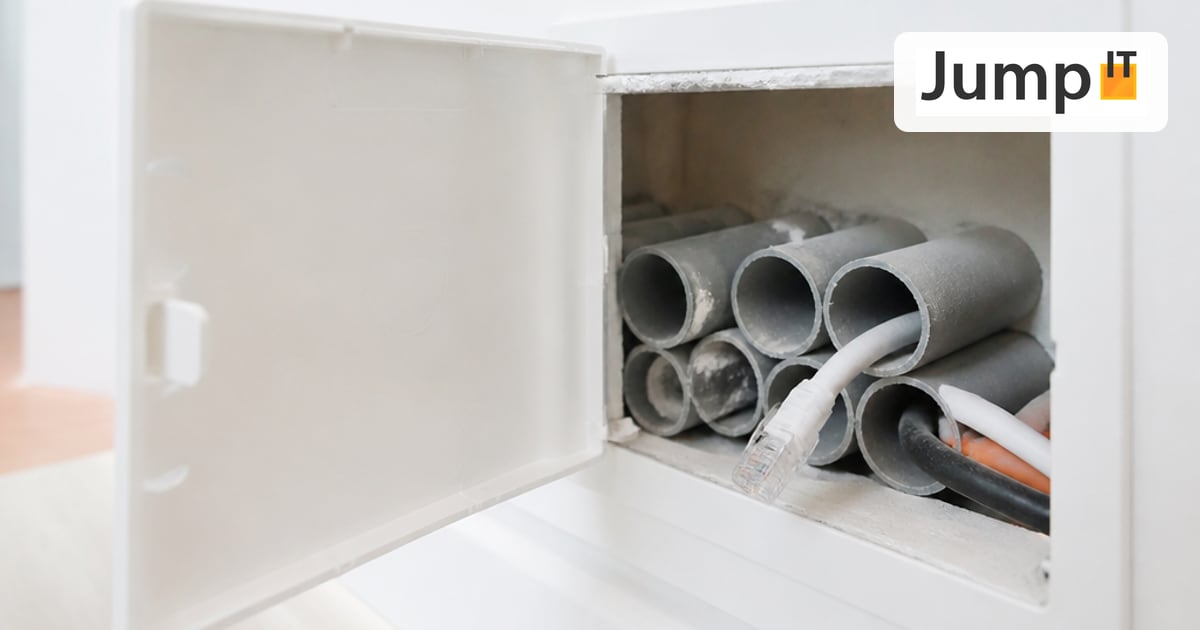
WiFi is convenient, but physically limited: walls, ceilings, metal and other radio sources weaken the signal. For applications that need constant, low-latency bandwidth (video conferencing, NAS backups, smart home hubs, IP cameras, gaming, fixed workstations), a network cable delivers noticeably more stable connections than WiFi, regardless of neighboring networks or sources of interference. The question is: is it worth the effort of pulling a cable into an existing infrastructure after the fact?
The advantages of a wired connection over WiFi
- Stability: no signal fluctuations caused by walls, distance or interference
- Speed: a gigabit cable uses the full bandwidth, while with WiFi all devices on the network share it
- Latency: important for video calls, gaming and smart home automations
- Security: physical access is required, no eavesdropping over the air
- Reliability: no dropped connections from congested radio channels, especially in apartment buildings with lots of WiFi networks
And the disadvantages
- Effort and cost: a cable has to be pulled through walls, ceilings or conduits, which is skilled manual work, not a software setting
- Structural work: depending on the building, walls have to be drilled, cable trunking mounted or penetrations created
- Conduits not always available: in older buildings or when upgrading later, prepared cable routes are often missing
- Inflexible when remodeling: an installed cable can’t simply be moved like a WiFi router
- Time: from one hour to a full working day, depending on the building structure and cable length
How much effort does a retrofit involve?
It depends mainly on three factors: the distance between the connection points, whether conduits from the construction phase already exist, and the type of building. Concrete and reinforced concrete ceilings are much harder to drill through than lightweight walls, and older buildings with unclear wiring need more preparation than new builds with documented cable routes.
Realistic rules of thumb from practice:
- Pulling a cable through an existing conduit: 30–60 minutes per run
- New installation without a conduit (drilling through a wall or ceiling, mounting cable trunking): 2–4 hours per run
- Multi-room cabling with a patch panel and several endpoints: half a day to a full day
How we find out whether conduits already exist
This is often the biggest uncertainty in an existing infrastructure, especially when building plans are missing or outdated. For this we use the Kati® Blitz Ortung 2.0: we feed a signal into an existing installation line, for example a Gira line, and follow it along the wall with the receiver. That way we can see where a conduit or line actually leads, even if it disappears behind plaster or drywall.
The advantage: we don’t have to open a wall to check the route, because the signal is detected from the outside. This prevents blind drilling, saves time and reliably shows whether a usable conduit already runs to the spot you want.
What if there is no conduit?
Then there are several options, depending on the building and budget:
- Surface-mounted cable trunking: quick and inexpensive, but visible
- In-wall installation: visually invisible, but involves chasing out the wall
- Core drilling through ceilings or floors: necessary for connections across several floors
- Alternative transmission paths: for example powerline or mesh WiFi as a compromise when running a cable would be structurally too complex
Isn’t a good mesh WiFi enough?
It depends on the use case. For normal internet use (streaming, browsing, working from home without large file transfers), a good mesh system is usually enough. For servers, NAS devices, smart home hubs, fixed workstations or cameras, we generally recommend a fixed wired connection, where the one-time effort pays off in years of stability.
A pragmatic solution is often a hybrid: a fixed cable connection to the central, permanently needed points such as the equipment room, home office or smart home hub, and WiFi for mobile devices.
Bottom line: what you should clarify first
- Which devices really need a wired connection; not everything has to be cabled
- Whether existing conduits are usable; ideally clarify this up front with a line search, before you collect quotes
- How many connection points are needed in total, which affects patch panel size and switch selection
- Whether structural work is even permitted in your property, for example in rental apartments or listed buildings
If you’re not sure whether cabling is worth it in your case, or where your existing conduits actually lead: get in touch and we’ll take a look on site.
More articles
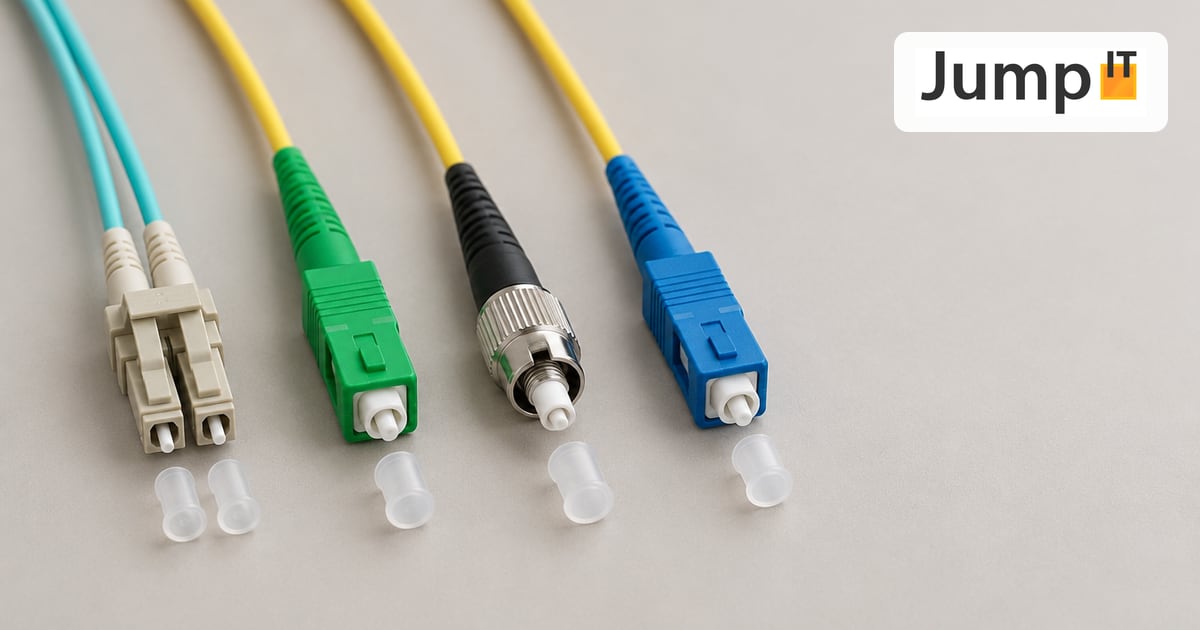 Networks Fiber Types: OM1 to OM5, OS1/OS2, G.652.D and G.657
Multimode or singlemode? OM1 to OM5, OS1 and OS2, G.652.D and the bend-insensitive G.657.A1/A2 explained, with ranges, colors and an overview of SC, LC, FC, ST, E2000 and MPO connectors.
 Networks Fiber Optic Color Codes: Fiber Order Explained Simply
Red, green, blue or blue, orange, green? DIN/IEC 60304 vs. TIA-598 color codes, counting from fiber 13, loose tubes and connector colors, with tips for splicing and patching.
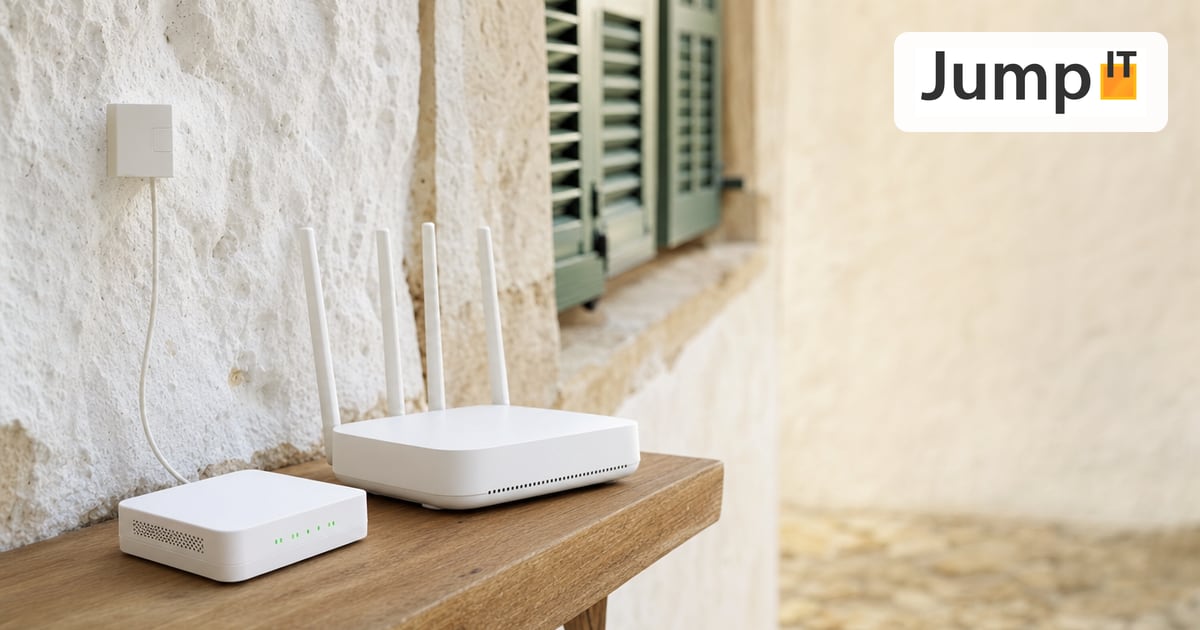 Networks GPON and XGS-PON: What’s Behind Your Fiber Connection?
GPON or XGS-PON? How both fiber technologies work, what 1 and 10 Gbit/s really bring, which providers in Spain use what and where things stand on Mallorca.
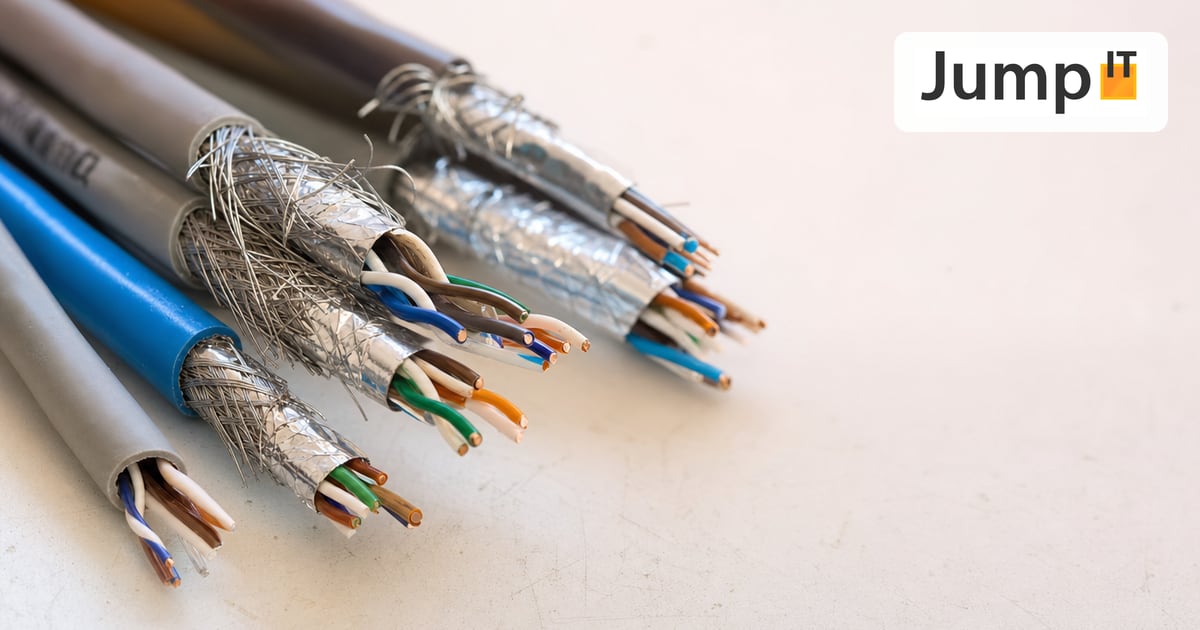 Networks Ethernet Cables and Their Abbreviations
What UTP, F/UTP, F/FTP, S/FTP and SF/FTP mean on Ethernet cables: the different types of shielding and cable categories, explained in plain language.
Note: images and parts of the text on this page were created with the help of artificial intelligence and editorially reviewed by JumpIT.
← To the knowledge center