
Fiber Optic Color Codes: Fiber Order Explained Simply
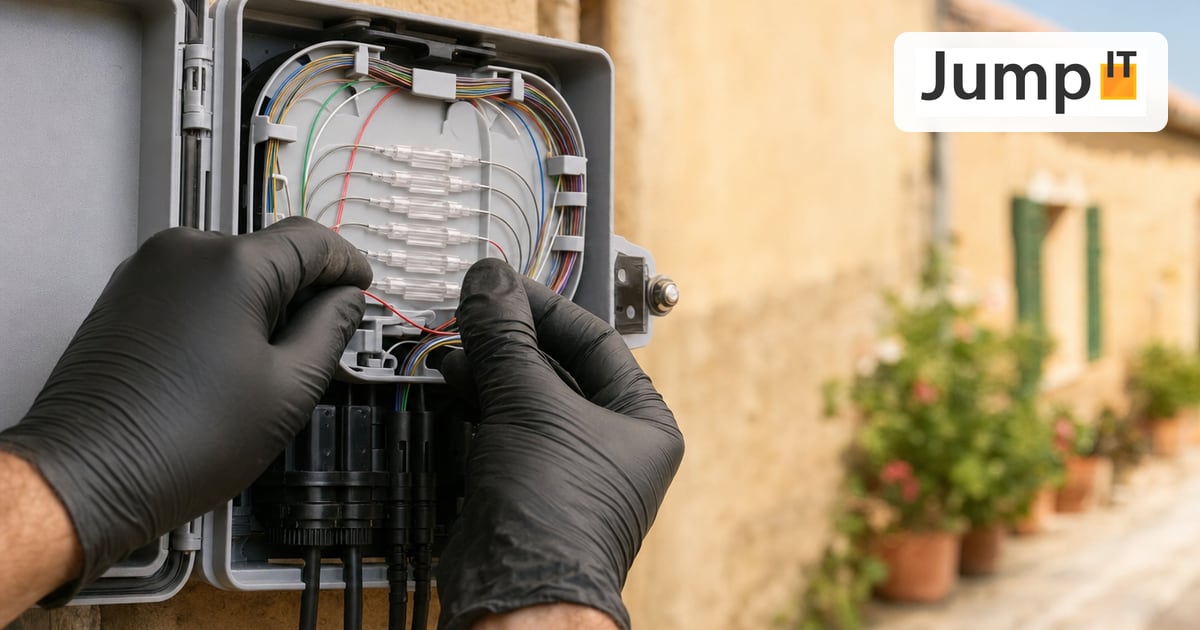
Why every fiber has a color, which order applies and how to tell which standard a cable was built to.
In short: In a fiber optic cable, every fiber has a colored coating so it can be identified unambiguously at both ends. In Germany the order according to DIN VDE 0888 / IEC 60304 (red, green, blue, yellow …) usually applies; internationally, and in many cables from Spain, it’s TIA-598 (blue, orange, green, brown …). Which standard a cable uses is printed on the jacket or in the datasheet. Guessing leads to swapped fibers.
1. Why optical fibers are colored
A single optical fiber is only 0.125 mm thick. To keep it from breaking, it gets a plastic coating of 0.25 mm, the so-called coating. It’s exactly this layer that is colored.
A cable often holds 12, 24, 96 or more fibers side by side. If the cable is spliced (fusion-welded) at two points, fiber 7 at one end has to be fiber 7 at the other end too. Color is the only reliable marker for this. A swapped fiber means the connection stays dark even though technically everything is fine.
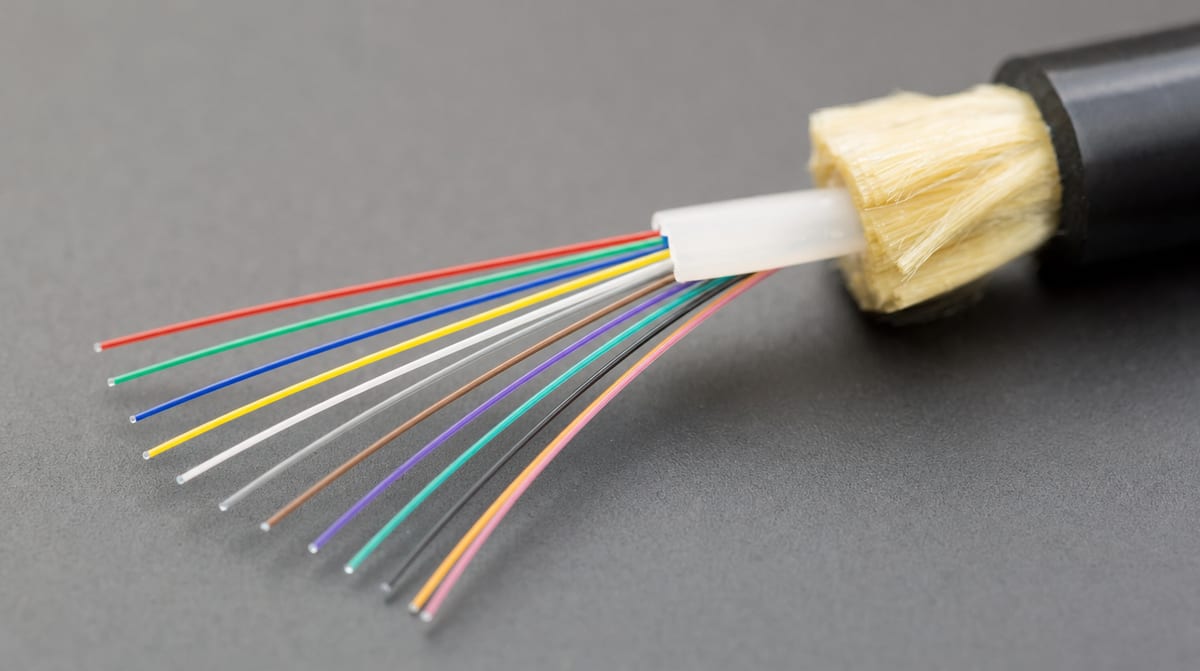
Twelve fibers from one loose tube, shown here in DIN/IEC order: red, green, blue, yellow, white, gray, brown, violet, turquoise, black, orange, pink.
2. The two important color codes compared
There is no one color code. In Europe you mainly run into two standards:
| Fiber | DIN VDE 0888 / IEC 60304 | TIA-598 |
|---|---|---|
| 1 | Red | Blue |
| 2 | Green | Orange |
| 3 | Blue | Green |
| 4 | Yellow | Brown |
| 5 | White | Gray (slate) |
| 6 | Gray | White |
| 7 | Brown | Red |
| 8 | Violet | Black |
| 9 | Turquoise | Yellow |
| 10 | Black | Violet |
| 11 | Orange | Pink |
| 12 | Pink | Turquoise (aqua) |
Quick check: If fiber 1 is red, it’s almost always DIN/IEC. If fiber 1 is blue, it’s TIA-598.
Watch out: both standards use the same twelve colors, just in a different order. If you splice a DIN cable using the TIA table, you connect fiber 1 (red) to fiber 7 (red). In practice this happens more often than you’d think, especially when German and Spanish material come together in one installation.
3. And from fiber 13 onwards?
Twelve colors aren’t enough for large cables. That’s why counting is done in two levels:
- Loose tubes: The fibers sit in groups of 12 in small plastic tubes, the loose tubes. The tubes themselves are colored using the same color code. Tube 1 contains fibers 1–12, tube 2 fibers 13–24, and so on.
- Rings or stripes: Where there are more than 12 fibers in a tube or more than 12 tubes in the cable, the colors repeat with an additional marking. Fiber 13 is then, for example, “red with a black ring”, fiber 25 “red with two rings”.
What the marking looks like exactly differs by manufacturer, especially with dark base colors like black, where a black ring wouldn’t be visible. Only the cable’s datasheet helps here.
4. The counting direction in the cable
In larger cables there are often no colored tubes for every position, but a counting pair: one tube as the start (counting start tube) and an adjacent one as the direction tube. From there, counting continues around the circle, and the remaining tubes are often uniformly colored. If the counting direction isn’t known, no fiber can be identified unambiguously. That’s why it also belongs in the documentation of every splice closure.
5. What’s it like in Spain?
On Mallorca we come across cables according to TIA-598, according to IEC, and manufacturer-specific variants from the network operators. There is no uniform rule. That’s why the following applies before any work on a closure or a distribution frame:
- Read the jacket print (manufacturer, type, fiber count),
- Check the datasheet for which color code is used,
- Document the existing assignment before disconnecting a fiber.
At the house connection itself (drop cable from the CTO to the PTRO) it hardly matters: there, the cable usually contains only a single fiber. How the network is built up to your home is explained in our article How does Movistar’s fiber network on Mallorca work?
6. Connector colors: don’t confuse them with the fiber color code
Besides the fibers, the connectors have colors too. They mean something completely different, namely fiber type and polish:
- Green: Singlemode, angled polish (APC). Standard for FTTH, so also at Movistar & Co.
- Blue: Singlemode, straight polish (UPC).
- Beige: Multimode OM1/OM2 (older in-house cabling).
- Turquoise (aqua): Multimode OM3/OM4 (data center, server room).
Important: Green (APC) and blue (UPC) connectors fit together mechanically but must not be connected to each other. The end faces are polished differently. The result is high attenuation, reflections and, in the worst case, damaged connectors.
Frequently asked questions
Can I assign fibers by feel if the colors look similar? Better not. Turquoise and green or white and gray are hard to tell apart in poor light. Pros work with good lighting and then check the assignment with a red-light visual fault locator or an OTDR.
What happens if two fibers are swapped? Physically nothing, the light just arrives at the wrong end. The connection stays dark, and the error often only shows up at commissioning. Tracking it down then costs far more time than clean documentation beforehand.
Do the color codes also apply to copper network cables? No. Ethernet cables use their own color pairs according to T568A/B. More in Ethernet cables and their abbreviations.
Do I need to know the color code as an end customer? Only if fiber is being laid on your own property, for example to the guest house or the pool equipment room. In that case the assignment of both ends should be documented so that later extensions don’t turn into guesswork.
What JumpIT does for you
We lay and splice fiber on your property, for example between the main house, guest house and outbuildings, and document every fiber by color and position. When there are faults on the connection, we measure attenuation and light level and find swapped or damaged fibers.
Fiber from the pros: Router, splicing and WiFi on your property: Fiber on Mallorca
Contact: jumpit.eu · JumpIT Netzwerk Service, Llucmajor
More articles
 Networks Retrofitting Network Cable: Is It Worth It?
Pros and cons of retrofitting network cable, the realistic effort, and how we find existing conduits with the Kati® Blitz Ortung 2.0 without opening the wall.
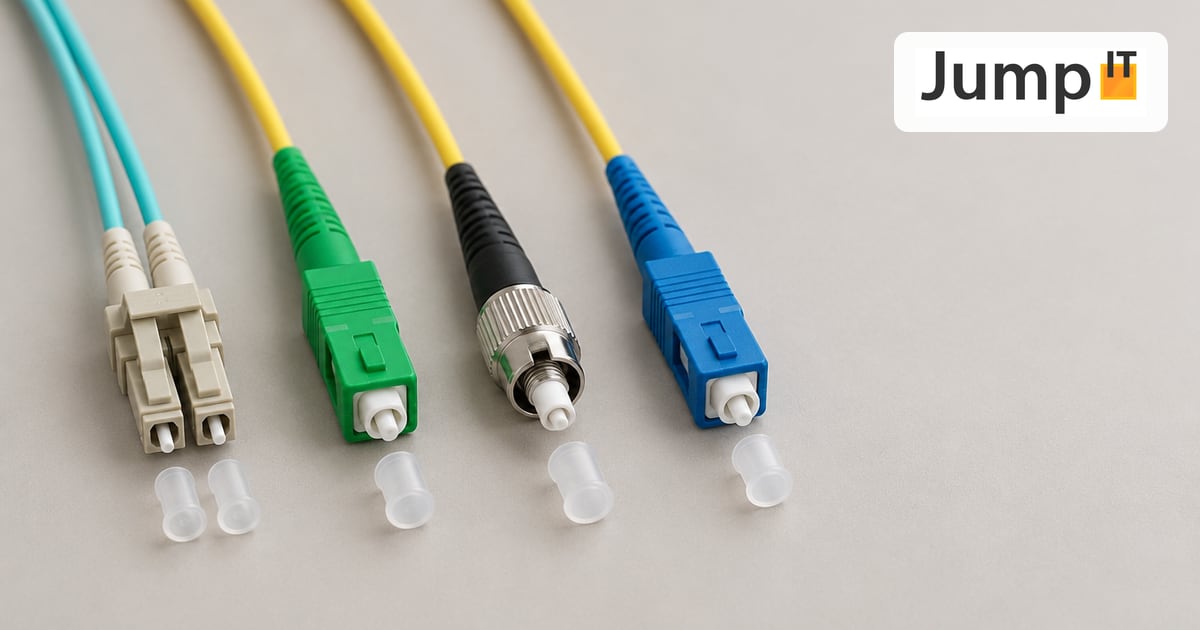 Networks Fiber Types: OM1 to OM5, OS1/OS2, G.652.D and G.657
Multimode or singlemode? OM1 to OM5, OS1 and OS2, G.652.D and the bend-insensitive G.657.A1/A2 explained, with ranges, colors and an overview of SC, LC, FC, ST, E2000 and MPO connectors.
 Networks GPON and XGS-PON: What’s Behind Your Fiber Connection?
GPON or XGS-PON? How both fiber technologies work, what 1 and 10 Gbit/s really bring, which providers in Spain use what and where things stand on Mallorca.
 Networks Ethernet Cables and Their Abbreviations
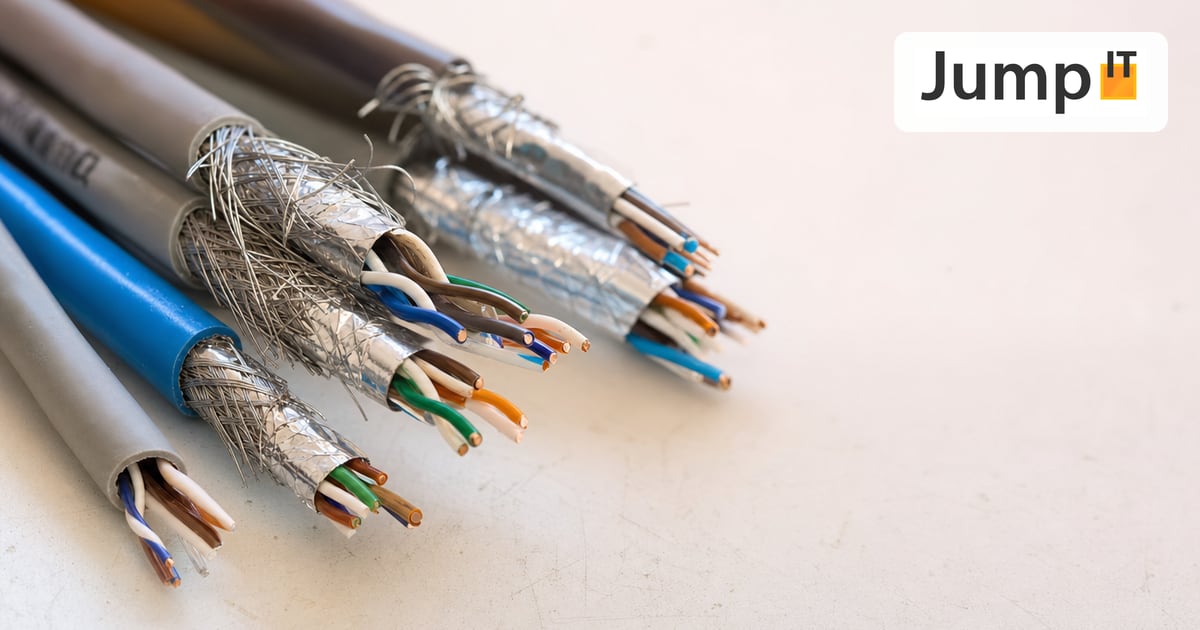
What UTP, F/UTP, F/FTP, S/FTP and SF/FTP mean on Ethernet cables: the different types of shielding and cable categories, explained in plain language.
Note: images and parts of the text on this page were created with the help of artificial intelligence and editorially reviewed by JumpIT.
← To the knowledge center