
The OSI Model: Why the Internet Is Like an Onion

When network pros talk, you often hear sentences like: “That’s probably a Layer 2 problem!” or “Check Layer 1.”
But what does that mean? The network is divided into 7 layers. Each layer has one very specific job and only “talks” to its direct neighbors.
Imagine you order a package from Amazon. For it to arrive, many departments have to work together (packaging, logistics, driver, road). That’s exactly how a network works.
Here are the 7 layers, from the bottom (cable) to the top (application).
1. Layer 1: Physical Layer
The basement of the internet. This is all about electricity, light and radio waves.
-
For beginners: This is the cable in the wall or the antenna on the router. If the cable is cut or the plug is loose, nothing works at all.
-
For pros: We’re talking voltages, frequencies, copper vs. fiber, SFP modules and hubs (if anyone still remembers them). The unit here is the bit.
-
Typical problem: “Is the cable even plugged in?”
2. Layer 2: Data Link Layer
The local post office. This is about getting data to the direct neighbor (e.g., from the laptop to the switch).
-
For beginners: Imagine calling out a name in a crowded room. Only the person addressed reacts. This is where MAC addresses live (the physical serial number of the network card).
-
For pros: Switches, VLANs and the STP we covered earlier rule here. We wrap bits into frames. Important: Layer 2 doesn’t understand “the internet”, it only understands “local cable network”.
-
Typical problem: A loop in the network (broadcast storm) or the wrong VLAN.
3. Layer 3: Network Layer
The navigation system. Now we leave the house and head out into the wide world.
-
For beginners: This is where IP addresses come into play (like house numbers). The router is the boss of this layer. It decides: “Does the packet go to Spain or to America?”
-
For pros: Routing tables, subnetting, OSPF, BGP and ICMP (ping). Frames become packets. Routers don’t care about the content (whether it’s an image or text), they only care about the destination.
-
Typical problem: Wrong gateway or duplicate IP address.
4. Layer 4: Transport Layer
The logistics manager. It makes sure the data arrives correctly.
-
For beginners: If you order a large piece of furniture, it arrives in 5 packages. Layer 4 numbers them (“package 1 of 5”) and puts them back together at the end.
-
For pros: This is where everything is decided between TCP and UDP.
-
TCP: Reliable (“Did you get the package? Yes? Good, here’s the next one.”). Important for websites and email.
-
UDP: Quick and dirty (“I’ll just throw the packets over, catch them or don’t!”). Important for streaming and VoIP, where a lost pixel doesn’t matter but speed does.
-
Also, ports (e.g., port 80 for the web) live here.
-
-
Typical problem: The firewall blocks a port.
5., 6. & 7. The “Upper Layers” (application layers)
In practice (TCP/IP model) these are often combined, but for completeness:
-
Layer 5 (Session): The doorman. It sets up the session (“login”) and keeps it stable.
-
Layer 6 (Presentation): The interpreter. It converts zeros and ones into formats (JPG, MP3, encryption such as SSL/TLS).
-
Layer 7 (Application): The program.
-
For beginners: What you see on the screen. The web browser (Chrome), Outlook or Home Assistant.
-
For pros: HTTP, DNS, SMTP, SSH. This is where the data is created that is then sent down the stairs (Layer 6 -> 1).
-
Summary at a glance
| Layer | Name | Mnemonic | What happens here? | Hardware/Protocol |
|---|---|---|---|---|
| 7 | Application | All | Data input & output | Browser, HTTP |
| 6 | Presentation | People | Encryption & formats | JPG, SSL |
| 5 | Session | Seem | Session management | NetBIOS, login |
| 4 | Transport | To | Error-free transport | TCP, UDP, ports |
| 3 | Network | Need | Routing (the path to the destination) | Router, IP |
| 2 | Data Link | Data | Local delivery (switching) | Switch, MAC |
| 1 | Physical | Processing | Power & cable | Cable, hub, repeater |
More articles
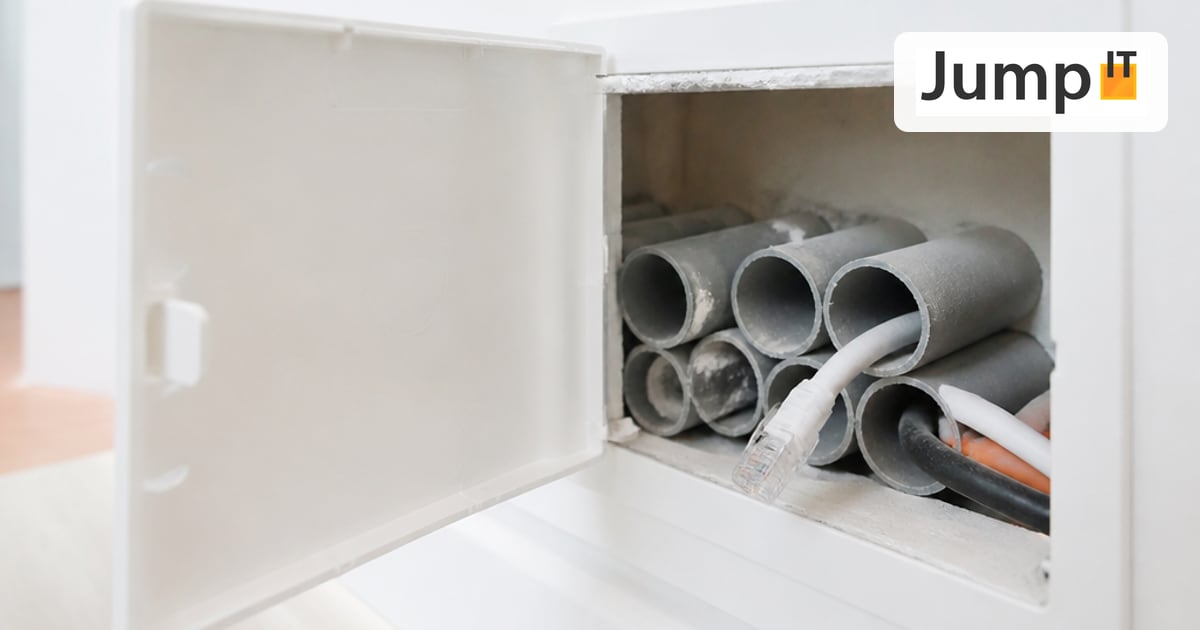 Networks Retrofitting Network Cable: Is It Worth It?
Pros and cons of retrofitting network cable, the realistic effort, and how we find existing conduits with the Kati® Blitz Ortung 2.0 without opening the wall.
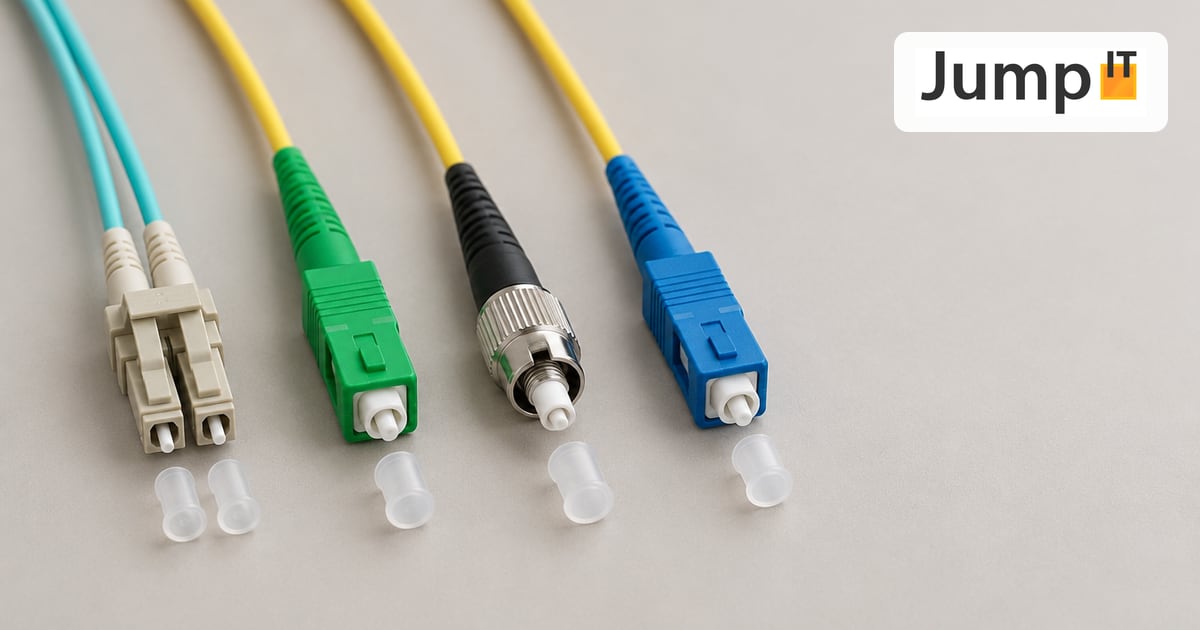 Networks Fiber Types: OM1 to OM5, OS1/OS2, G.652.D and G.657
Multimode or singlemode? OM1 to OM5, OS1 and OS2, G.652.D and the bend-insensitive G.657.A1/A2 explained, with ranges, colors and an overview of SC, LC, FC, ST, E2000 and MPO connectors.
 Networks Fiber Optic Color Codes: Fiber Order Explained Simply
Red, green, blue or blue, orange, green? DIN/IEC 60304 vs. TIA-598 color codes, counting from fiber 13, loose tubes and connector colors, with tips for splicing and patching.
 Networks GPON and XGS-PON: What’s Behind Your Fiber Connection?
GPON or XGS-PON? How both fiber technologies work, what 1 and 10 Gbit/s really bring, which providers in Spain use what and where things stand on Mallorca.
Note: images and parts of the text on this page were created with the help of artificial intelligence and editorially reviewed by JumpIT.
← To the knowledge center