
Spanning Tree Protocol (STP): No More Network Loops
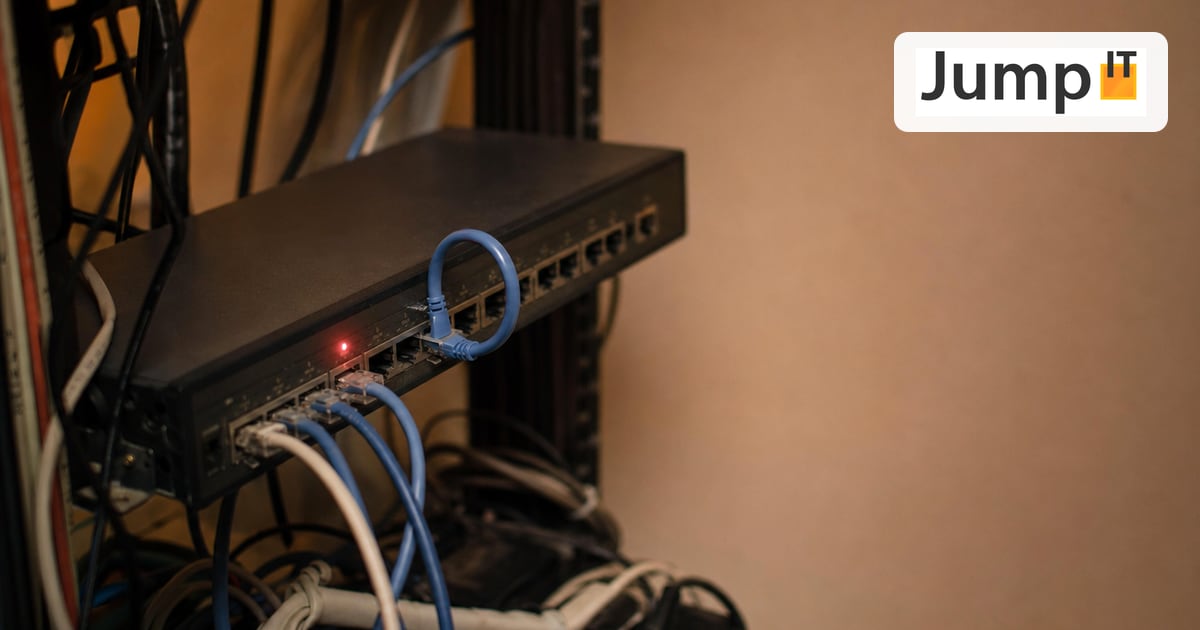
In modern networks, redundancy is crucial. If one cable fails, another should take over. But simply wiring switches in a circle leads to chaos in Ethernet. This is where the Spanning Tree Protocol (STP) comes in, the indispensable “traffic cop” on Layer 2.
This article explains how STP works based on the most common questions.
1. What is the Spanning Tree Protocol (STP) in a nutshell?
The Spanning Tree Protocol (IEEE 802.1D) is a network protocol that runs on switches (Layer 2). Its main job is to ensure a loop-free logical topology in an Ethernet network, even when physical loops exist due to redundant cabling.
Put simply: it turns a mesh of connections into a clean tree structure by deliberately blocking redundant paths.
2. Why do we need STP? What’s the problem with “loops”?
Without STP, redundant connections between switches would cause catastrophic problems. Ethernet has no built-in mechanism to stop data packets from circling forever (unlike IP with its TTL).
The main problem is called a broadcast storm:
When a switch receives a broadcast packet (a message to “everyone”), it forwards it out of all ports except the one it came in on. If switches are connected in a circle, they keep sending that broadcast back and forth to each other. The load explodes exponentially, the switches’ CPUs hit 100%, and the entire network collapses within seconds.
3. Who’s the boss? (The Root Bridge election)
For STP to work, all switches need a common reference point. That’s the Root Bridge (the “root switch”).
As soon as you power on the switches, each one first claims: “I’m the boss!” To do this, they send out special little data packets called BPDUs (Bridge Protocol Data Units). In these packets they compare their “ID number” (Bridge ID).
-
The rule: The switch with the lowest Bridge ID wins and becomes the Root Bridge.
-
The Bridge ID: Made up of a priority (default: 32768) and the MAC address.
-
Practical tip: If you configure nothing, the oldest switch (lowest MAC) often ends up as the boss, and that’s often the slowest one! So you should always configure the Root Bridge manually (lower the priority).
4. Which path is the best? (Path Cost)
Once the boss (Root Bridge) is decided, every other switch has to find the best path to it. STP doesn’t count the number of cables (hops) but looks at the speed (bandwidth). This is called Path Cost.
The principle is like a GPS: the highway (10 Gbit/s) is better than the dirt track (100 Mbit/s), even if the dirt track looks shorter.
-
10 Gbit/s link = cost 2
-
1 Gbit/s link = cost 4
-
100 Mbit/s link = cost 19
The port that offers the path with the lowest cost to the Root Bridge becomes the Root Port. It always stays open.
5. The strict phases: Why does STP take so long?
This is the point that gave STP its bad reputation for being slow. Before a port may forward data, it has to make sure that absolutely no loop exists. Like a traffic light, it goes through several phases:
-
Blocking (20 sec.): The port blocks everything but listens for incoming BPDUs (messages from other switches).
-
Listening (15 sec.): It calculates whether it may play a role after all (Root Port or Designated Port).
-
Learning (15 sec.): It starts learning MAC addresses but still doesn’t forward any data.
-
Forwarding: Finally! The port is open and sends data.
The math: 15 sec + 15 sec (+ possibly 20 sec Max Age) = 30 to 50 seconds of downtime until a link becomes active. In today’s IT, that’s an eternity.
The Rapid Spanning Tree Protocol (RSTP).
In modern IT, classic STP is often too slow. Nobody wants to wait 30 to 50 seconds for the network to work again after plugging in a cable. RSTP solves exactly this problem.
6. The turbo gear: What is Rapid Spanning Tree (RSTP)?
Classic STP (802.1D) was developed at a time when networks were still more static. If a link fails today, 30-50 seconds of downtime (for VoIP telephony or real-time databases) is an eternity.
RSTP (IEEE 802.1w) is the evolution. It keeps the same logic (loop-free tree structure) but drastically changes how quickly the switches agree.
-
STP: “I’ll wait and see if anything changes.” (Passive, timer-based).
-
RSTP: “Let’s negotiate right now who’s the boss!” (Active, handshake-based).
The result: Instead of 30-50 seconds, convergence (recovery) with RSTP often takes only a few milliseconds up to 2 seconds at most.
7. How does RSTP achieve this speed?
RSTP introduces new concepts that work like a “shadow backup”. The most important difference lies in the port roles.
In classic STP, a redundant port simply blocks and forgets everything. When it’s needed, it has to go through the whole process again (Listening -> Learning -> Forwarding).
RSTP introduces the Alternate Port. This is a blocked port that already knows it’s the best backup path to the Root Bridge.
Comparison:
-
Classic STP: When the main path (Root Port) fails, the backup path first has to “wake up”, rub its eyes and ask: “Where am I?” (Takes 30 sec).
-
RSTP: The backup path (Alternate Port) is already standing by with the engine running. If the main path fails, the switch switches immediately (without a timer) to the Alternate Port.
8. What do the new port states in RSTP mean?
To be faster, RSTP simplified the port states. Where the old STP had five states, RSTP gets by with three:
| Classic STP (802.1D) | Rapid STP (802.1w) | What happens there? |
|---|---|---|
| Disabled | Discarding | Port is off or doesn’t send data. |
| Blocking | Discarding | Port blocks to prevent loops. |
| Listening | Discarding | Port receives BPDUs but doesn’t learn MACs yet. |
| Learning | Learning | Port learns MAC addresses but doesn’t send yet. |
| Forwarding | Forwarding | Port sends and receives data as normal. |
So RSTP consistently groups everything that does not forward data as “Discarding”, which makes the calculation faster for the switch processor.
9. Can I mix STP and RSTP?
Yes, RSTP is backward compatible.
-
If you connect an old switch (STP) to a new one (RSTP), the new switch detects it.
-
But be careful: The RSTP switch has to adapt to the pace of the old switch. On that link you then lose the benefits of RSTP (“Rapid”).
-
Rule of thumb: In a modern network, all switches should be configured for RSTP (or MSTP) so you don’t artificially throttle performance.
Summary: STP vs. RSTP
| Feature | STP (Classic) | RSTP (Rapid) |
|---|---|---|
| Standard | IEEE 802.1D | IEEE 802.1w |
| Recovery time | 30 – 50 seconds | < 1 second (usually) |
| Mechanism | Timer-based (passive) | Handshake-based (active) |
| Port roles | Root, Designated, Blocked | Root, Designated, Alternate, Backup |
| Use case | Obsolete (legacy) | Standard for today’s networks |
More articles
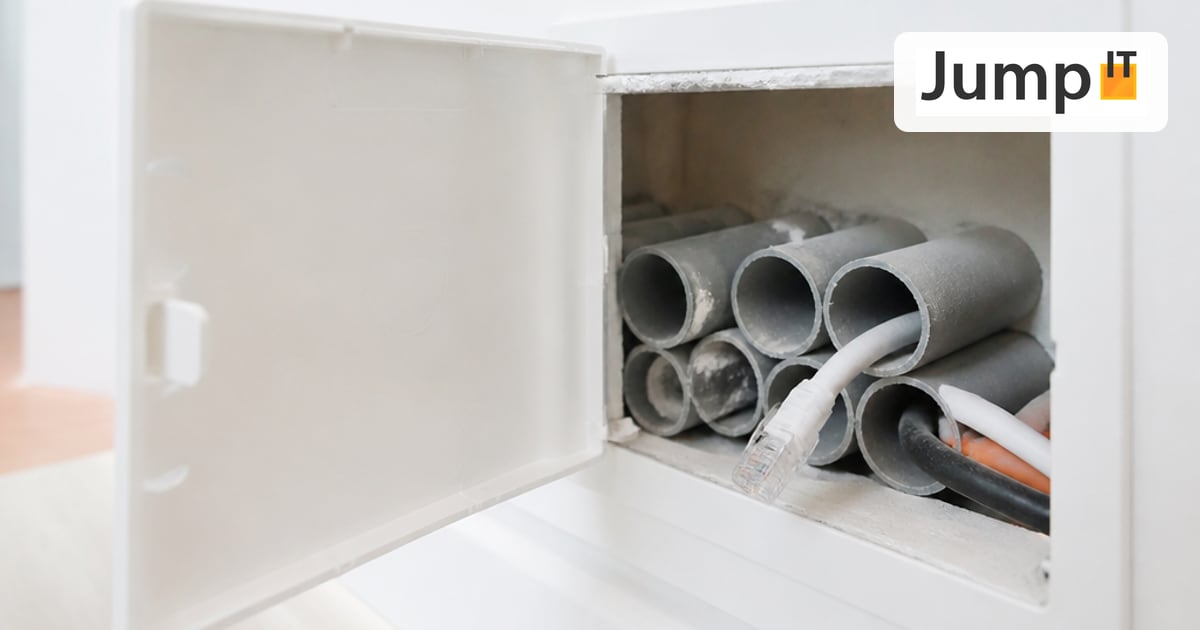 Networks Retrofitting Network Cable: Is It Worth It?
Pros and cons of retrofitting network cable, the realistic effort, and how we find existing conduits with the Kati® Blitz Ortung 2.0 without opening the wall.
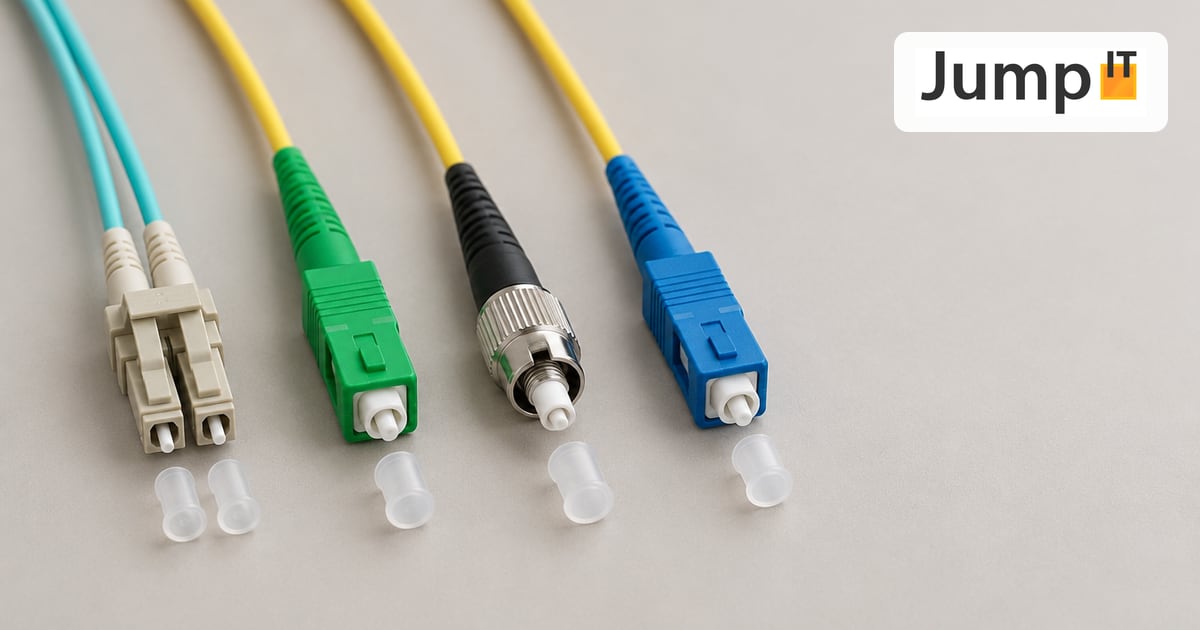 Networks Fiber Types: OM1 to OM5, OS1/OS2, G.652.D and G.657
Multimode or singlemode? OM1 to OM5, OS1 and OS2, G.652.D and the bend-insensitive G.657.A1/A2 explained, with ranges, colors and an overview of SC, LC, FC, ST, E2000 and MPO connectors.
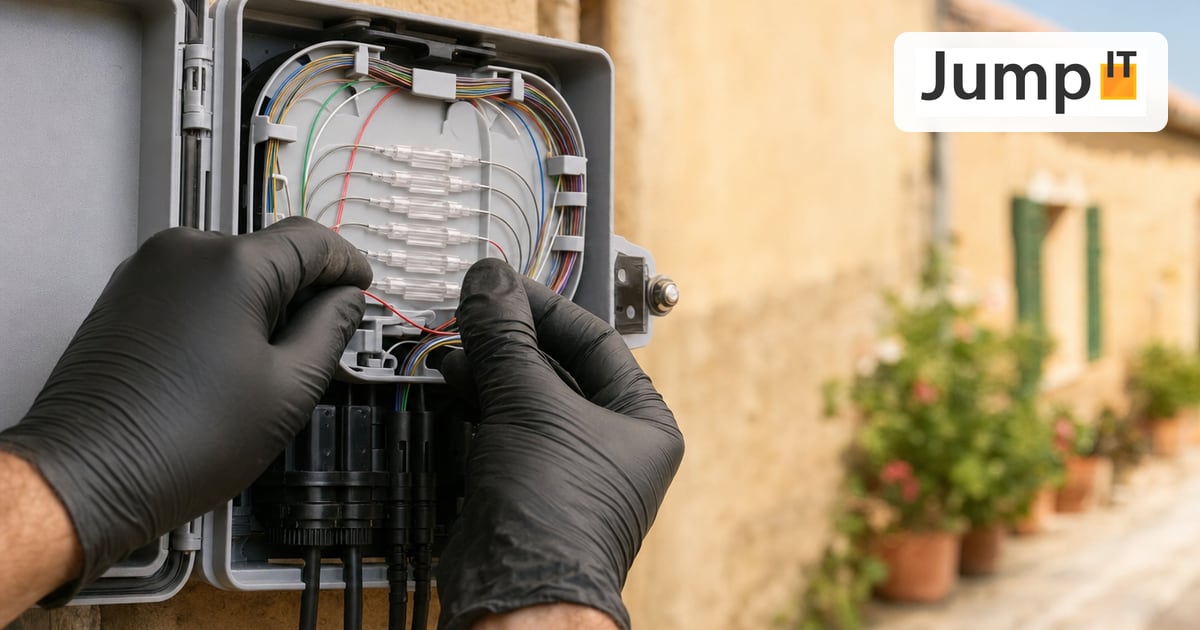 Networks Fiber Optic Color Codes: Fiber Order Explained Simply
Red, green, blue or blue, orange, green? DIN/IEC 60304 vs. TIA-598 color codes, counting from fiber 13, loose tubes and connector colors, with tips for splicing and patching.
 Networks GPON and XGS-PON: What’s Behind Your Fiber Connection?
GPON or XGS-PON? How both fiber technologies work, what 1 and 10 Gbit/s really bring, which providers in Spain use what and where things stand on Mallorca.
Note: images and parts of the text on this page were created with the help of artificial intelligence and editorially reviewed by JumpIT.
← To the knowledge center