
Why the VPN "Works" but Email and Apps Still Fail

Many of our customers want a fixed internet IP from Germany, even if they live or work abroad.
The most common wish:
👉 “I want my WiFi to feel like I’m in Germany.”
Technically that’s doable, but in practice many setups run into limits that aren’t visible at first glance.
In this post we explain:
-
why VPN connections often only seem to work,
-
why email, iCloud, banking apps or Apple TV still cause problems,
-
which solutions we have tested,
-
and which architecture is truly stable in the end.
The basic principle: internet through a tunnel
A VPN (e.g. WireGuard) works like a tunnel:
-
Your device sends data into the tunnel
-
At the other end it reaches the internet with a German IP address
Browsers, speed tests or Google usually work right away this way.
That leads to the assumption: “Everything’s working, isn’t it?”
But that is exactly where the fallacy lies.
Why email, iCloud and apps in particular cause problems
Many services work differently from a browser:
Browsers & speed tests
-
lots of short connections
-
reconnect automatically
-
forgive interruptions
Email, iCloud, DeepL, banking apps
-
few, long connections
-
stay open for minutes or hours
-
react extremely sensitively to connection changes
If even a single packet suddenly takes a different path here, the connection breaks, often without any error message.
It then feels like this:
-
Mail stops syncing
-
Apps load endlessly
-
Logging out and back in helps briefly, then stops helping again
The real problem: connection stability
What matters is not:
-
Speed
-
MTU value
-
Signal strength
-
“whether the VPN is connected”
But:
👉 Does a connection stay on the same path for its entire lifetime?
Many modern network devices decide this per packet, not per connection.
For short connections that doesn’t matter; for long sessions it is deadly.
Why typical solutions don’t work in the long run
❌ Solution 1: “Route everything through the VPN”
Works for:
-
Browsing
-
Streaming (partly)
Problems with:
-
Mail
-
Apple services
-
APIs
-
Banks
Reason:
The network router can’t pin the connection down permanently.
❌ Solution 2: VLANs / separate WiFi networks
One WiFi network “Germany”, one WiFi network “Spain”.
Sounds clean, but it is only a visual separation.
The actual routing still happens centrally, and stays unstable for long sessions.
❌ Solution 3: fine-tuning MTU & MSS
Helps with:
-
Dropouts
-
Bad lines
-
VPN overhead
Does not help with:
-
Session stability
-
Asymmetric routing
-
App problems
MTU is often a sideshow, not the cause.
❌ Solution 4: VPN directly on end devices
Works well on:
-
Mac
-
iPhone
-
Laptop
Does not work on:
-
Apple TV
-
Smart TVs
-
Printers
-
IoT devices
These devices can’t set up a VPN of their own.
The lesson from practice
After many tests, it shows again and again:
Not every router is a full-fledged VPN gateway.
Some devices can set up VPNs,
but can’t manage stable, stateful connections for entire networks.
You only notice that:
-
after hours
-
overnight
-
the next morning
The solution that really works
✅ Separation of roles
The stable solution is not more configuration, but clear roles:
- A dedicated VPN gateway
-
sets up the WireGuard connection
-
decides per connection
-
keeps sessions stable
-
- The existing network
-
handles WiFi
-
VLANs
-
device management
-
but no VPN routing
-
The VPN router hands the “Germany internet” back as a network of its own,
and all devices in it (including Apple TV) then work reliably.
Why we recommend this approach
-
stable for Apple devices
-
stable for email
-
stable for banks
-
independent of software updates
-
clearly maintainable
-
cleanly extensible
And above all:
👉 no more daily surprises
Conclusion
If a VPN:
-
“works most of the time”
-
but apps, mail or iCloud act up,
it is almost never the fault of the VPN itself,
but of the way traffic is handled internally.
Sometimes less “all-in-one”
and more clear architecture is the better solution.
If you’re unsure whether your network is suited to a lastingly stable VPN setup:
We take a sober, honest look at it, and we’ll also tell you if something is technically reaching its limit.
👉 JumpIT: networks that don’t just connect, but work.
More articles
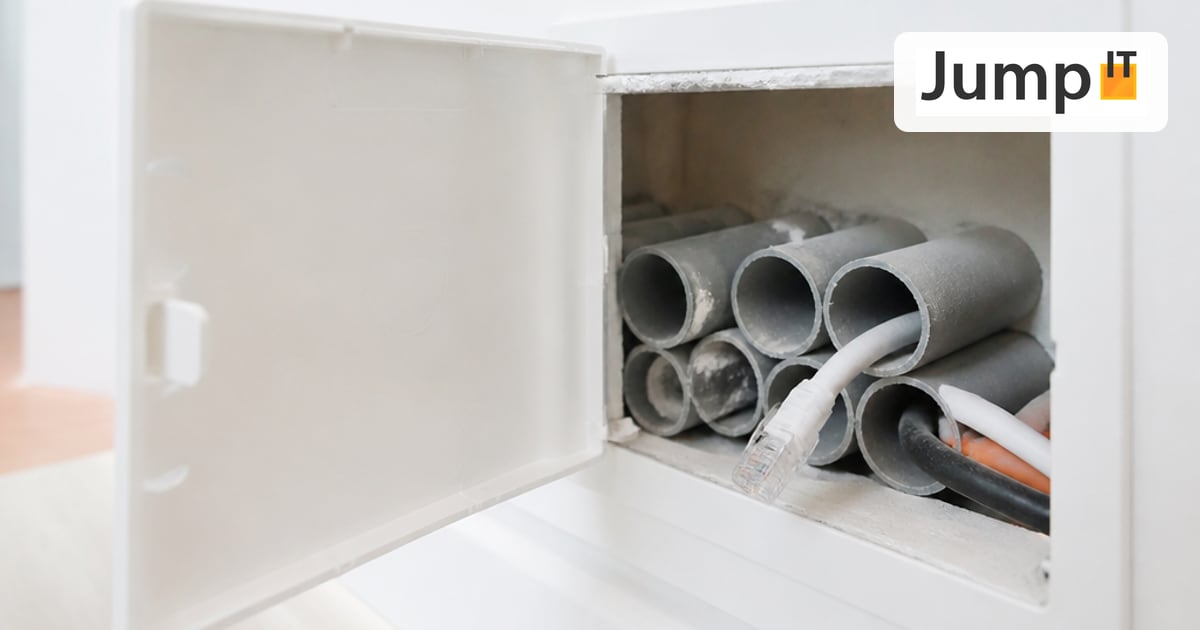 Networks Retrofitting Network Cable: Is It Worth It?
Pros and cons of retrofitting network cable, the realistic effort, and how we find existing conduits with the Kati® Blitz Ortung 2.0 without opening the wall.
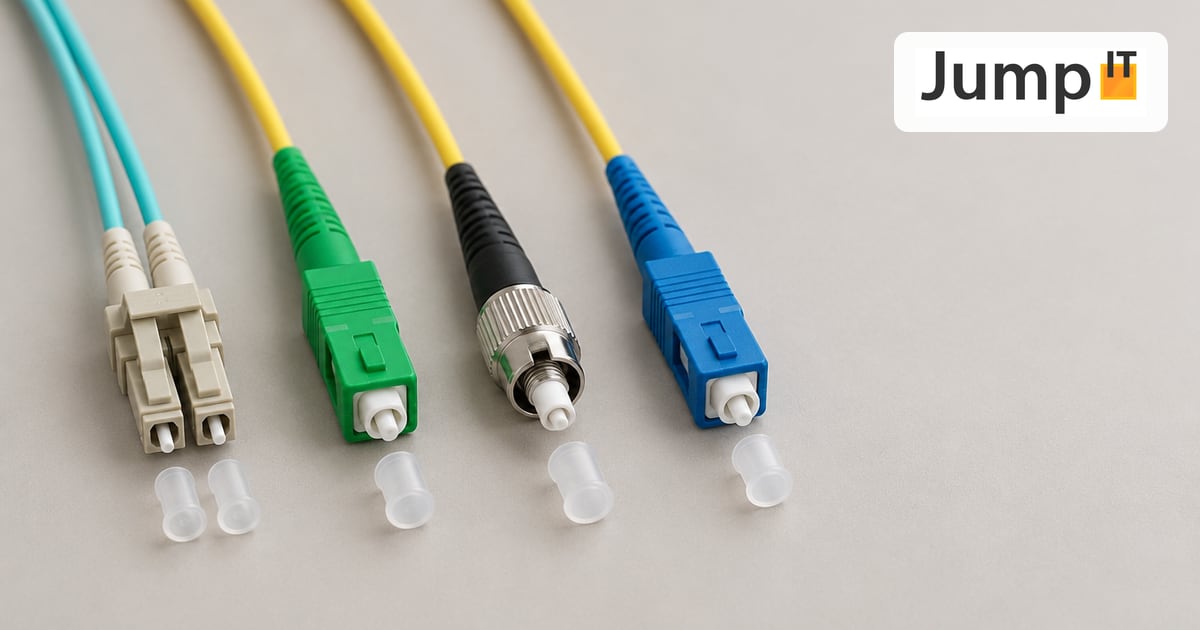 Networks Fiber Types: OM1 to OM5, OS1/OS2, G.652.D and G.657
Multimode or singlemode? OM1 to OM5, OS1 and OS2, G.652.D and the bend-insensitive G.657.A1/A2 explained, with ranges, colors and an overview of SC, LC, FC, ST, E2000 and MPO connectors.
 Networks Fiber Optic Color Codes: Fiber Order Explained Simply
Red, green, blue or blue, orange, green? DIN/IEC 60304 vs. TIA-598 color codes, counting from fiber 13, loose tubes and connector colors, with tips for splicing and patching.
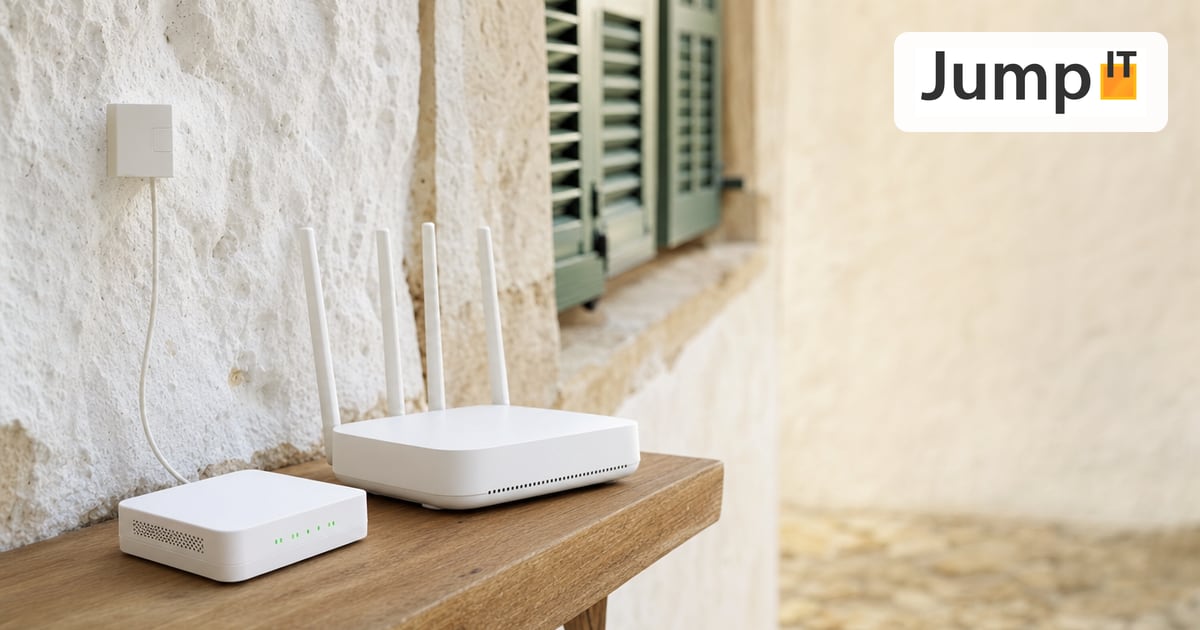 Networks GPON and XGS-PON: What’s Behind Your Fiber Connection?
GPON or XGS-PON? How both fiber technologies work, what 1 and 10 Gbit/s really bring, which providers in Spain use what and where things stand on Mallorca.
Note: images and parts of the text on this page were created with the help of artificial intelligence and editorially reviewed by JumpIT.
← To the knowledge center