
Sonos on a UniFi Network: Why It Struggles and How to Fix It
Sonos is considered “simple”. UniFi is considered “professional”.
It’s exactly this combination that regularly causes problems in practice. Not because either system is bad, but because both make very clear assumptions about the network, and those don’t always match.
This article explains:
-
why Sonos often runs unstably on UniFi networks
-
which typical errors occur
-
which settings have proven themselves
-
and whether Sonos should get its own WiFi network (spoiler: usually yes)
The core problem: Sonos is extremely sensitive to multicast and roaming
On the network, Sonos makes heavy use of:
-
Multicast (mDNS / SSDP)
-
Broadcast
-
Layer 2 communication
-
constant device discovery
UniFi, on the other hand, is optimized for:
-
performance
-
client isolation
-
roaming optimization
-
multicast reduction
That clashes.
Typical symptoms on a UniFi network
When Sonos and UniFi don’t play together cleanly, you usually see:
-
speakers disappear from the app
-
groups dissolve
-
delays between rooms
-
Play / Pause reacts with a delay
-
the iOS app doesn’t find devices
-
after switching APs, “Sonos is gone”
And yes:
This happens even with a perfect WiFi signal.
The three operating modes of Sonos: decisive!
1️⃣ Sonos entirely over WiFi (default)
All speakers connect to the regular WiFi network.
👉 Problematic on UniFi networks, especially with:
-
multiple access points
-
Fast Roaming enabled
-
Band Steering
-
Minimum RSSI
2️⃣ SonosNet (recommended in many cases)
One Sonos device is connected by LAN cable, and all the others build their own mesh.
👉 Very stable, because:
-
Sonos controls its own Layer 2 network
-
WiFi roaming is eliminated
-
UniFi only serves as the uplink
⚠️ But: the WiFi channels have to be coordinated properly.
3️⃣ Dedicated WiFi network / dedicated VLAN (best practice)
Sonos gets its own WiFi network, optionally its own VLAN.
👉 The best control, the cleanest solution in UniFi environments.
Recommended solution: a dedicated Sonos WiFi network
Why a dedicated WiFi network makes sense
-
no roaming with phones/laptops
-
no band steering interference
-
less multicast chaos
-
reproducible behavior
Configuration in UniFi
SSID for Sonos:
-
2.4 GHz only
-
WPA2 (not WPA3)
-
No Client Isolation
-
No Fast Roaming (802.11r OFF)
-
No Band Steering
-
No Minimum RSSI
Why 2.4 GHz?
-
better range
-
more stable multicast transmission
-
Sonos doesn’t benefit from 5 GHz
VLAN: yes or no?
Short answer:
👉 Yes, if you know what you’re doing.
👉 No, if you just want to “separate it” for the sake of it.
If you use a VLAN:
Then the following is mandatory:
-
mDNS / multicast forwarding enabled
-
firewall rules defined cleanly
-
controller devices (iPhone, iPad) must be able to reach Sonos
Without correct mDNS, Sonos is unusable.
Important UniFi settings for Sonos
These points are decisive in practice:
❌ Fast Roaming (802.11r)
➡️ OFF
Sonos doesn’t cope well with it, especially with multiple APs.
❌ Band Steering
➡️ OFF
Sonos doesn’t “like” being pushed between 2.4 and 5 GHz.
❌ Minimum RSSI
➡️ OFF for the Sonos SSID
Sonos likes to hold on to an AP for longer.
⚠️ Multicast Enhancement
➡️ Test it
In many setups it’s better OFF, since Sonos expects multicast the “classic” way.
✅ IGMP Snooping
➡️ ON
Reduces unnecessary multicast traffic in the rest of the network.
SonosNet: the often underrated solution
If cabling is possible:
-
connect one Sonos by LAN
-
disable WiFi in the Sonos for this device
-
take load off the UniFi WiFi
Important:
-
set the SonosNet channel manually
-
it must be different from the UniFi 2.4 GHz channel
Example:
-
UniFi: channel 1
-
SonosNet: channel 6 or 11
Common mistakes from the field
❌ Sonos on the same WiFi as guests
❌ WPA3 enabled
❌ “Auto-optimization” active in UniFi
❌ too many APs with the same transmit power
❌ Sonos + mesh + repeater
Sonos likes clear, simple networks.
UniFi is extremely flexible, which is both a curse and a blessing.
Bottom line: Sonos + UniFi works, but not “out of the box”
Sonos isn’t a classic WiFi end device.
If you treat it like an iPhone, you’ll have problems.
Sonos runs cleanly on UniFi networks when:
-
its own WiFi network or SonosNet is used
-
roaming optimizations are disabled
-
multicast is handled deliberately
-
not everything is set to “Auto”
Then Sonos runs:
-
stably
-
in sync
-
without daily restarts
See also: The Spanning Tree Protocol (STP): no more network loops, in case unwanted loops or broadcast storms also occur on the same network.
More articles
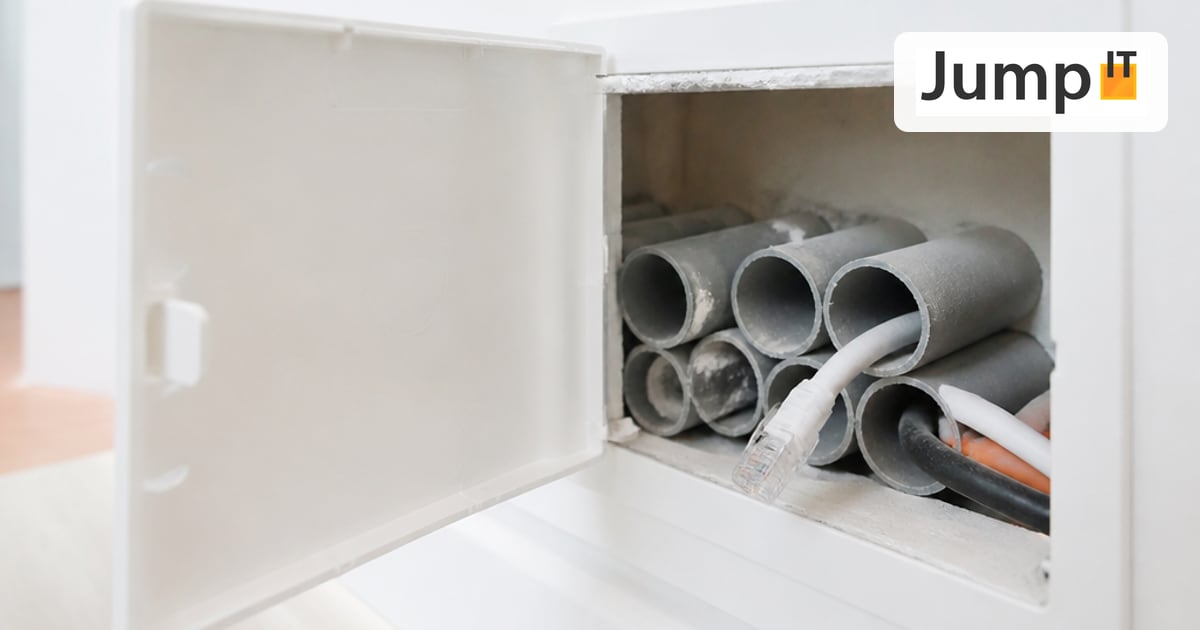 Networks Retrofitting Network Cable: Is It Worth It?
Pros and cons of retrofitting network cable, the realistic effort, and how we find existing conduits with the Kati® Blitz Ortung 2.0 without opening the wall.
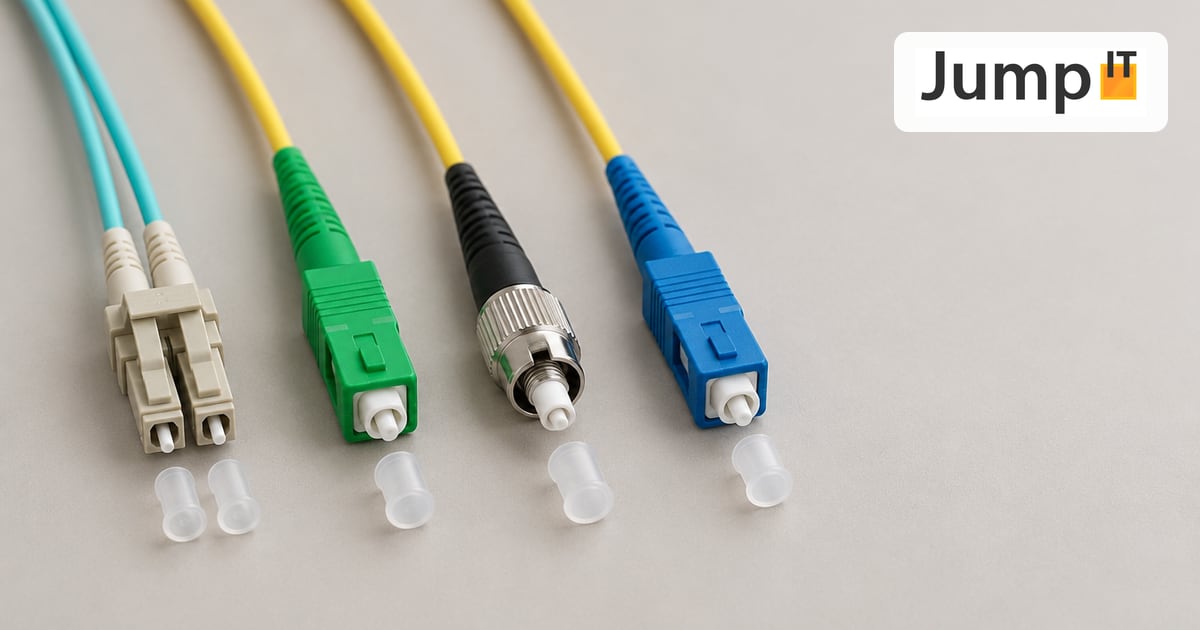 Networks Fiber Types: OM1 to OM5, OS1/OS2, G.652.D and G.657
Multimode or singlemode? OM1 to OM5, OS1 and OS2, G.652.D and the bend-insensitive G.657.A1/A2 explained, with ranges, colors and an overview of SC, LC, FC, ST, E2000 and MPO connectors.
 Networks Fiber Optic Color Codes: Fiber Order Explained Simply
Red, green, blue or blue, orange, green? DIN/IEC 60304 vs. TIA-598 color codes, counting from fiber 13, loose tubes and connector colors, with tips for splicing and patching.
 Networks GPON and XGS-PON: What’s Behind Your Fiber Connection?
GPON or XGS-PON? How both fiber technologies work, what 1 and 10 Gbit/s really bring, which providers in Spain use what and where things stand on Mallorca.
Note: images and parts of the text on this page were created with the help of artificial intelligence and editorially reviewed by JumpIT.
← To the knowledge center