
VLANs Explained: Why Your Network Should Really Be Several Networks
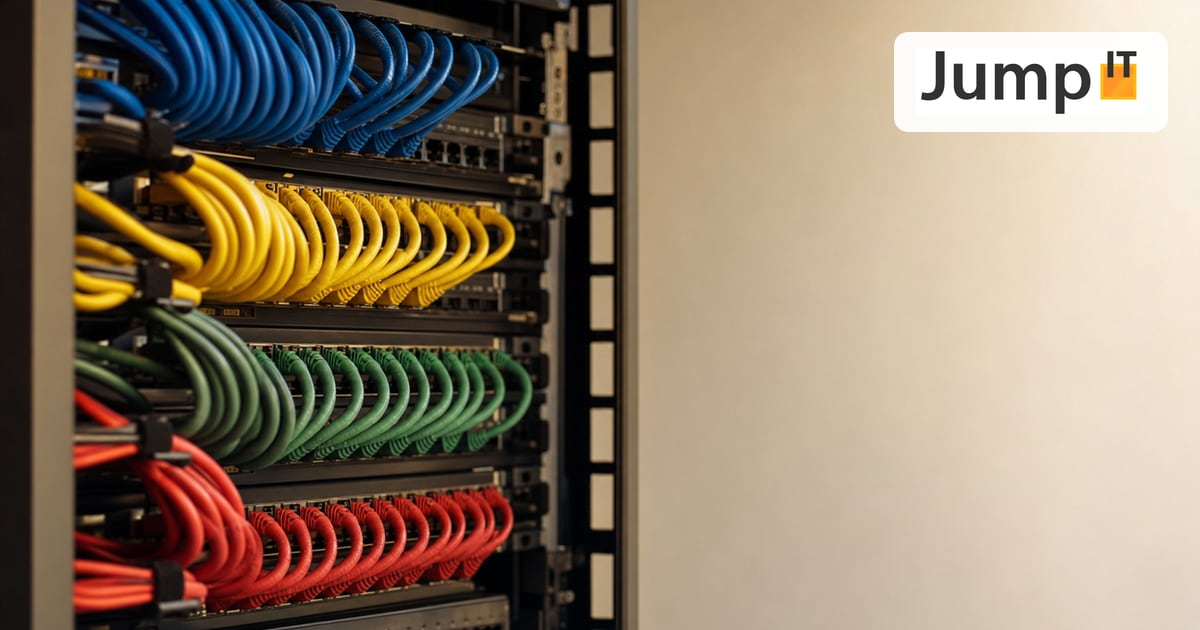
In a typical home network, everything hangs off a single shared network: the laptop, the smartphone, the security camera, the holiday guest and the cheap IoT light bulb ordered online. That sounds convenient, but it isn’t. This is where VLANs come in: the most elegant way to turn one physical network into several logically separate ones.
This article explains VLANs from the ground up, first in a way anyone can follow, then for those who really want the details.
Part 1: VLANs for Beginners
1. What is a VLAN in a nutshell?
VLAN stands for Virtual Local Area Network.
Picture a large office building. Accounting is on the ground floor, IT on the first floor, guests on the second. All the floors are physically in the same building, but accounting can’t just walk into the IT department, and guests certainly can’t. Each floor has its own door and its own key.
That is exactly what a VLAN does in a network: it divides one physical network (one switch, one cable, one infrastructure) into several logically separate networks, without any additional hardware.
- Without VLANs: all devices in one big room, and they can all see each other.
- With VLANs: several separate rooms, and devices in room 1 don’t even know room 2 exists.
2. Why do you need VLANs at all?
Without VLANs, everything in a typical network is connected to everything else. That sounds convenient, but it creates three real problems:
Problem 1: Security. If a cheap IoT camera gets infected with malware, on a flat network it has direct access to your laptop, your NAS and your office server. With a dedicated IoT VLAN, the infected camera sits in an isolated room. It can reach the internet, but not your laptop.
Problem 2: Broadcast flood. Every device regularly sends broadcast packets: small messages addressed to “everyone”. On a network with 50 devices, every device sees every broadcast. VLANs are separate broadcast domains, so the noise level drops dramatically.
Problem 3: No structure for guests. Should holiday guests really be on the same network as the NAS holding the family photos? With a guest VLAN they get internet and nothing else.
3. What do “tagged” and “untagged” mean?
Untagged port (= access port). The port doesn’t understand any VLAN label. It is meant for ordinary end devices: laptop, printer, NAS, smart TV. The device sends in a normal packet and the switch quietly sticks the VLAN tag on it.
Tagged port (= trunk port). The port receives and sends packets with a VLAN label. It is meant for devices that carry several VLANs at the same time: other switches, routers, access points.
The rule of thumb:
- End device (PC, printer, camera) → Untagged
- Switch, router, access point → Tagged
4. Typical VLAN scenarios on a finca or in the office
| VLAN ID | Name | Who belongs in it? | May talk to … |
|---|---|---|---|
| VLAN 10 | Management | Router, switches, APs | Network devices only |
| VLAN 20 | Internal / office | Laptops, PCs, NAS, printers | Internal + internet |
| VLAN 30 | Guests / holiday | Guests’ smartphones | Internet only |
| VLAN 40 | IoT / cameras | Smart TV, cameras, alarm | Internet only (or isolated) |
Part 2: VLANs for Professionals
5. The 802.1Q frame in detail
When a switch “tags” a packet, it inserts a 4-byte 802.1Q tag. The frame then looks like this:
[ Destination MAC (6 bytes) ][ Source MAC (6 bytes) ][ 802.1Q tag (4 bytes) ][ EtherType (2 bytes) ][ Payload ][ FCS ]The 4 bytes of the tag are split into TPID (0x8100), PCP (priority 0-7), DEI and the VLAN ID (12 bits → 4094 usable IDs).
6. Firewall rules between VLANs in UniFi
By default, UniFi does not block any traffic between VLANs, so you have to restrict it actively:
Rule 1 (top): ALLOW – Established/Related – all VLANs
Rule 2: BLOCK – From VLAN 30 (Guests) to VLAN 20 (Internal)
Rule 3: BLOCK – From VLAN 40 (IoT) to VLAN 20 (Internal)
Rule 4: ALLOW – From VLAN 20 (Internal) to VLAN 40 (IoT) port 9100
Important: UniFi processes rules top-down with first match. The Established/Related rule must always be at the top, otherwise communication breaks down for connections that are already established.
Summary
A well-planned VLAN concept is not a luxury but basic network architecture: for security, for peace and quiet on the network, and for a clean separation of guests, IoT and office. In UniFi, you can set it up with just a few well-labeled menus.
See also: The Spanning Tree Protocol (STP): No More Network Loops – important as soon as several switches are cabled redundantly.
More articles
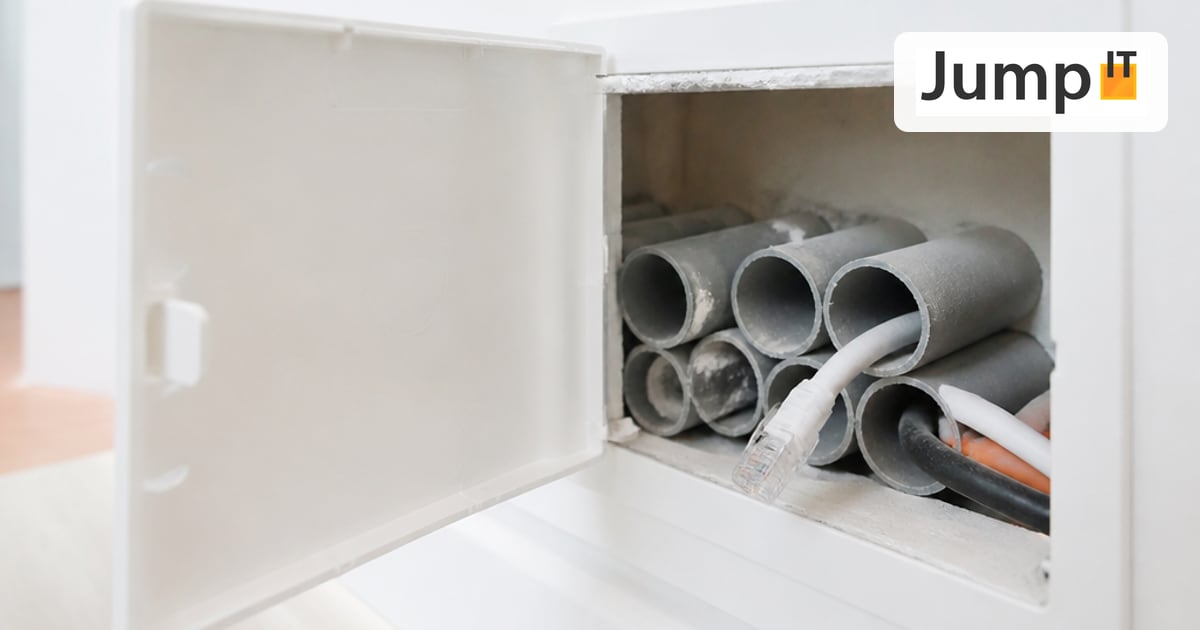 Networks Retrofitting Network Cable: Is It Worth It?
Pros and cons of retrofitting network cable, the realistic effort, and how we find existing conduits with the Kati® Blitz Ortung 2.0 without opening the wall.
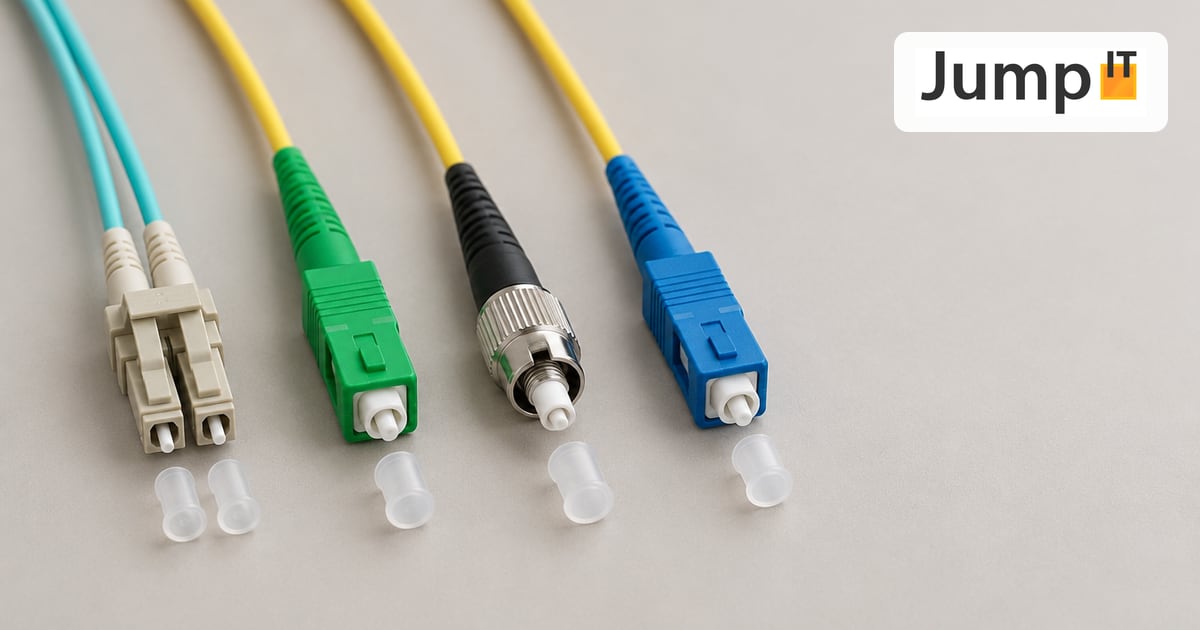 Networks Fiber Types: OM1 to OM5, OS1/OS2, G.652.D and G.657
Multimode or singlemode? OM1 to OM5, OS1 and OS2, G.652.D and the bend-insensitive G.657.A1/A2 explained, with ranges, colors and an overview of SC, LC, FC, ST, E2000 and MPO connectors.
 Networks Fiber Optic Color Codes: Fiber Order Explained Simply
Red, green, blue or blue, orange, green? DIN/IEC 60304 vs. TIA-598 color codes, counting from fiber 13, loose tubes and connector colors, with tips for splicing and patching.
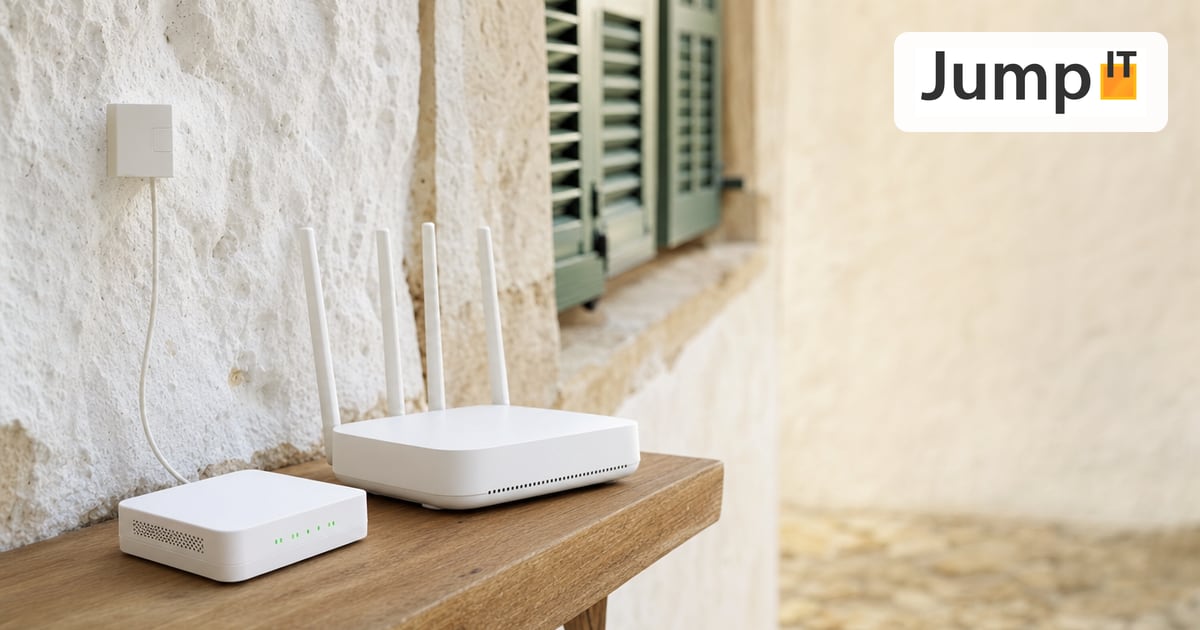 Networks GPON and XGS-PON: What’s Behind Your Fiber Connection?
GPON or XGS-PON? How both fiber technologies work, what 1 and 10 Gbit/s really bring, which providers in Spain use what and where things stand on Mallorca.
Note: images and parts of the text on this page were created with the help of artificial intelligence and editorially reviewed by JumpIT.
← To the knowledge center